Ventoy, which many people are familiar with, can be installed on a USB drive or external hard drive. You add ISOs and boot from the ISO you want to use. Less well known is the PXE server version.
 A nice logo
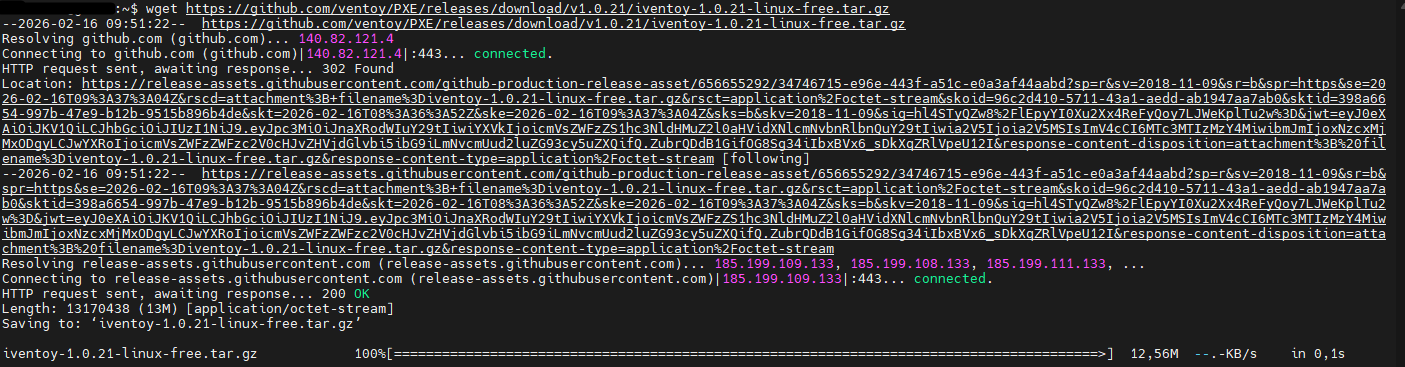 wget https://github.com/ventoy/PXE/releases/download/v1.0.21/iventoy-1.0.21-linux-free.tar.gz
to retrieve the archive
wget https://github.com/ventoy/PXE/releases/download/v1.0.21/iventoy-1.0.21-linux-free.tar.gz
to retrieve the archive
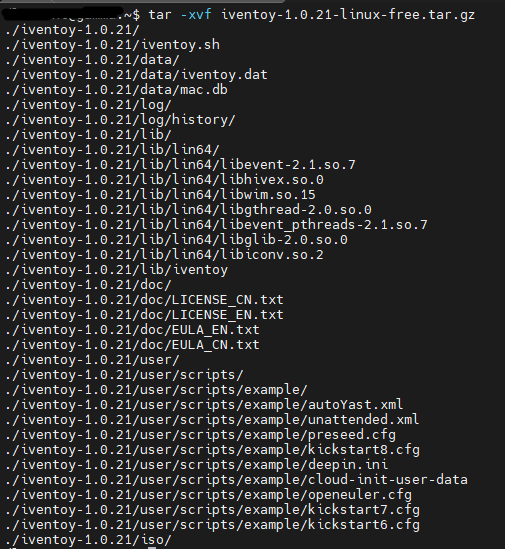 tar -xvf iventoy-1.0.21-linux-free.tar.gz
To unzip
tar -xvf iventoy-1.0.21-linux-free.tar.gz
To unzip
 sudo ./iventoy.sh start
You can now connect to your Iventoy server's GUI
sudo ./iventoy.sh start
You can now connect to your Iventoy server's GUI
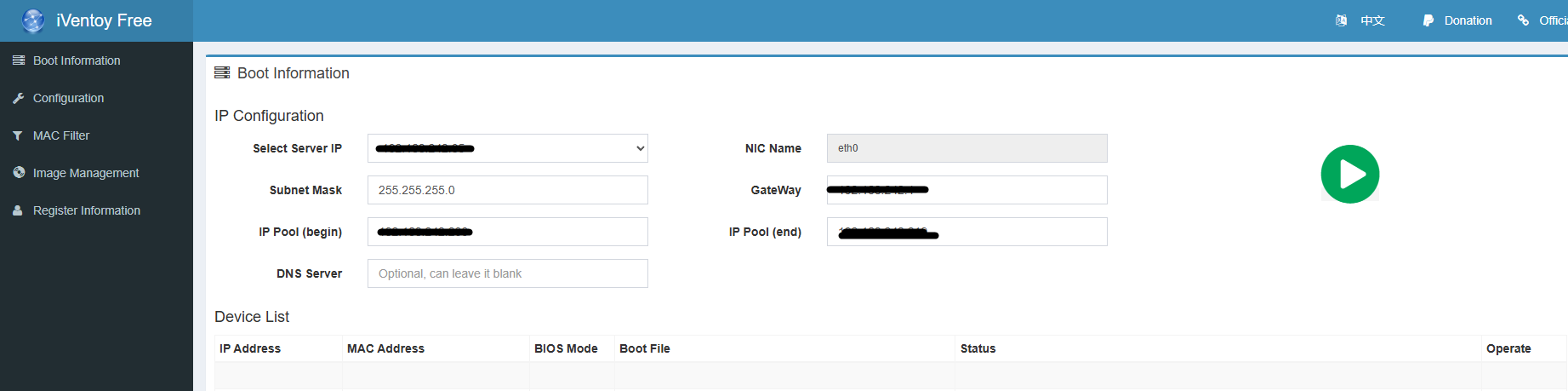 http://ip_de_votre_serveur:26000
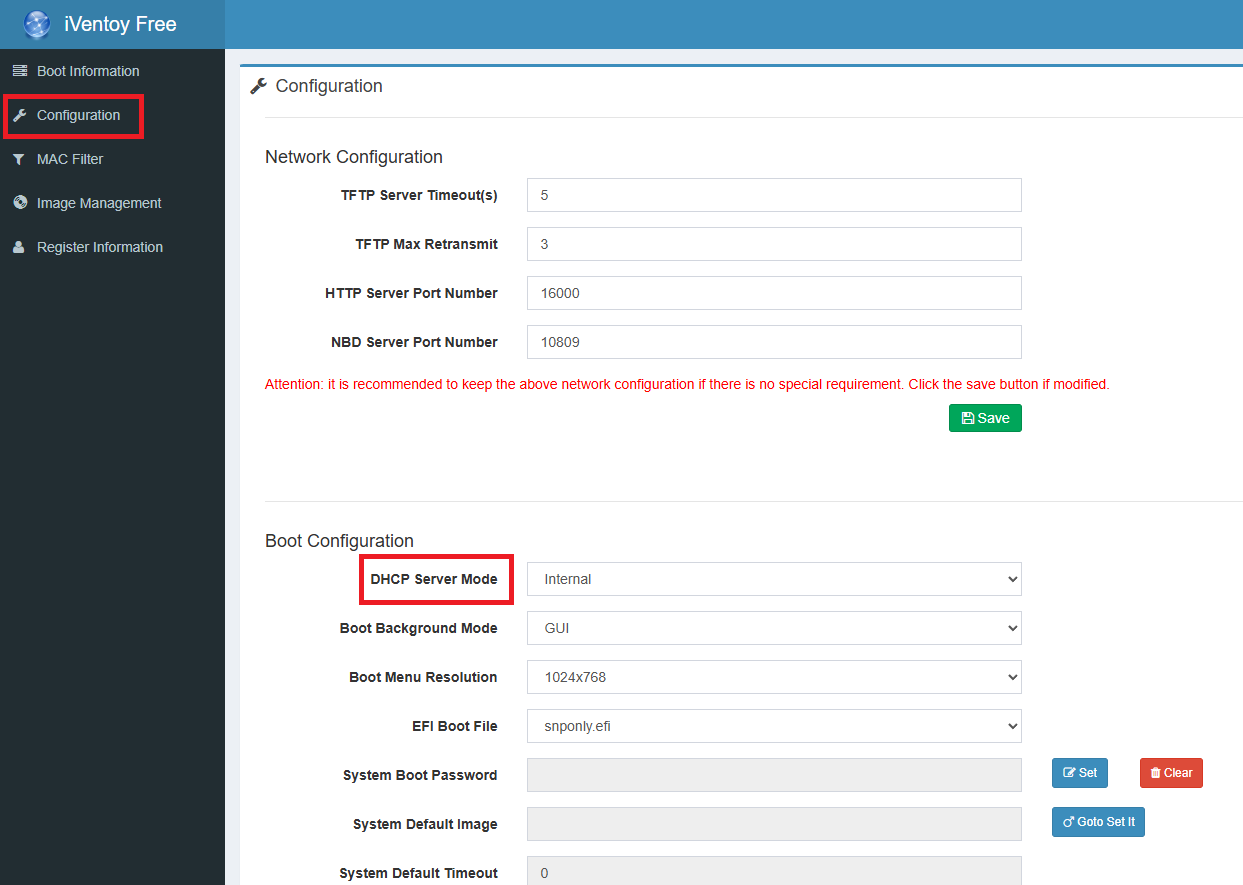 In the configuration tab, I change the DHCP mode
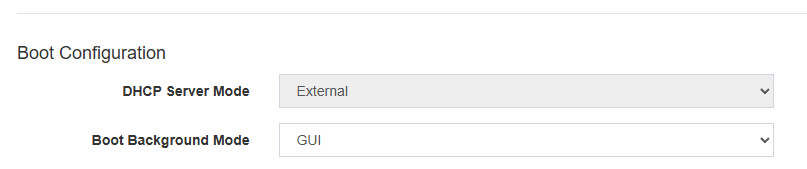 I already have an active server, so I change from internal to external
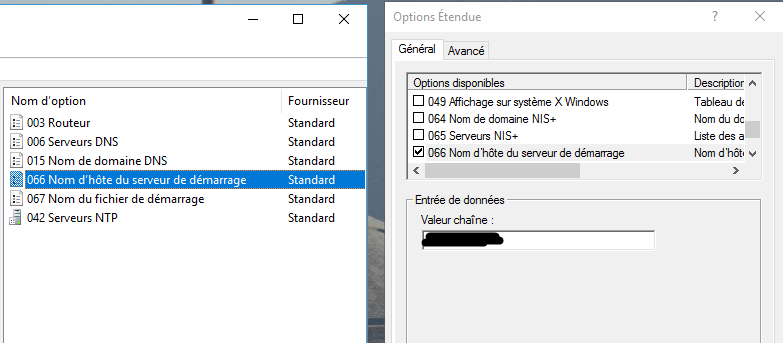 Modify parameters 66 and 67 of your DHCP server
66: IP address of your Iventoy server
Modify parameters 66 and 67 of your DHCP server
66: IP address of your Iventoy server
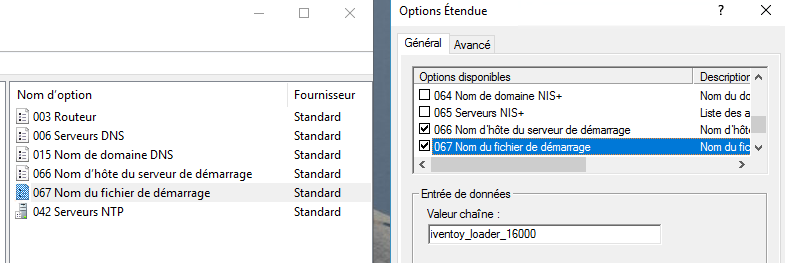 67: iventoy_loader_16000
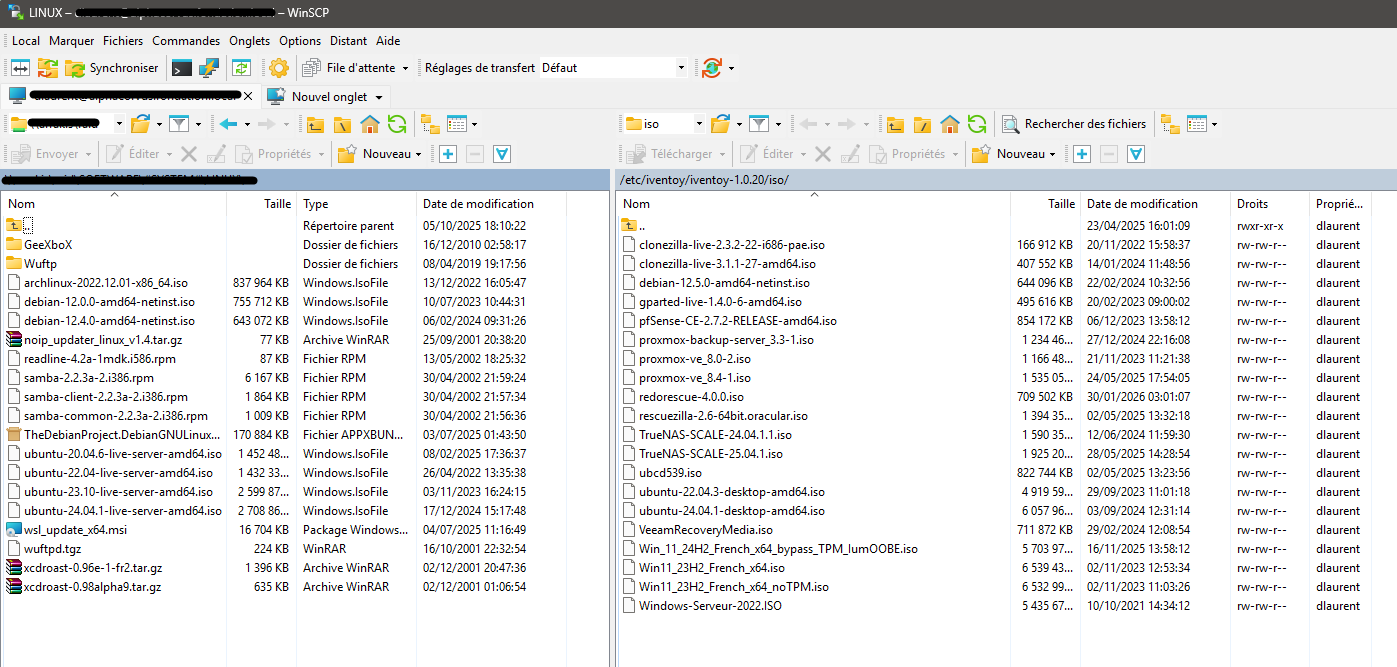 Since I can't be bothered to transfer the images manually, I use WINSCP to copy and paste the ISOs I'm interested in
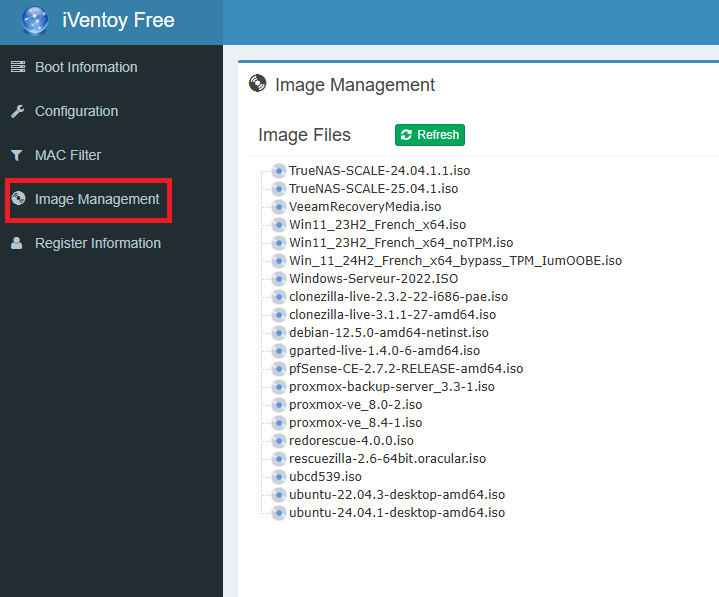 You will find your ISOs in Image management. Don't forget to refresh.
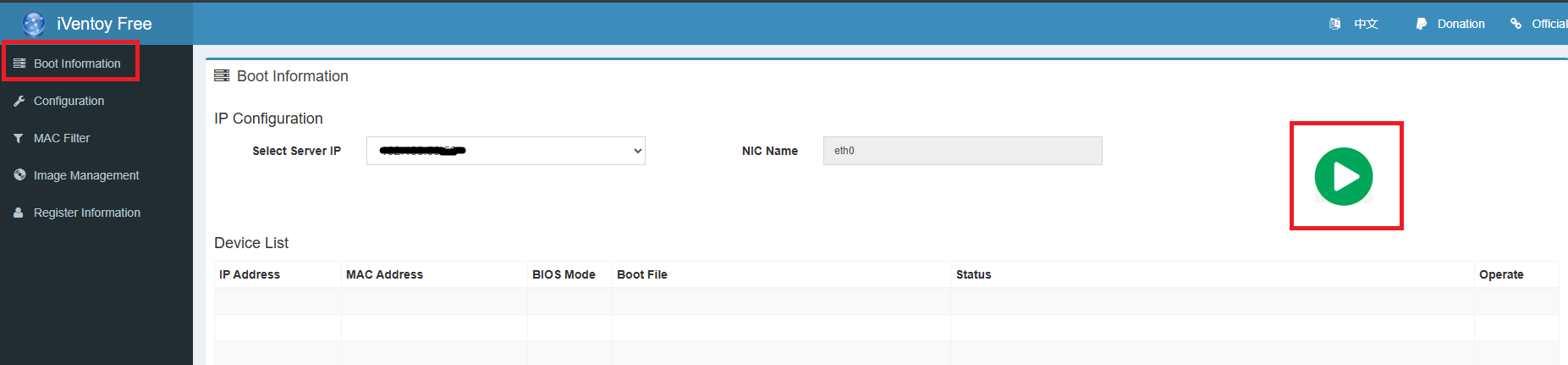 In the boot information tab, click on the green button.
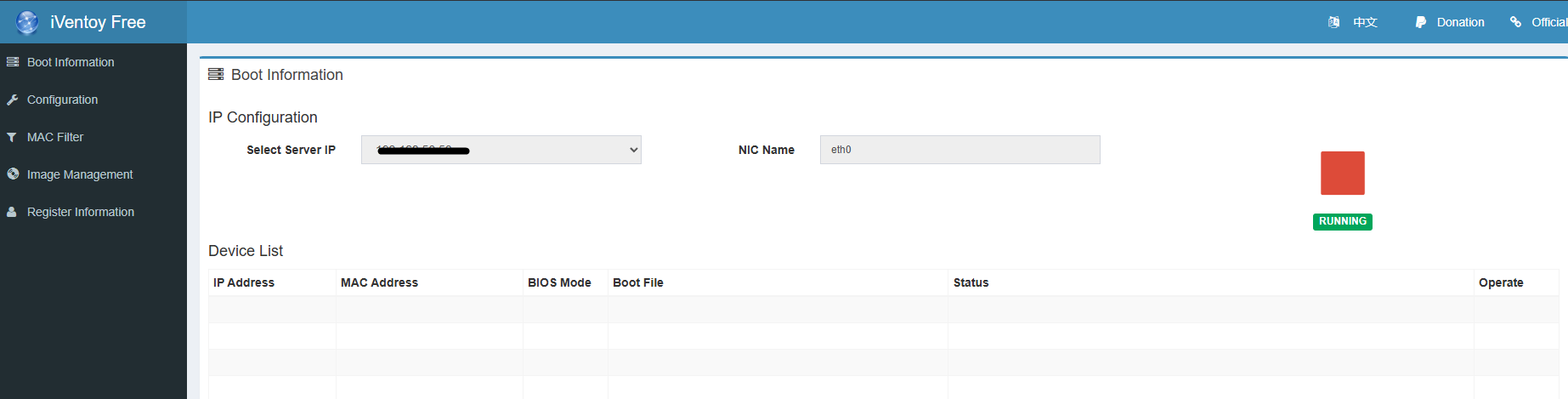 Your Iventoy server is now operational.
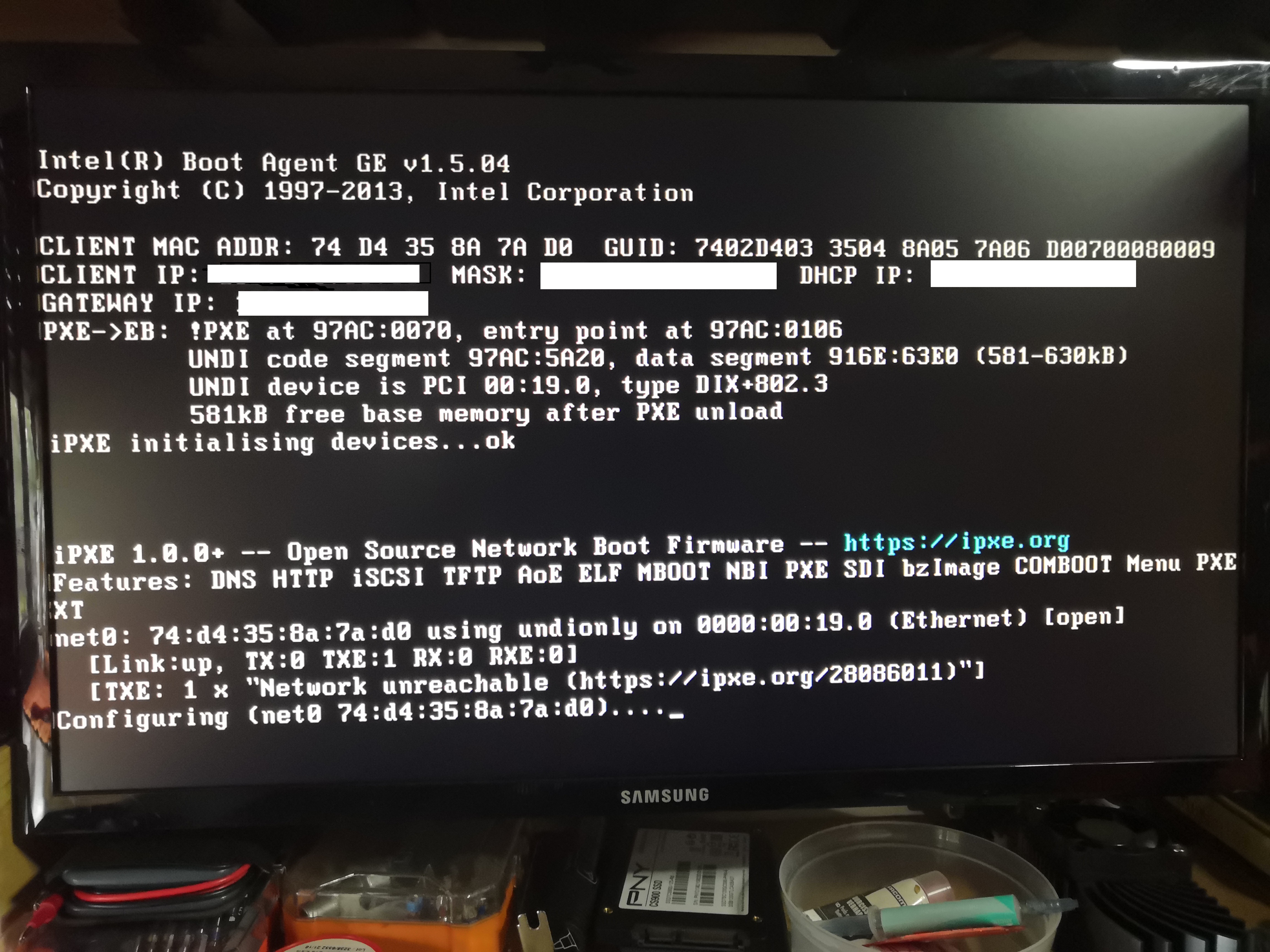 We boot PXE.
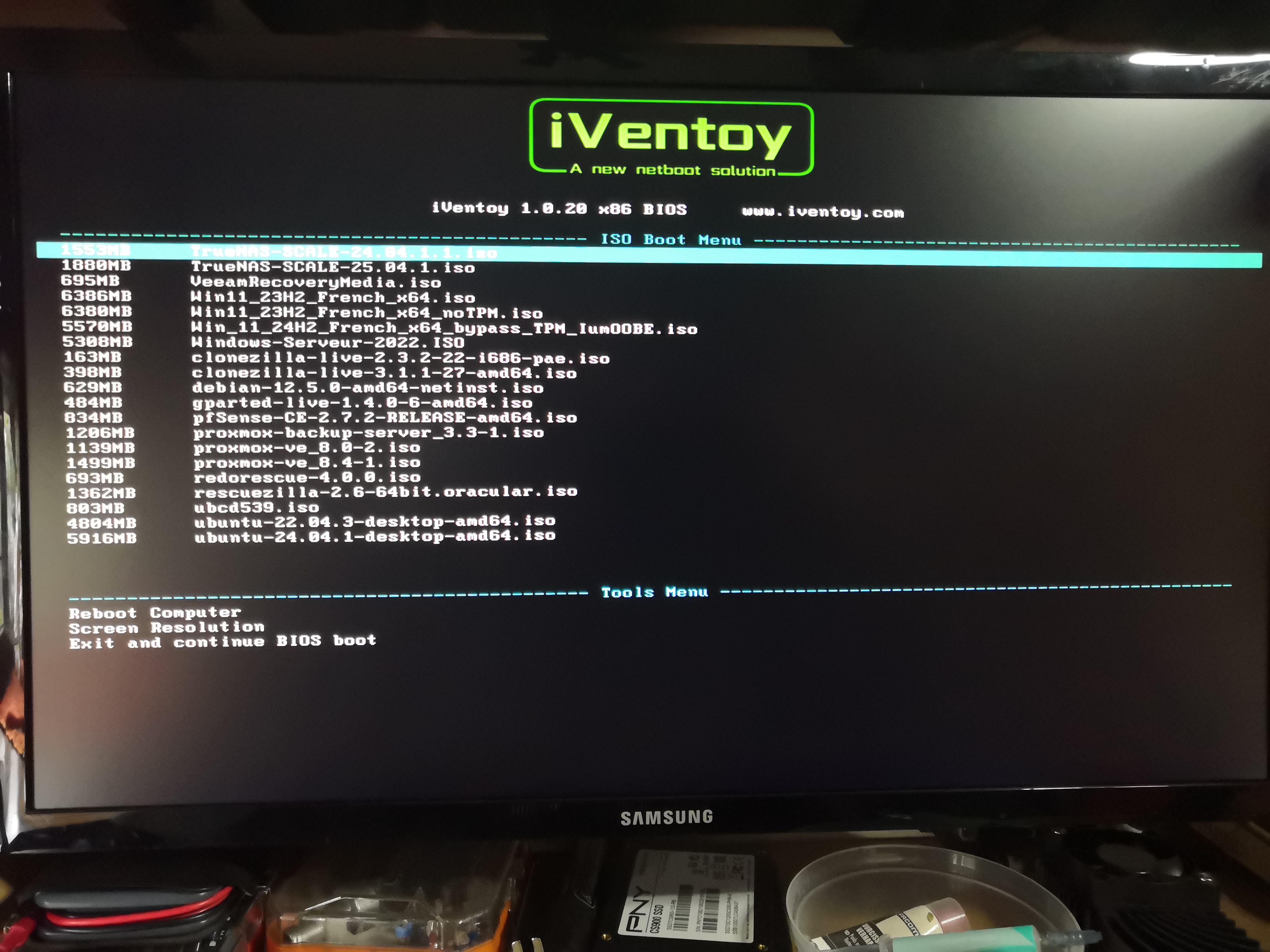 Here is the menu that works with the ISOs we uploaded with WINSCP.
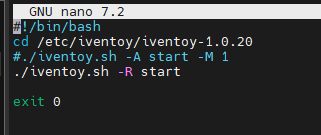 To automate the startup of Iventoy:
sudo nano /etc/rc.local
sudo chmod +x /etc/rc.local
To automate the startup of Iventoy:
sudo nano /etc/rc.local
sudo chmod +x /etc/rc.local
Enjoy!