I need a drive to reinstall a computer, but a brand-new 128 GB 2.5" SATA SSD now costs at least €30 to €40—prices have doubled in recent months. So I put on my headlamp and went digging through my archives. And here’s what I found:
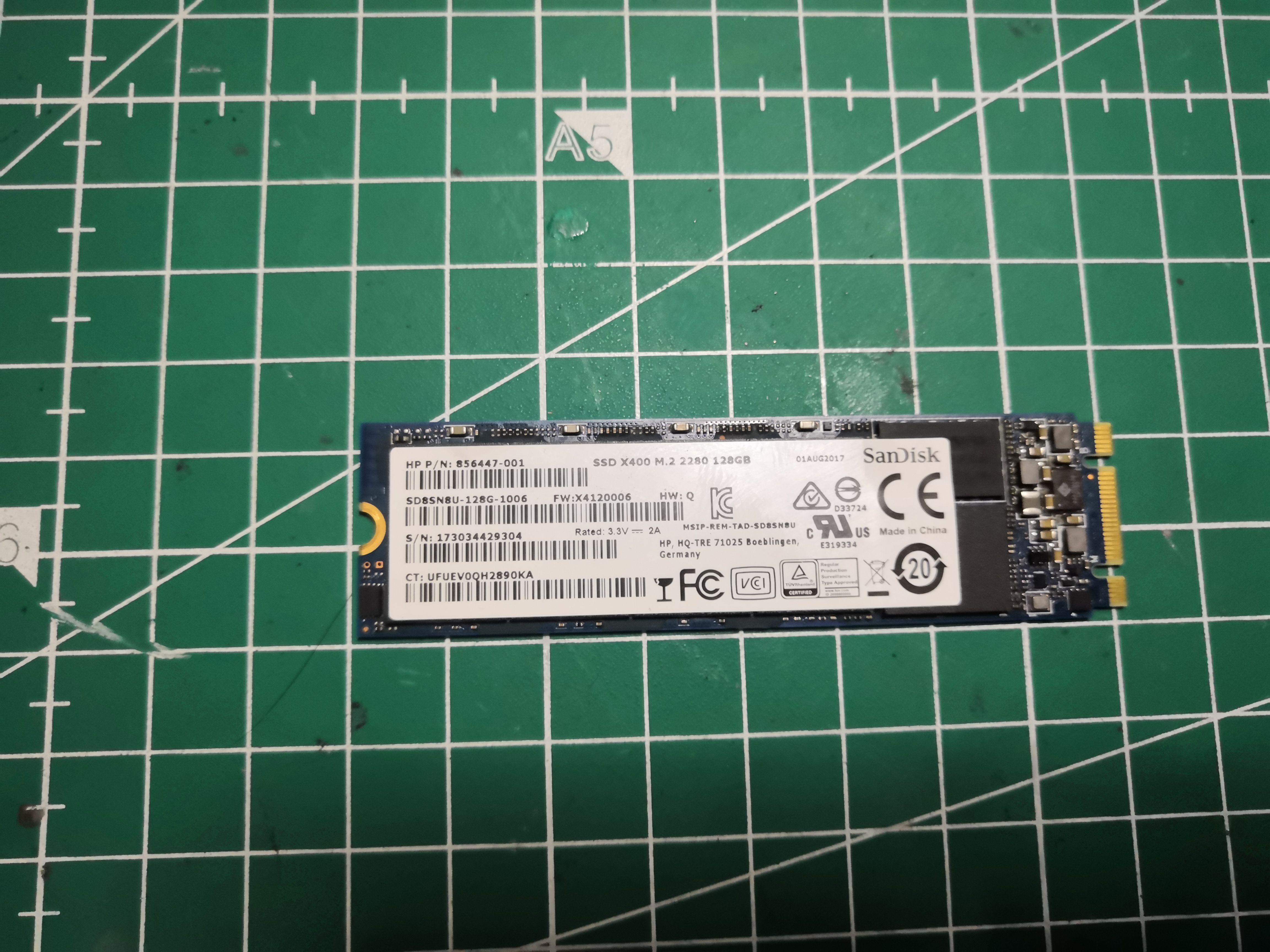
My problem
On one hand, a machine that needs to be reinstalled, whose motherboard has no M.2 slot—only standard SATA connectors. On the other, a SanDisk X400 128GB in M.2 2280 format, salvaged from an end-of-life machine. Fully functional, with impeccable SMART data.
"I’m sure I can figure out a way to make this work."
A quick technical note
The SanDisk X400 is an M.2 SATA drive, not NVMe—the M.2 format is just a form factor; the underlying protocol can be SATA or PCIe/NVMe. In this case, it’s SATA, which means the adapter doesn’t need to perform any protocol conversion: it simply routes the SATA signals to a standard 2.5" connector. Simple and reliable.
The 3-component solution
1. NFHK N-3MNGX adapter
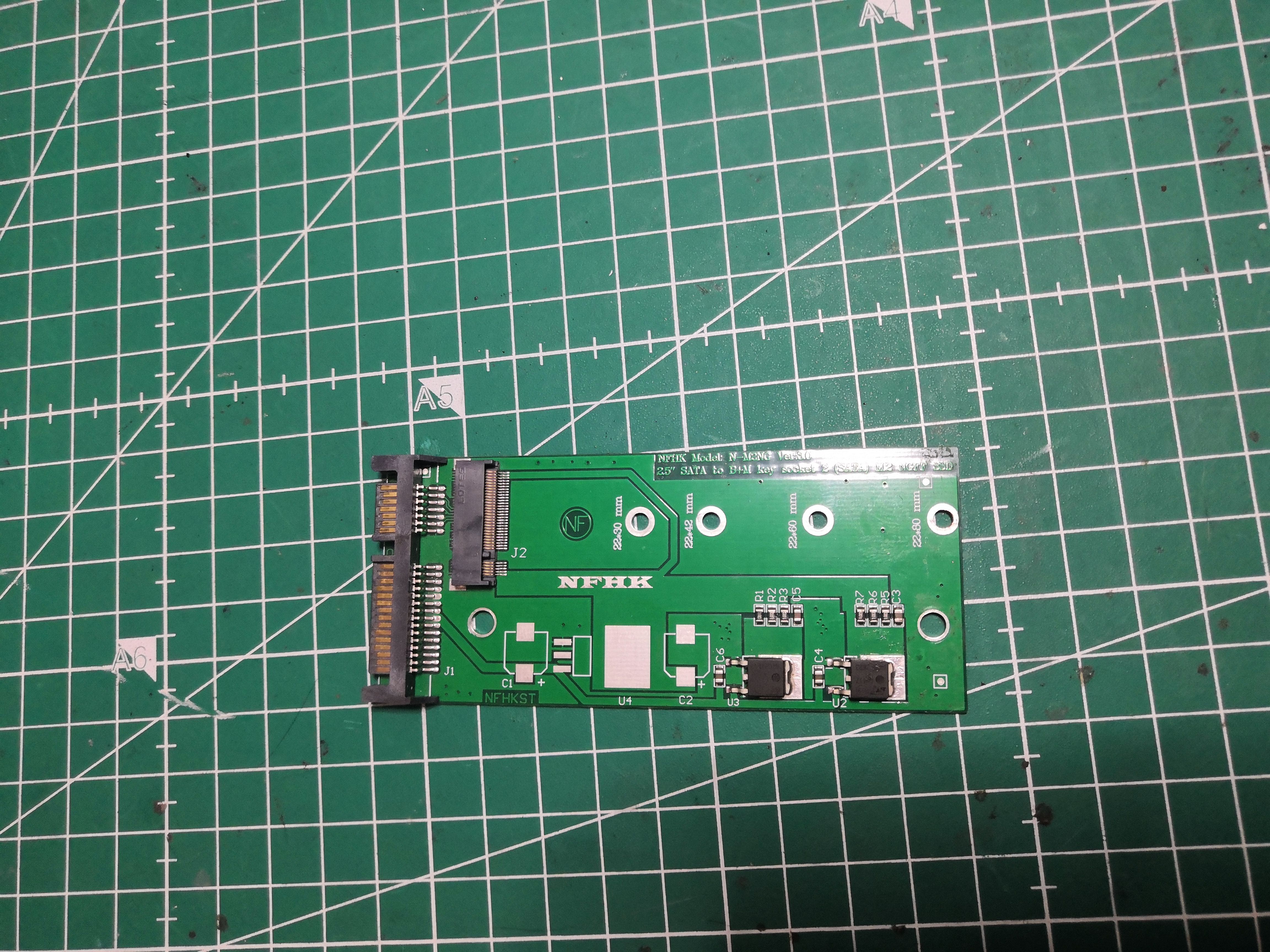
The adapter used here is an NFHK N-3MNGX, which is easily found for just a few euros. It features an M.2 B+M key connector (SATA-compatible) and has a 2.5" SATA data + power connector on the outside. It supports the 2242, 2260, and 2280 form factors—which covers nearly all M.2 SATA SSDs on the market.
Important: This adapter is SATA-specific. It will not work with an M.2 NVMe (PCIe) SSD. Check your M.2 SSD’s protocol before purchasing.
Installation is simple: insert the SSD into the M.2 slot, secure it with a screw at one end, and the assembly is exactly the size of a 2.5" SSD.
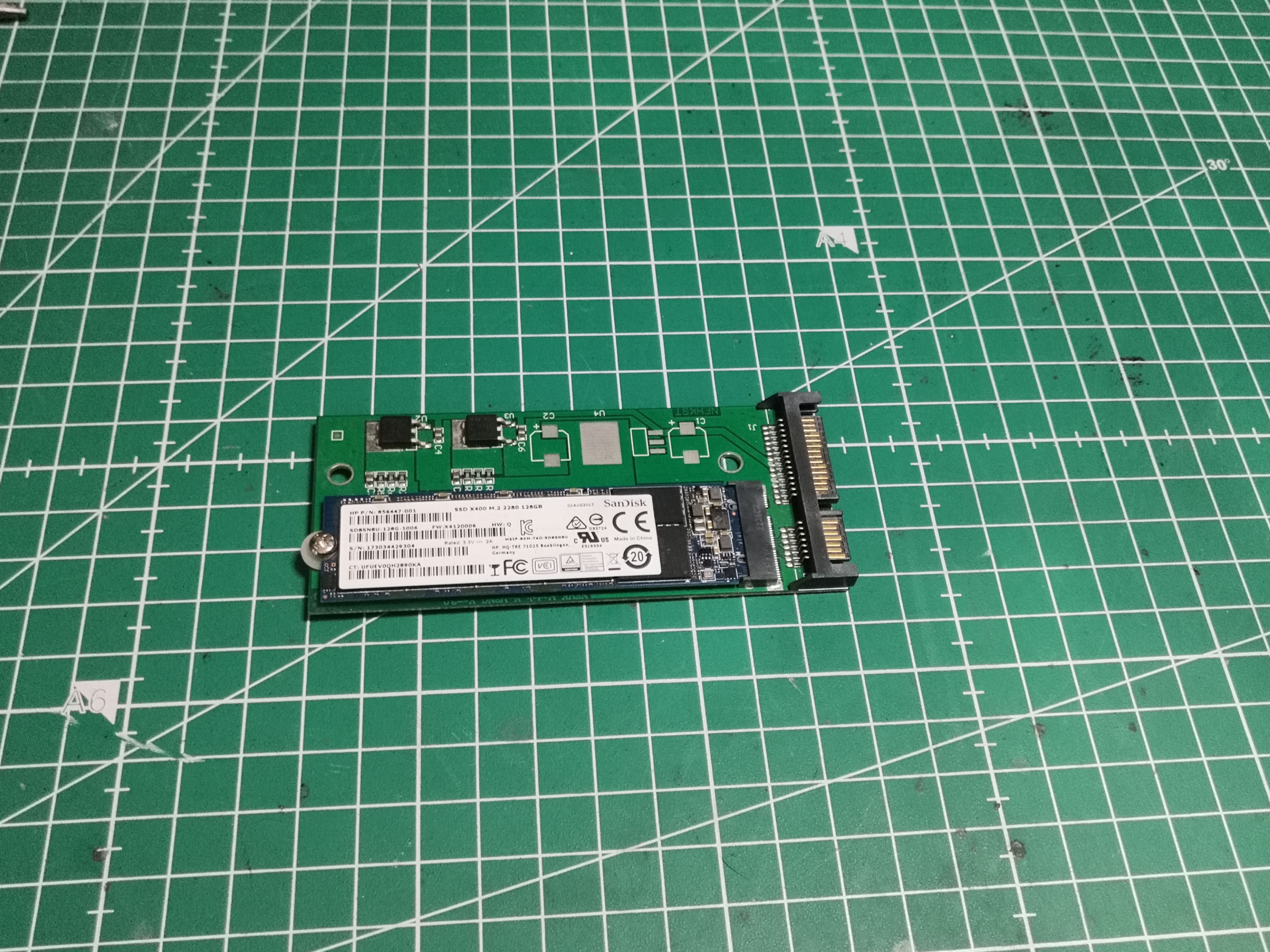
2. The 3D-printed caddy
Having a 2.5" assembly is good. Being able to mount it neatly in a rack or a 3.5" bay is better.
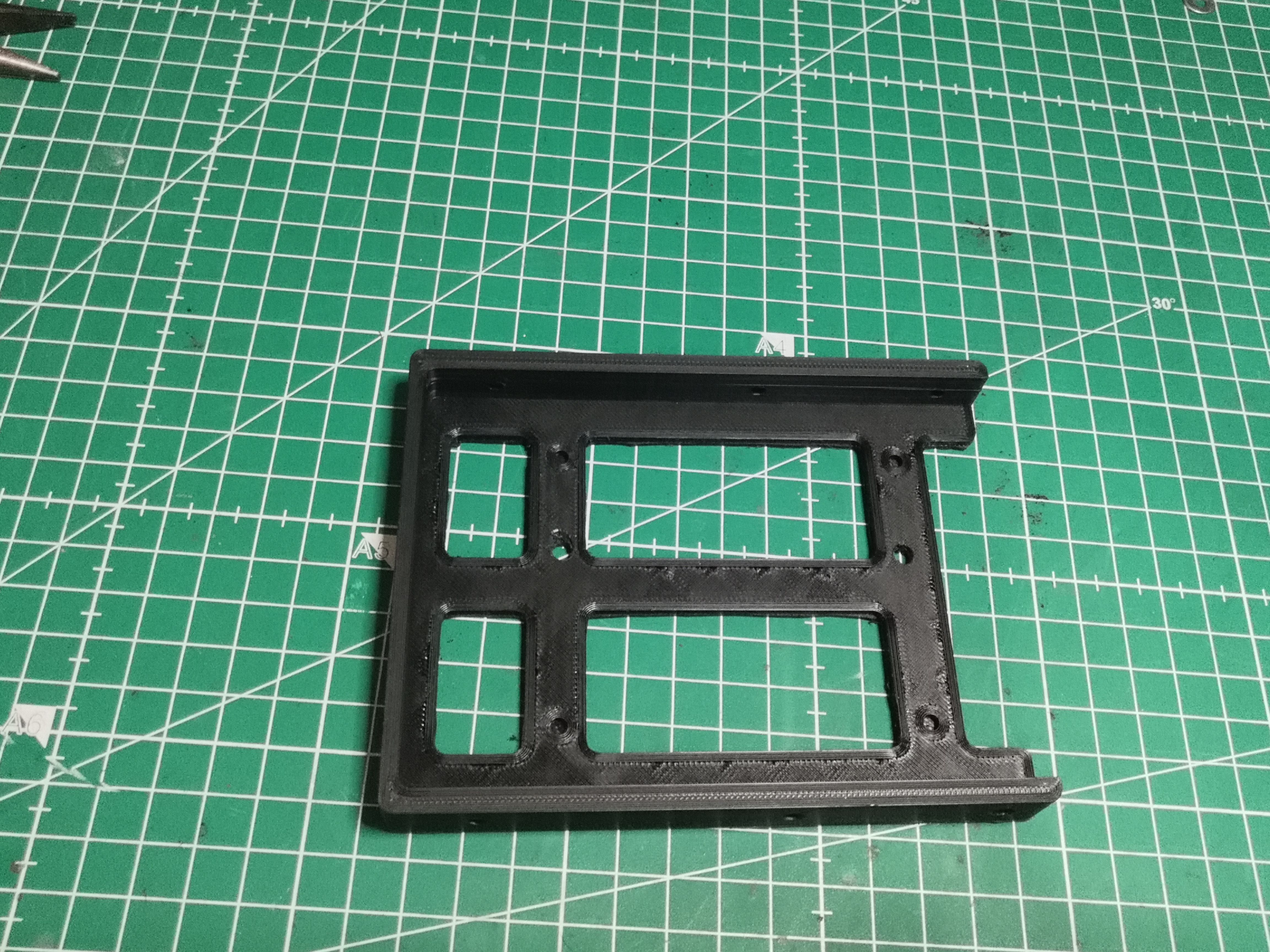
The caddy used here was printed from the file Soporte HDD 2.5-3.5.stl, available in the download section of the site. It is a 3.5" bracket designed to hold a 2.5" device, with standard mounting holes. The entire part is printed in black PLA using standard settings—nothing complicated.
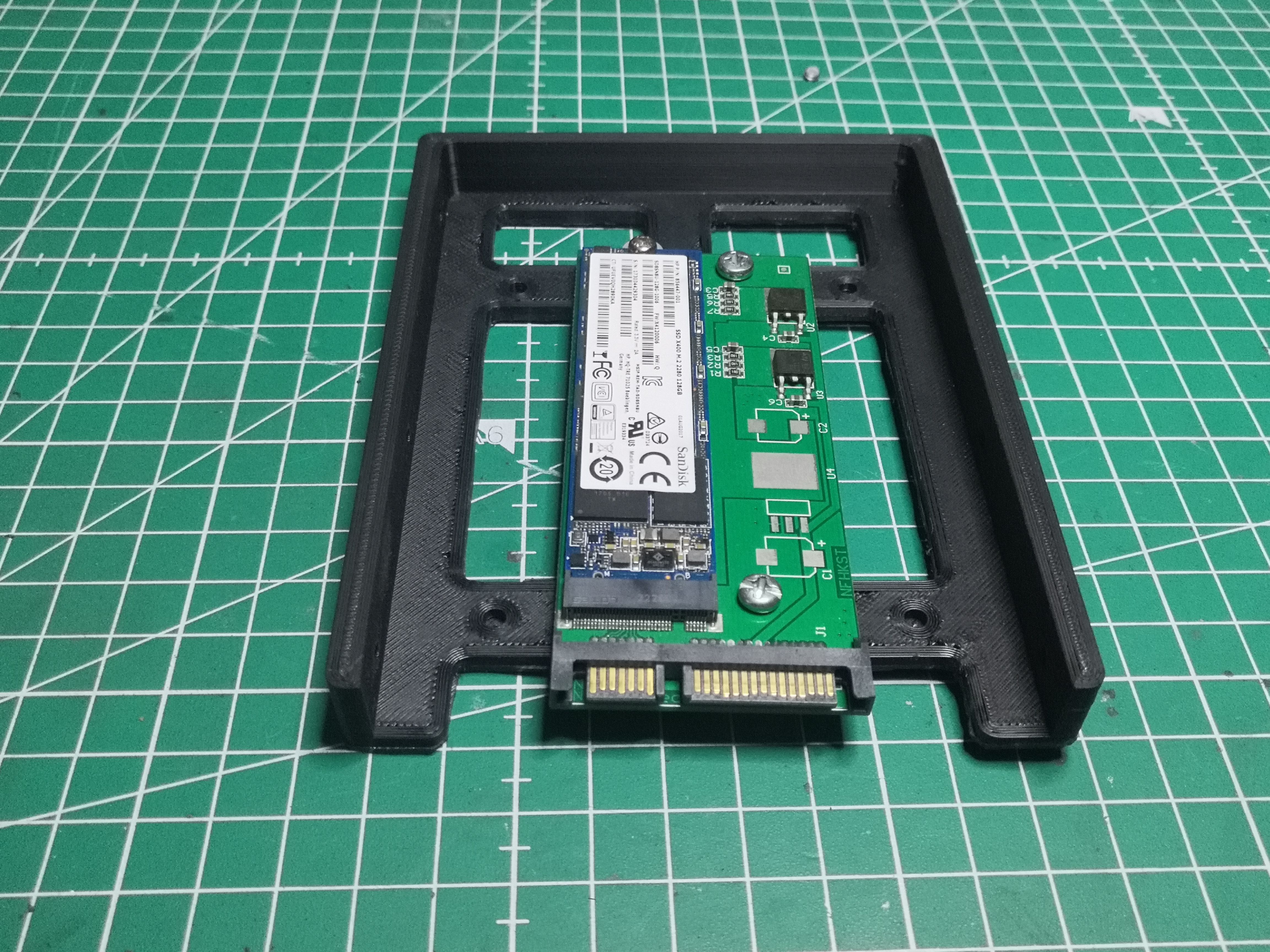
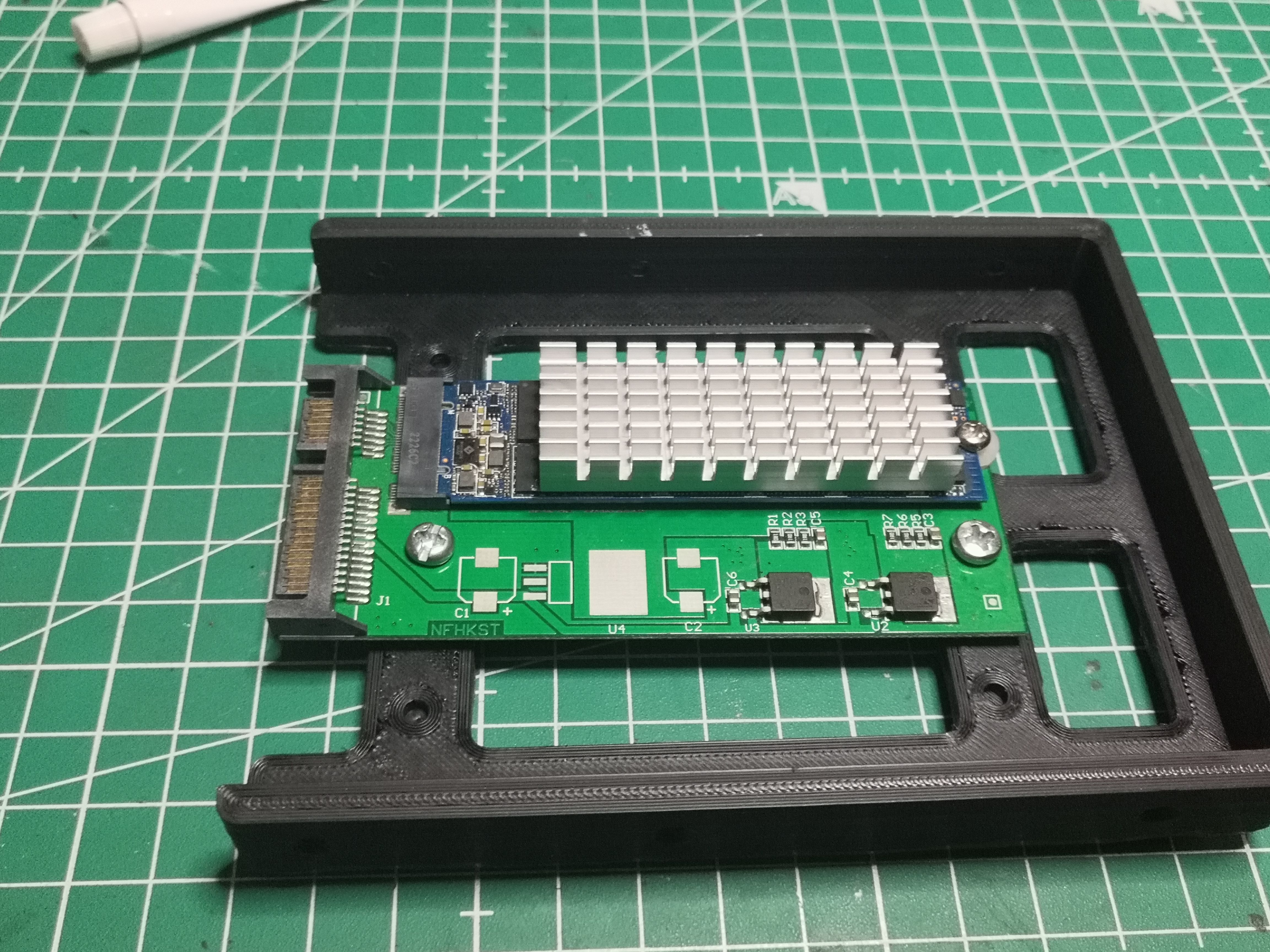
The adapter + SSD fits perfectly; the mounting holes align just right. The SATA connector protrudes from the bottom of the caddy, just like a standard 2.5" drive. The host machine won’t notice a thing.
3. Heat Dissipation — The Often-Overlooked Step
This is where things get a little more interesting. An M.2 SATA SSD doesn’t get very hot—it’s clearly less critical than an NVMe under load. But I know it’s going to be stuck in a slot with no ventilation.
A small collection of heatsinks scavenged from here and there:
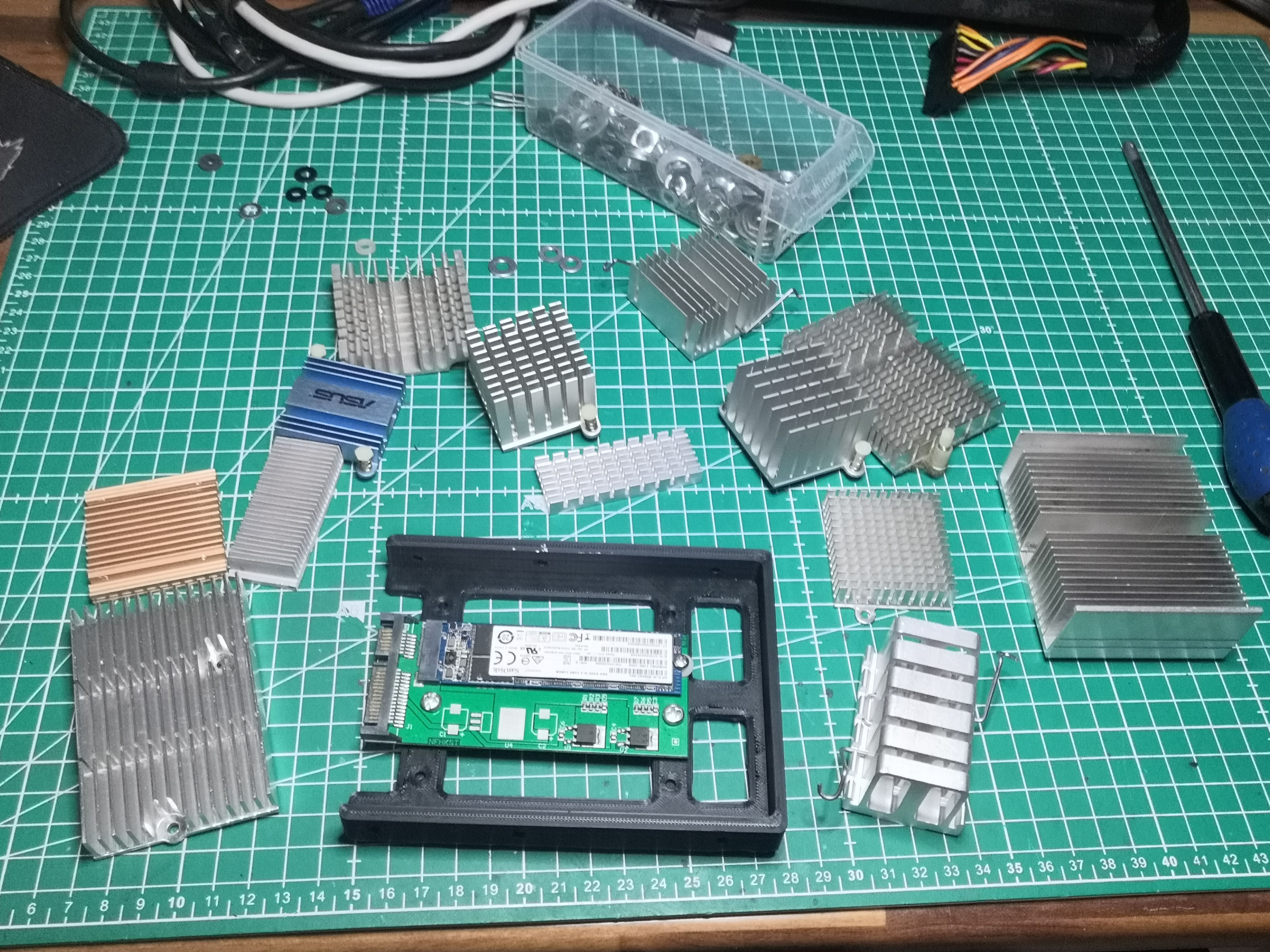
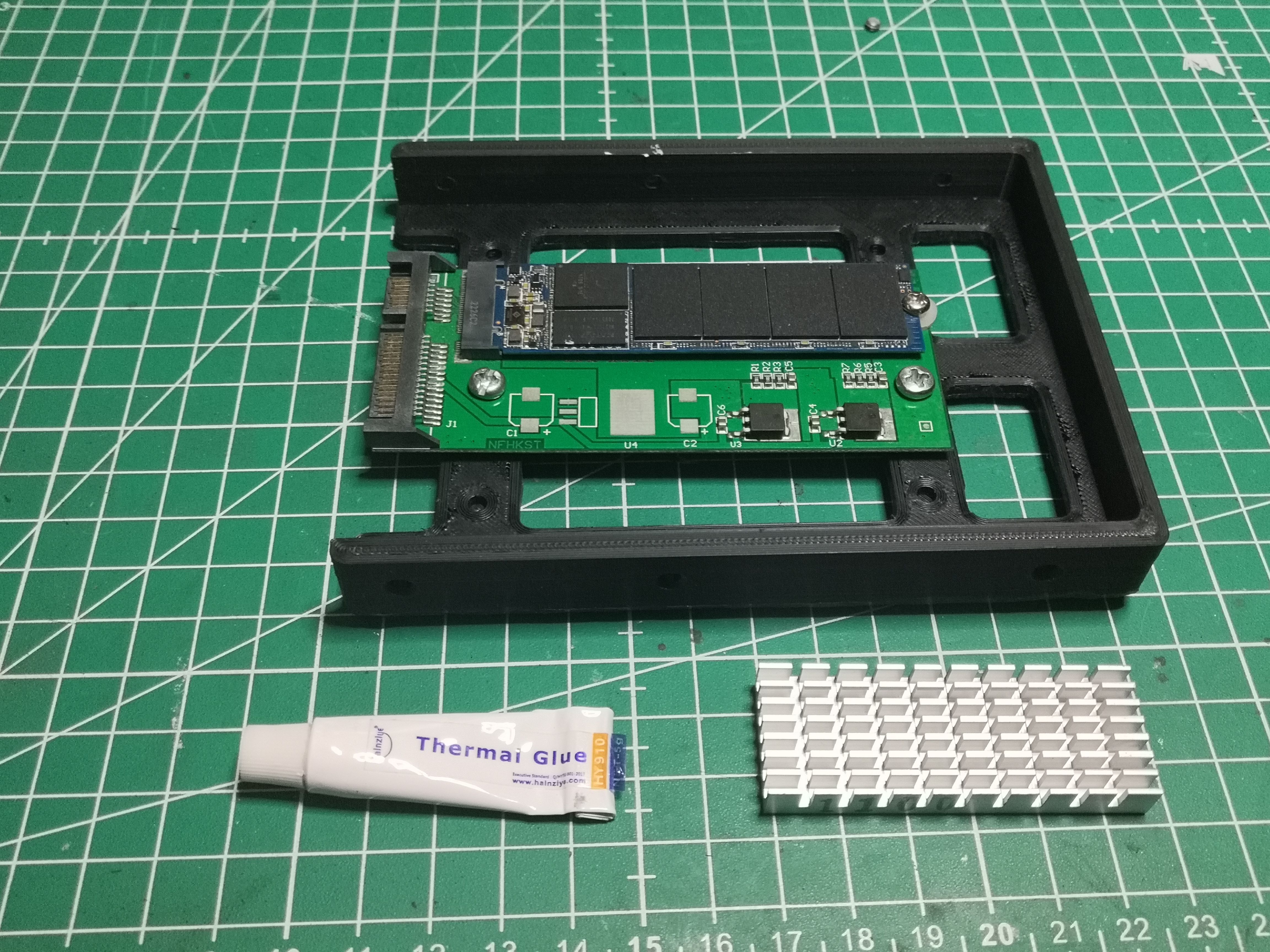
After testing different sizes, the right candidate is a small aluminum heatsink with cross-fin design that perfectly covers the surface of the SSD’s NAND chips while still fitting within the caddy’s enclosure—no need to trim it at all; it’s a perfect fit.
For mounting: thermal adhesive (Hainzlyt Thermal Glue). Not thermal silicone, not an adhesive pad—real thermal glue that provides mechanical bonding and conducts heat. Apply in dots on each chip:
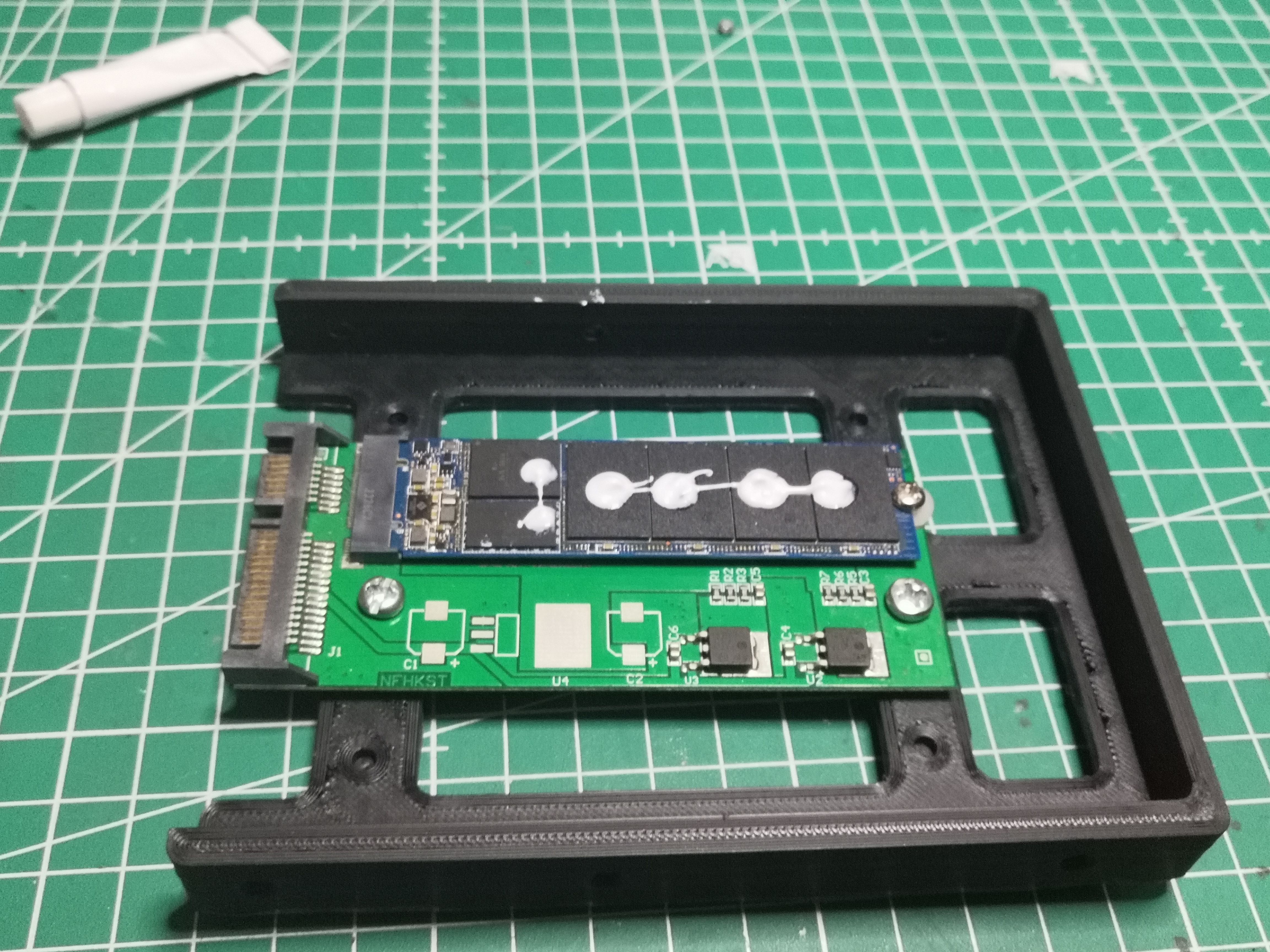
Final result with the heatsink glued on, centered over the chips:
Summary
| Component | Source | Cost |
|---|---|---|
| SanDisk X400 128 GB M.2 SATA | Recycled | €0 |
| NFHK N-3MNGX adapter | Purchased | ~€5 |
| 3D-printed caddy | STL file from this site | ~€0.50 filament |
| Aluminum heatsink | Recycled stock | €0 |
| Thermal paste | Stock | ~€0.10 |
| Total | ~€5.60 |
The host machine detects the SSD without a driver or configuration, just like any standard 2.5" SATA SSD. OS installation went smoothly.
Points to note
- Check the M.2 SSD protocol: SATA (works) or NVMe/PCIe (does not work with this adapter—you would need an M.2 NVMe to PCIe x4 adapter + a PCIe card in the host machine, which is another story).
- Identify the connector key: M.2 SATA SSDs use a B or B+M key. An M.2 NVMe SSD uses an M key only. The NFHK adapter supports B+M.
- The thermal paste is permanent: if the SSD needs to be reused on another M.2 device, the heatsink cannot be safely removed. Weigh the pros and cons based on your specific use case.
STL file available in the download section. NFHK N-3MNGX adapter available on standard electronics websites.