This Sapphire NITRO RX 460 OC was released in 2016. It features an AMD Polaris 11 GPU (215-0895088, 14nm), 4 GB of GDDR5 memory, 896 shaders, and a 75W power draw. Obviously, it’s a completely outdated GPU, but it’s a card that can still be quite useful for a multi-monitor setup, for example.
The original fans are dead, and it smells a bit like something’s burning… Rather than throwing it away, we’re going to install two 92mm fans. Before going any further, HWiNFO confirms that the GPU is healthy, VRAM is flawless, and the fans are showing 0 RPM. The problem is purely mechanical.
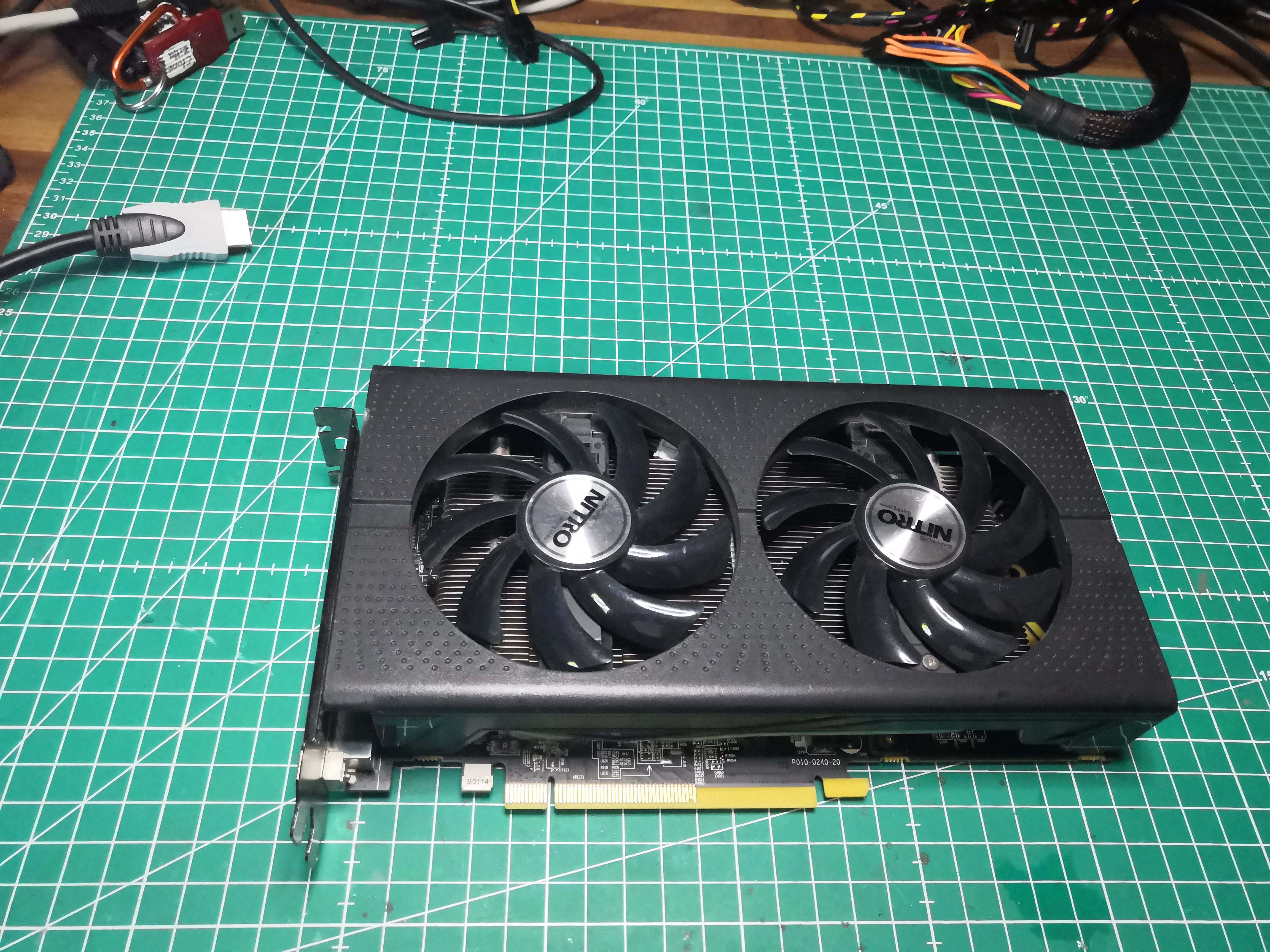
Diagnosis and Decision
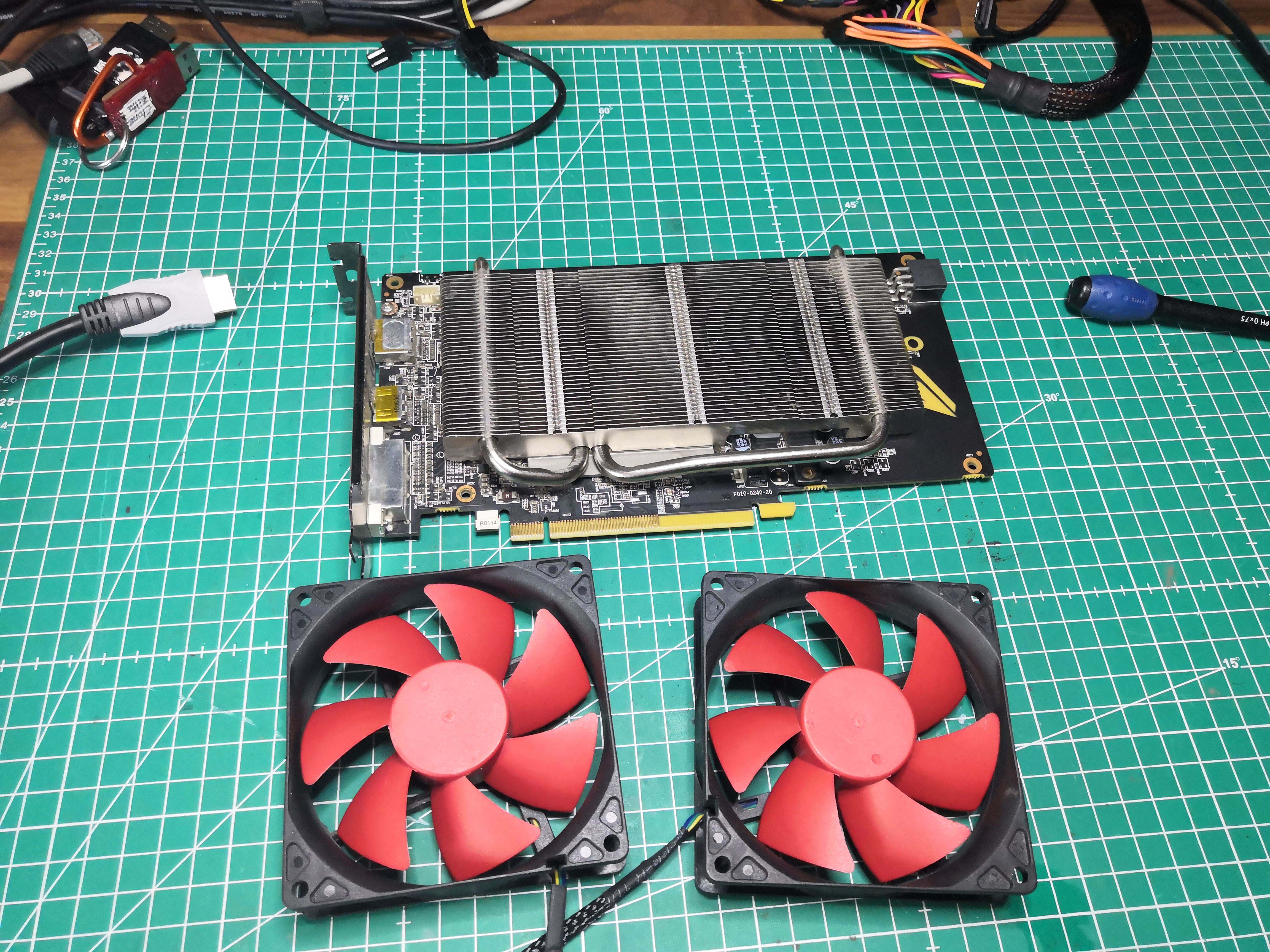
I’m not going to waste my time looking for original fans to replace them; I’ll make do with what I have on hand. The heatsink, on the other hand, is excellent: U-shaped heat pipes, significantly oversized for a 75W GPU.
I’m going to modify the original plastic shroud to mount the two 92mm fans.
Disassembly
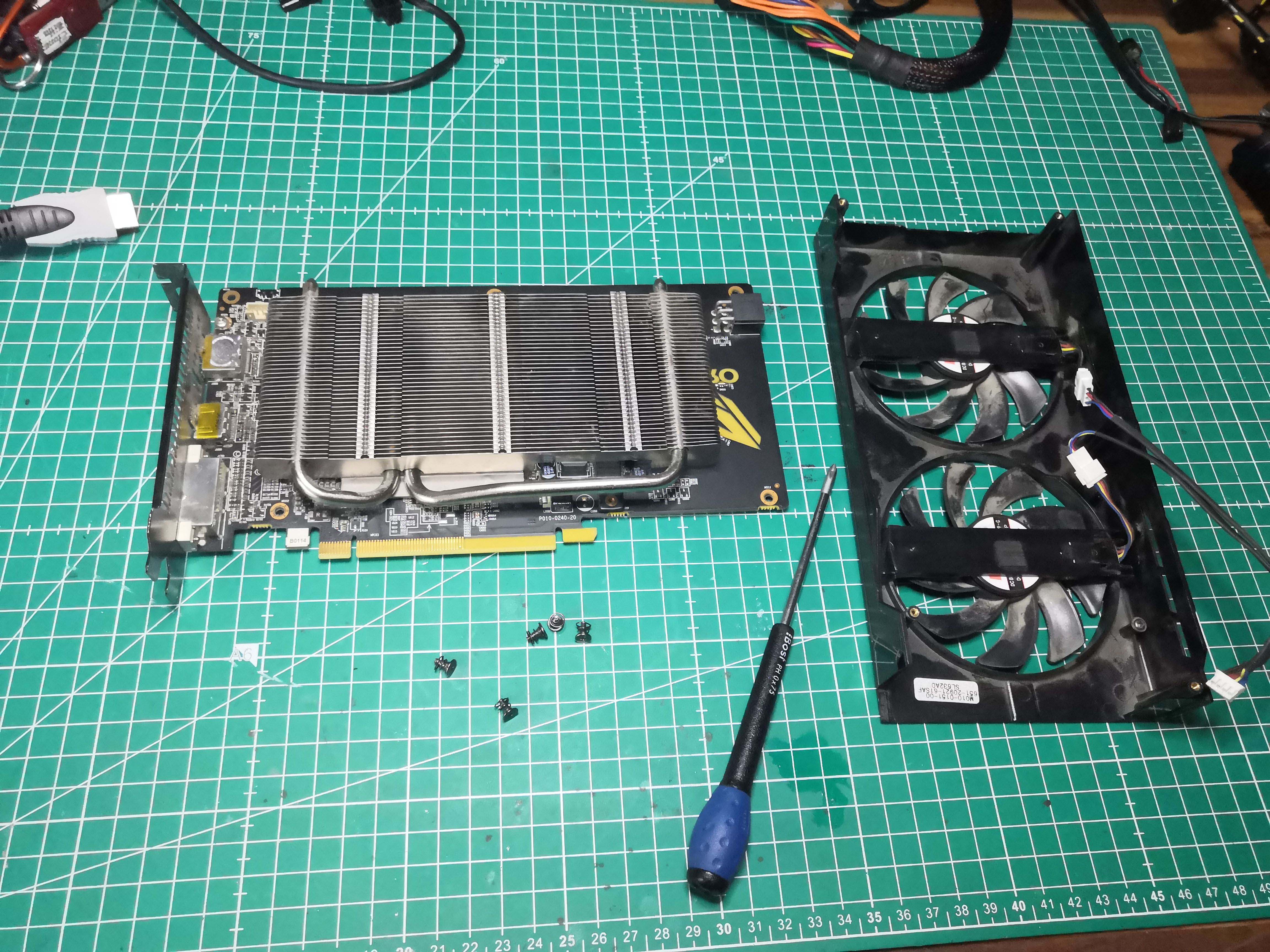
Here are the fans I plan to install instead
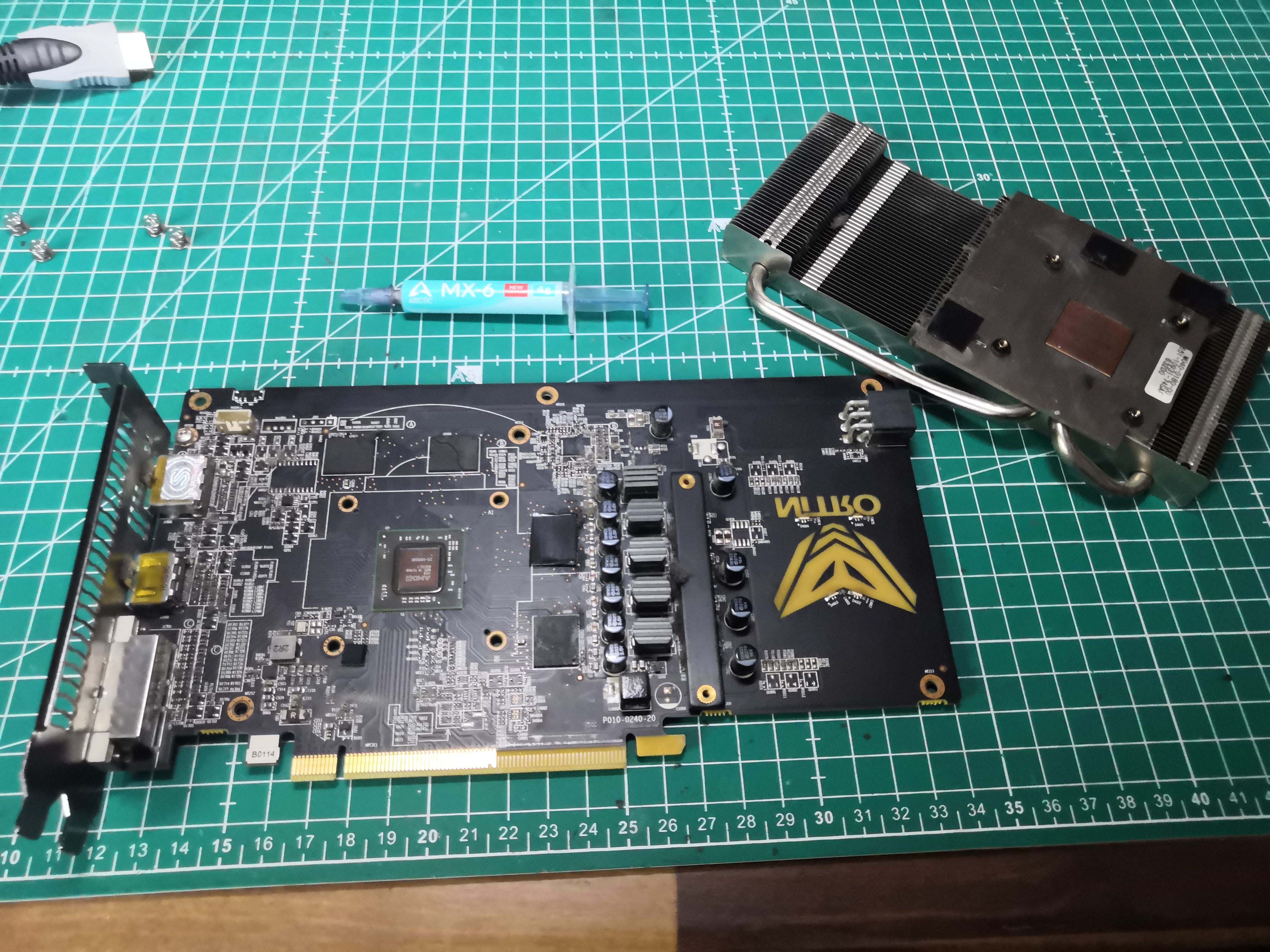
While we’re at it, we’ll also remove the heatsink to replace the thermal paste.
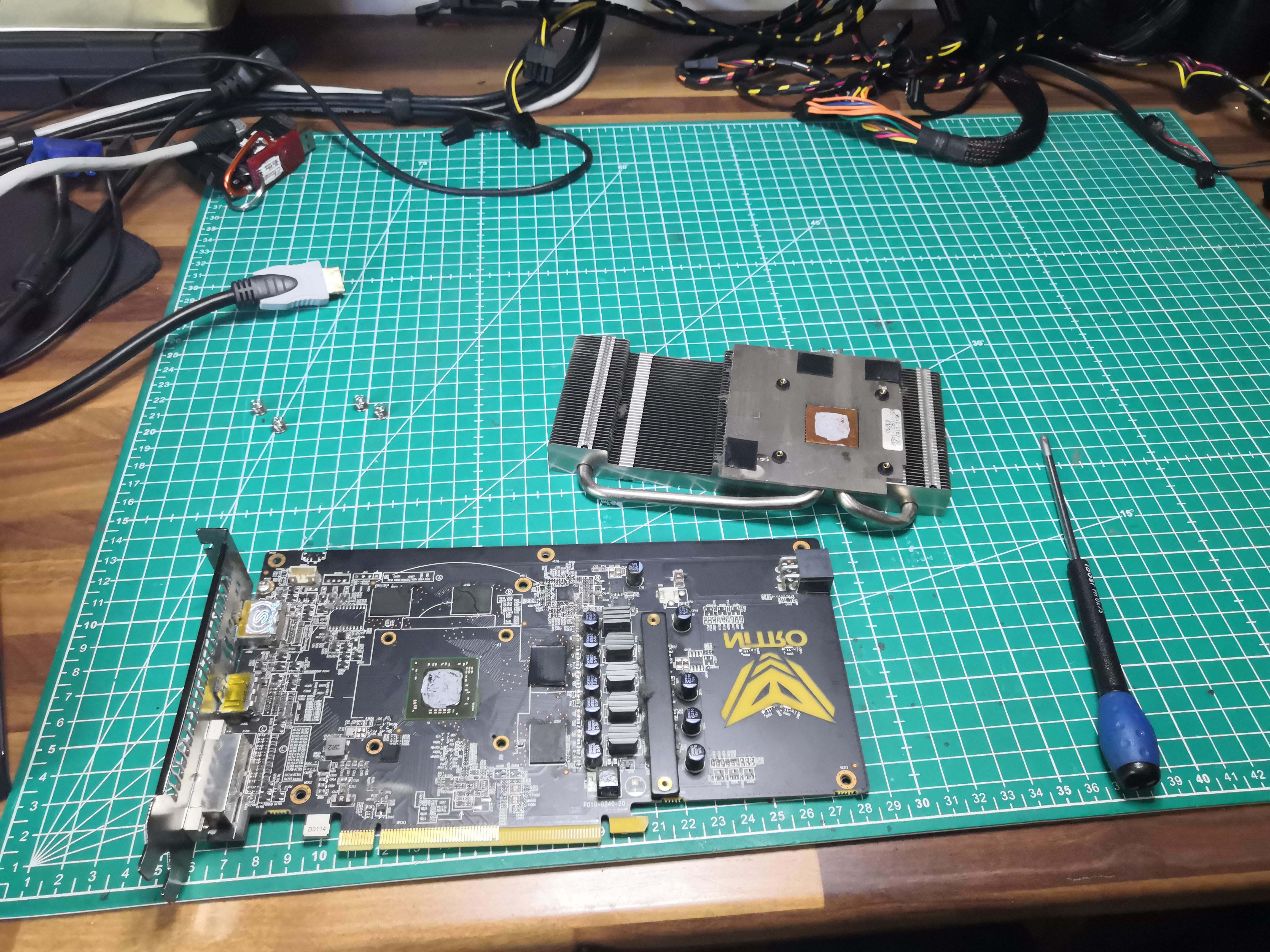
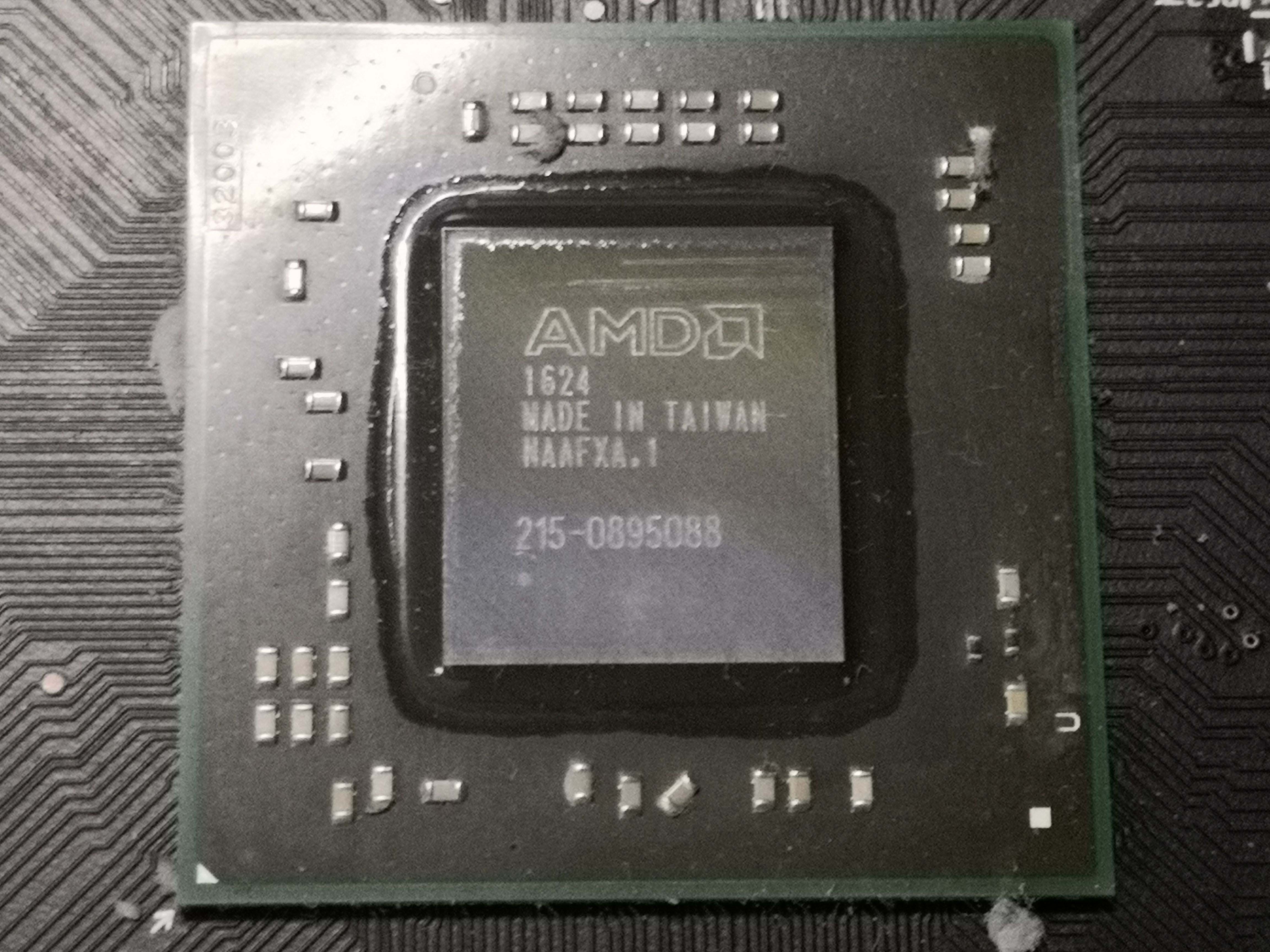
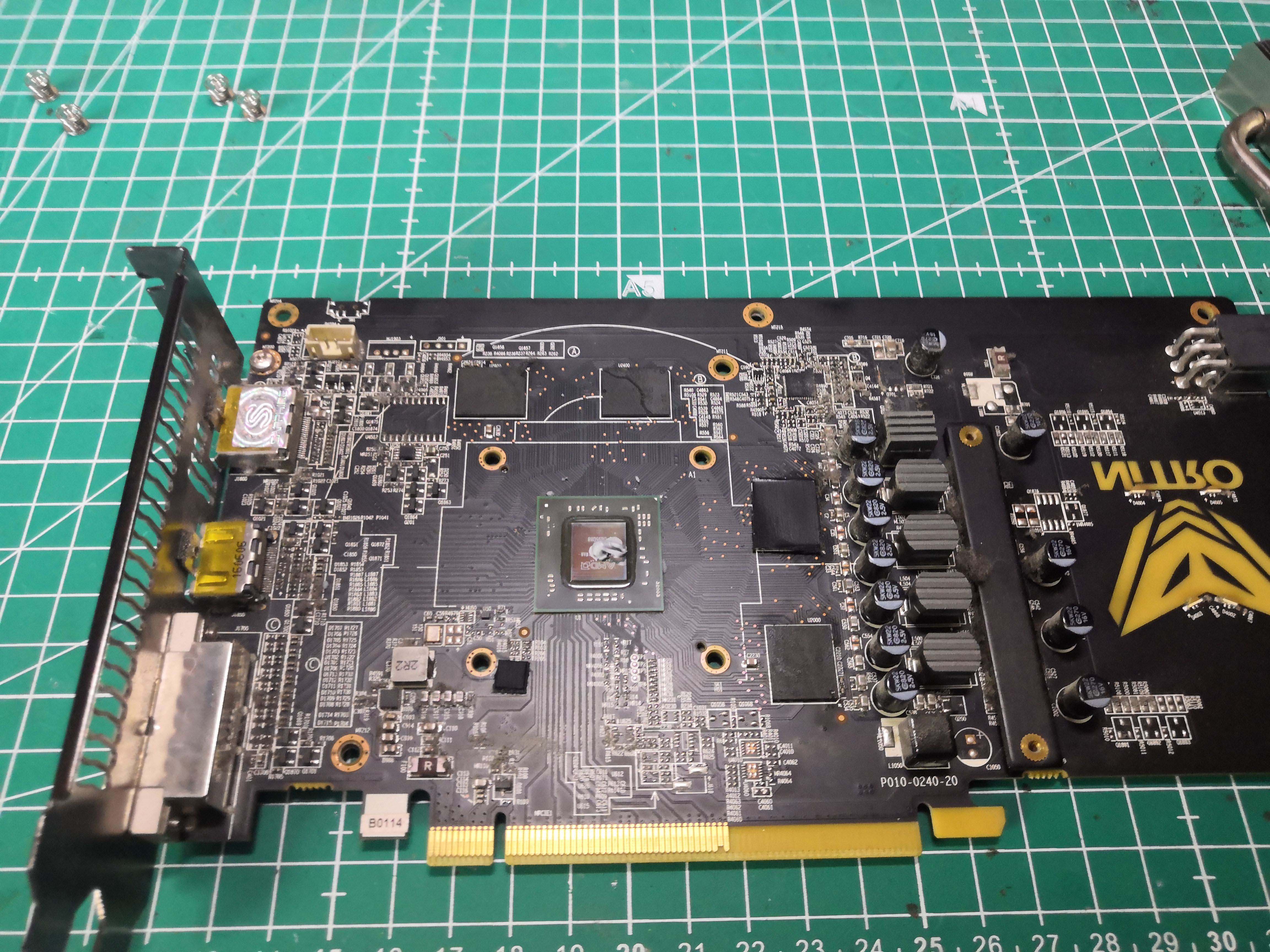
The original thermal paste has formed a blackish, cracked layer. Clean it off, then reassemble using Arctic MX-6.
Modifications with the Dremel
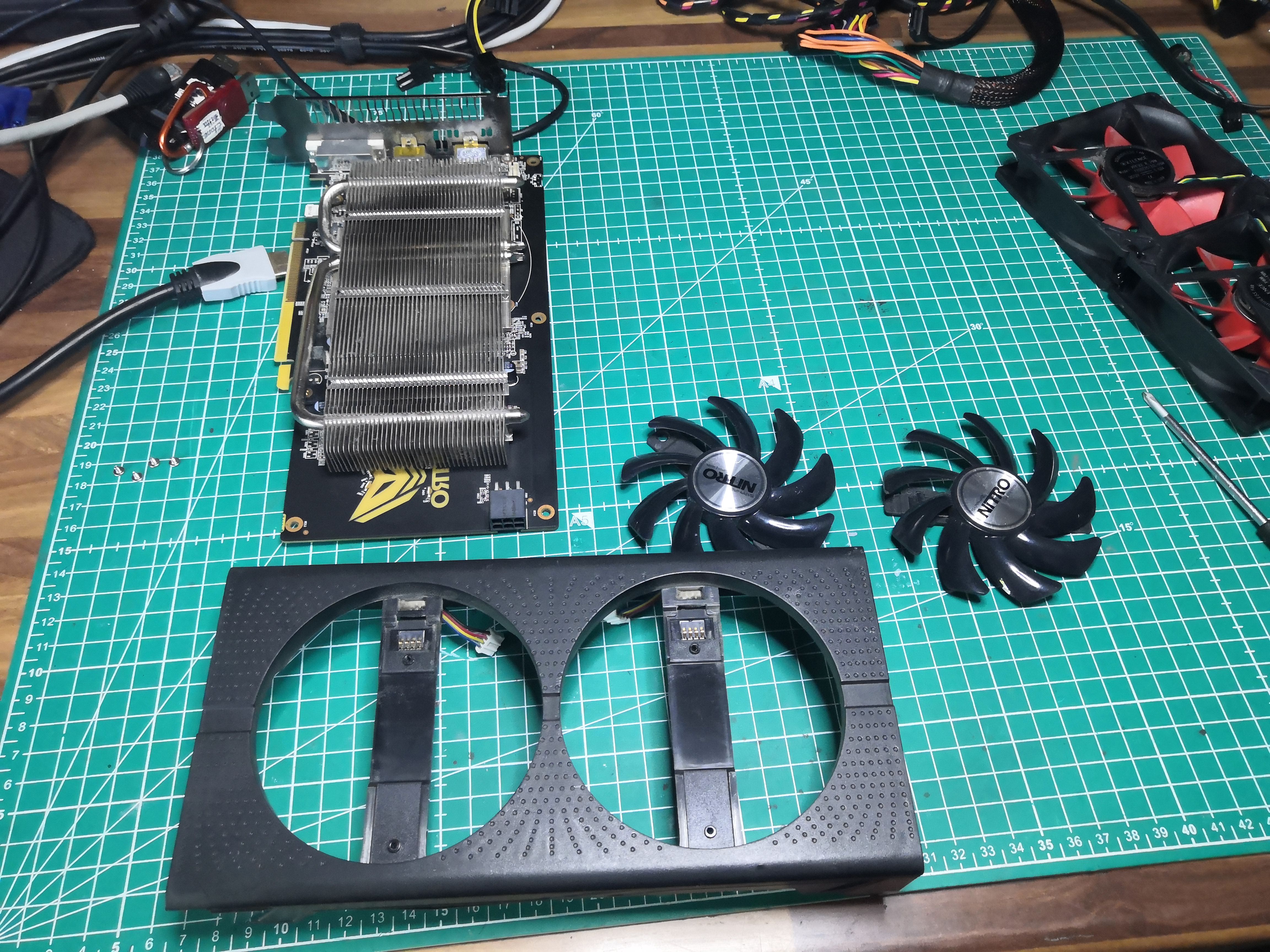
The housing is designed for proprietary ~85mm fans. The 92mm fans fit without too much trouble. Just a little Dremel work here and there—nothing too drastic.
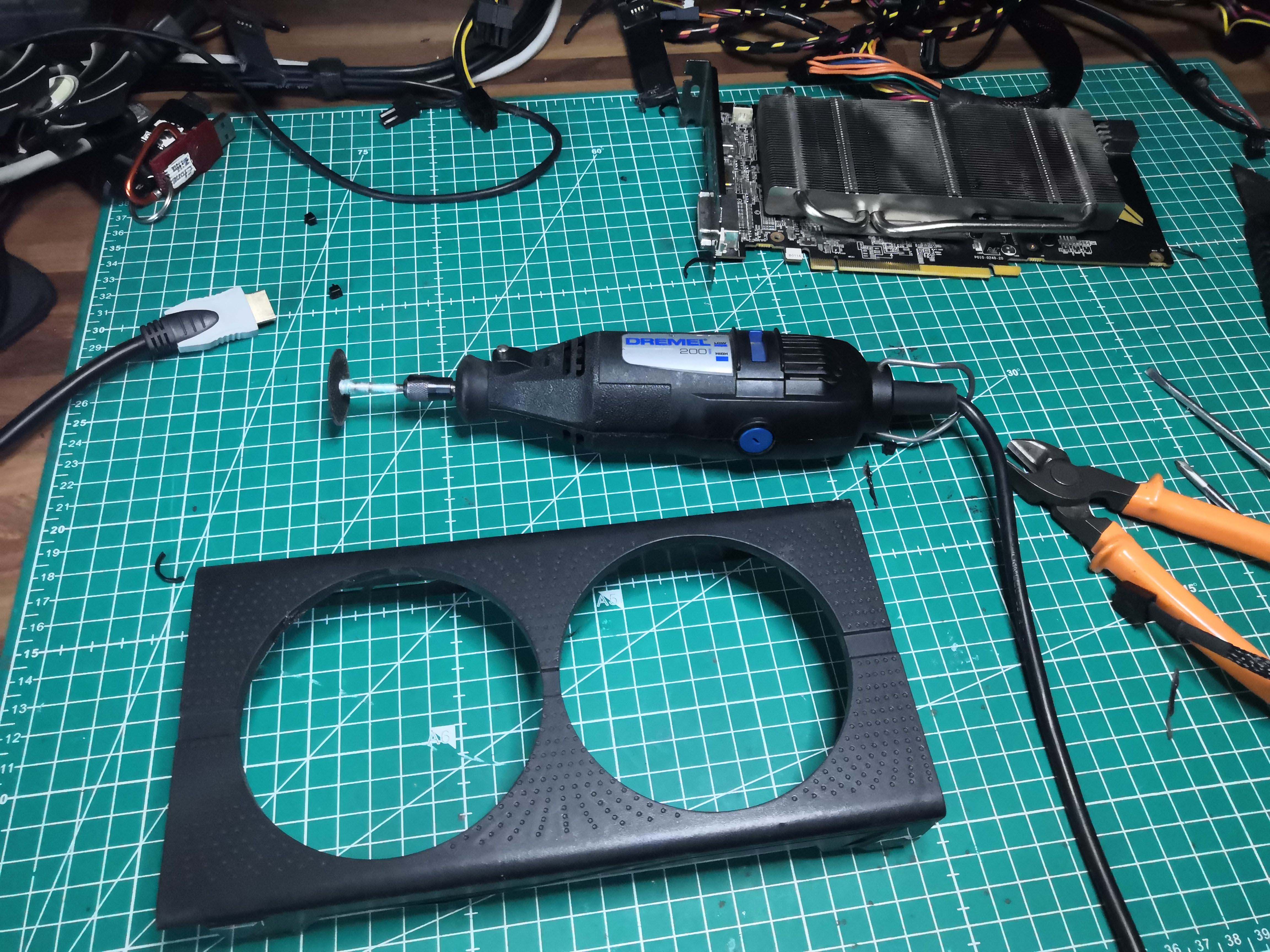
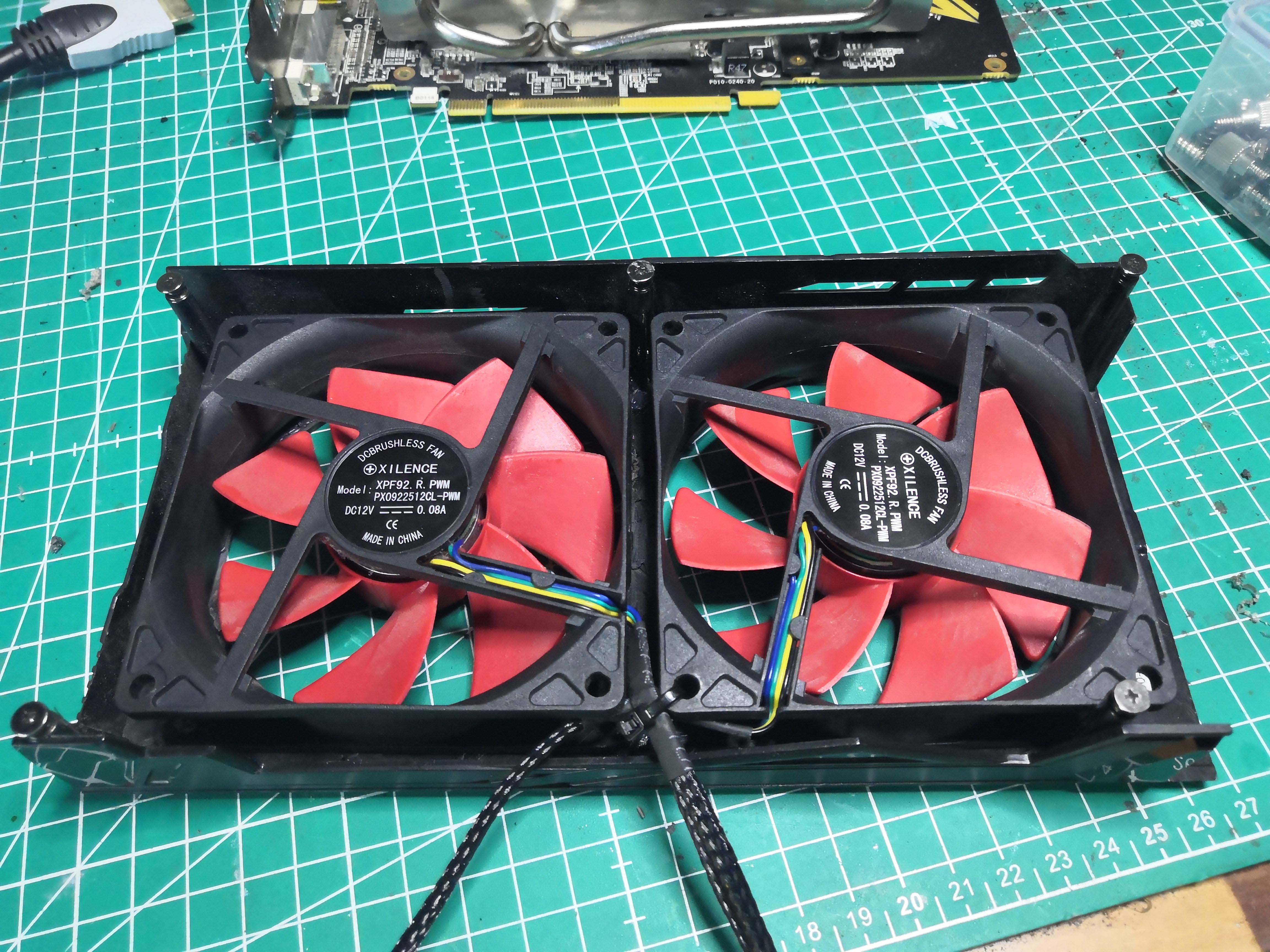
Wiring: The two new fans will be powered directly via the motherboard connectors, allowing them to be controlled through the BIOS settings.
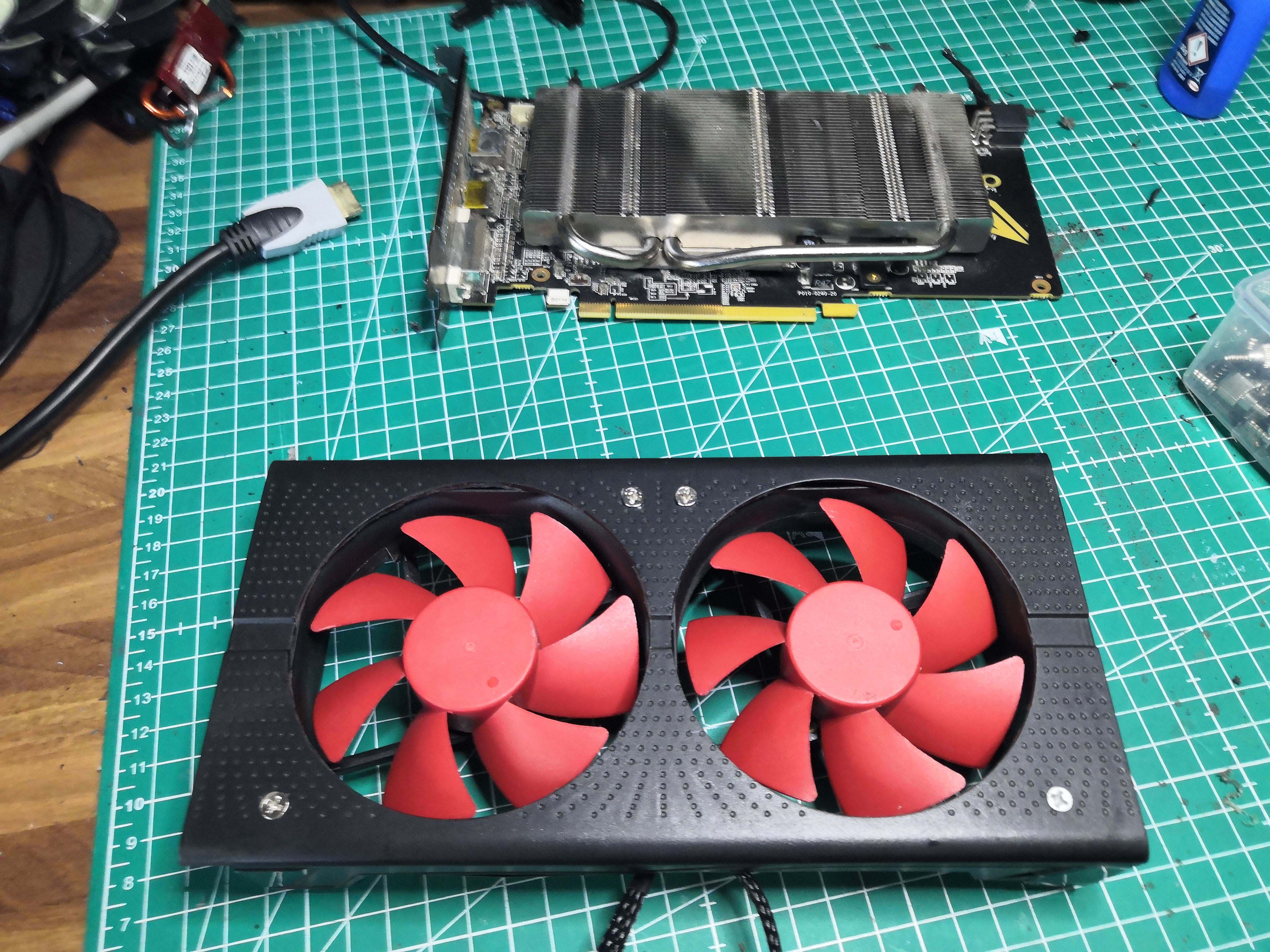
Final assembly
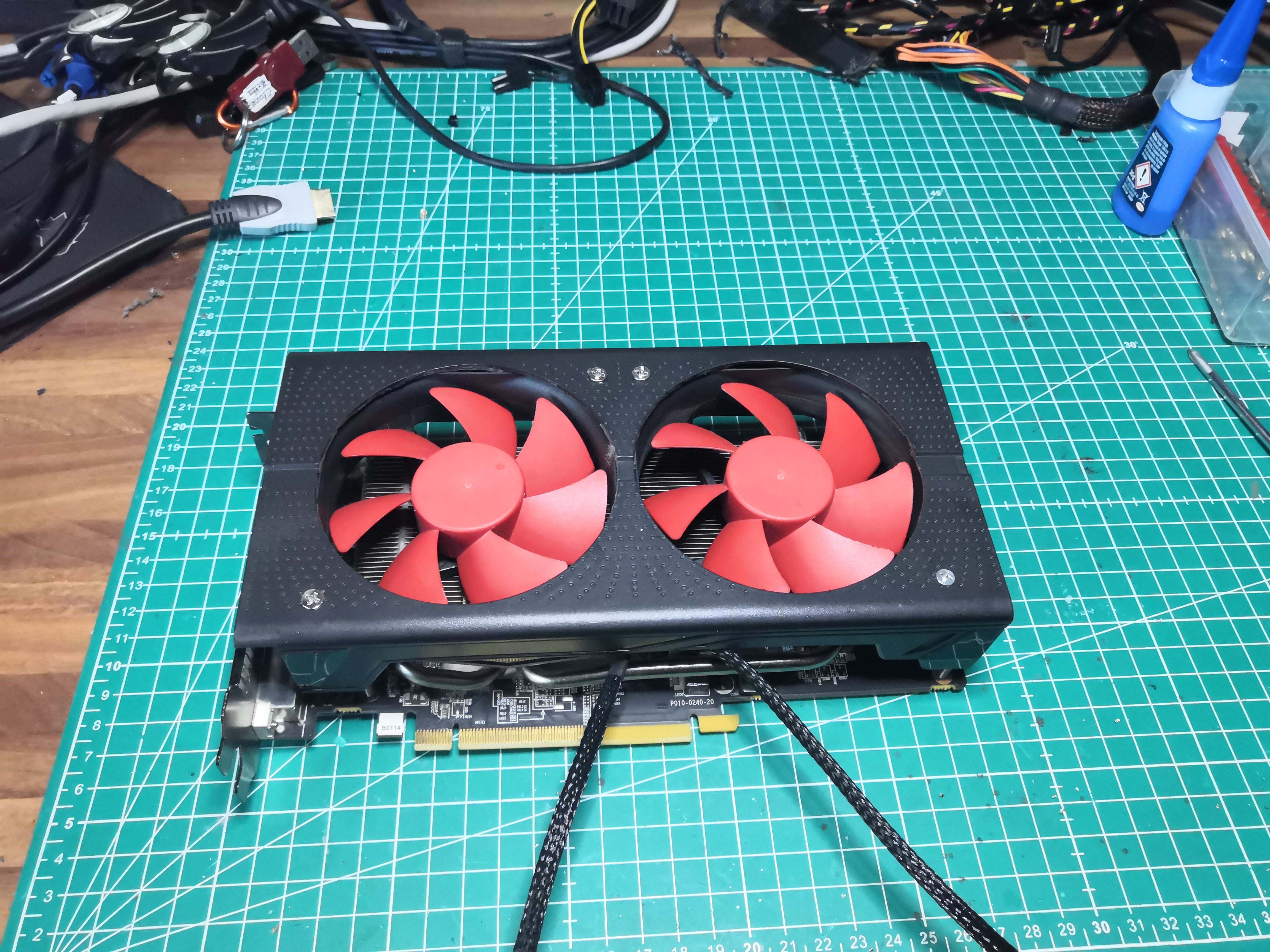
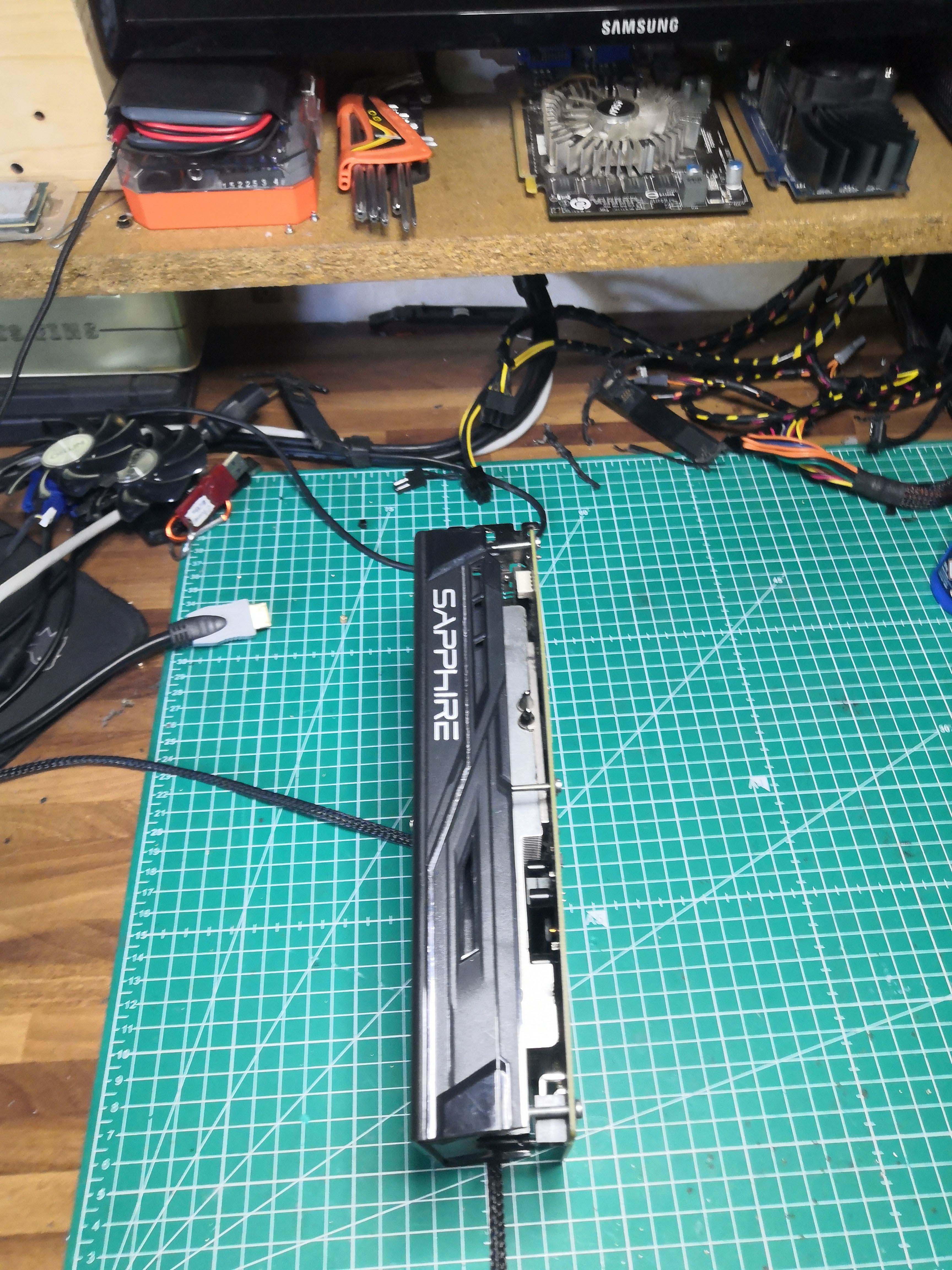
The card has gotten a bit bulkier due to the thickness of the 92mm fans; I just used larger screws in the original mounting holes. After reconnecting it to the test bench, it doesn’t even interfere with the use of the other PCIe ports.
That’s it, all done.
Card reinstalled in the test system (FX-6300 / Gigabyte 970A-DS3P / 8 GB DDR3 / Windows 11). HWiNFO open.
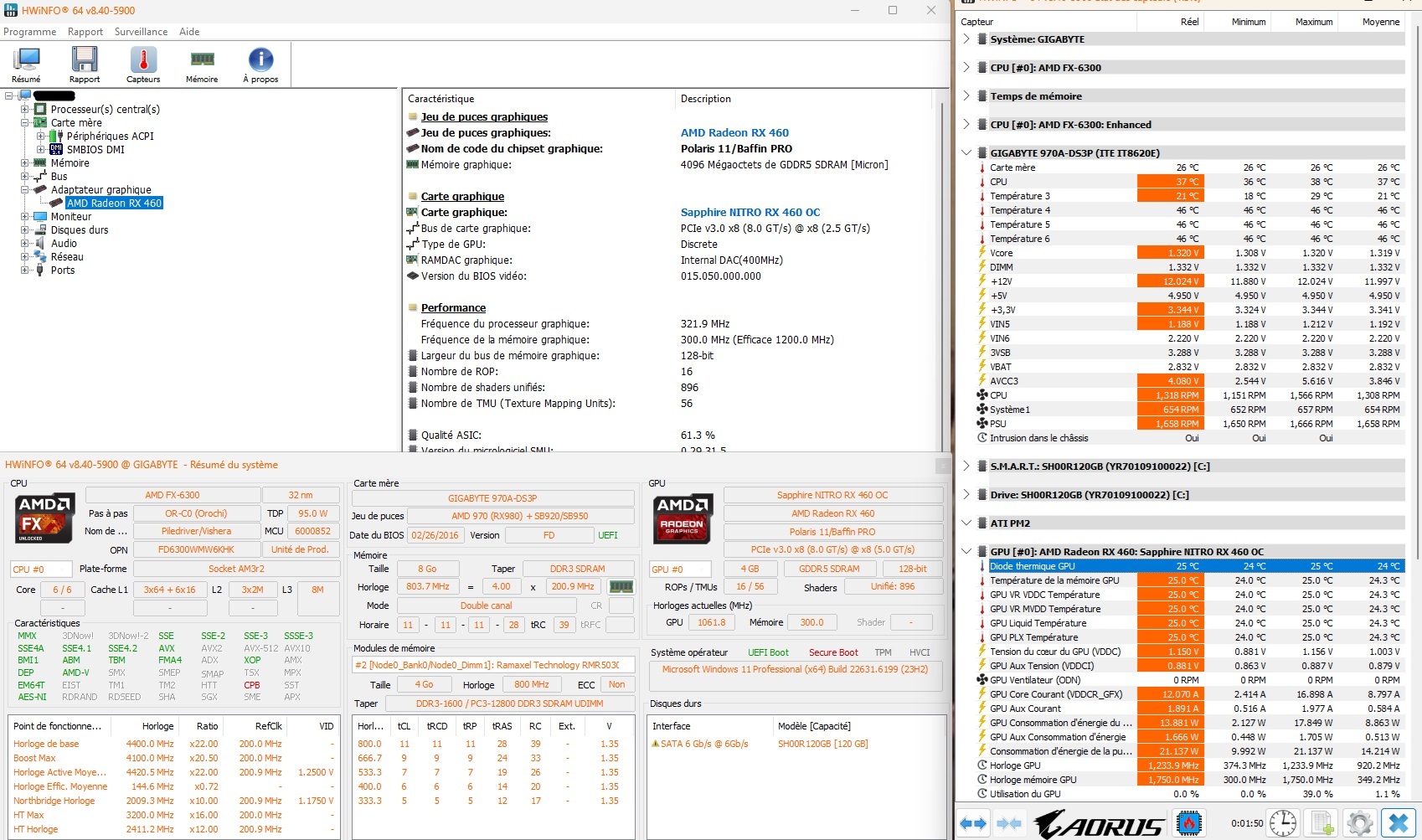
The RX 460 is back in action. The oversized stock heatsink combined with the 92mm fan even offers a slight thermal improvement over the end-of-life proprietary 85mm fans.