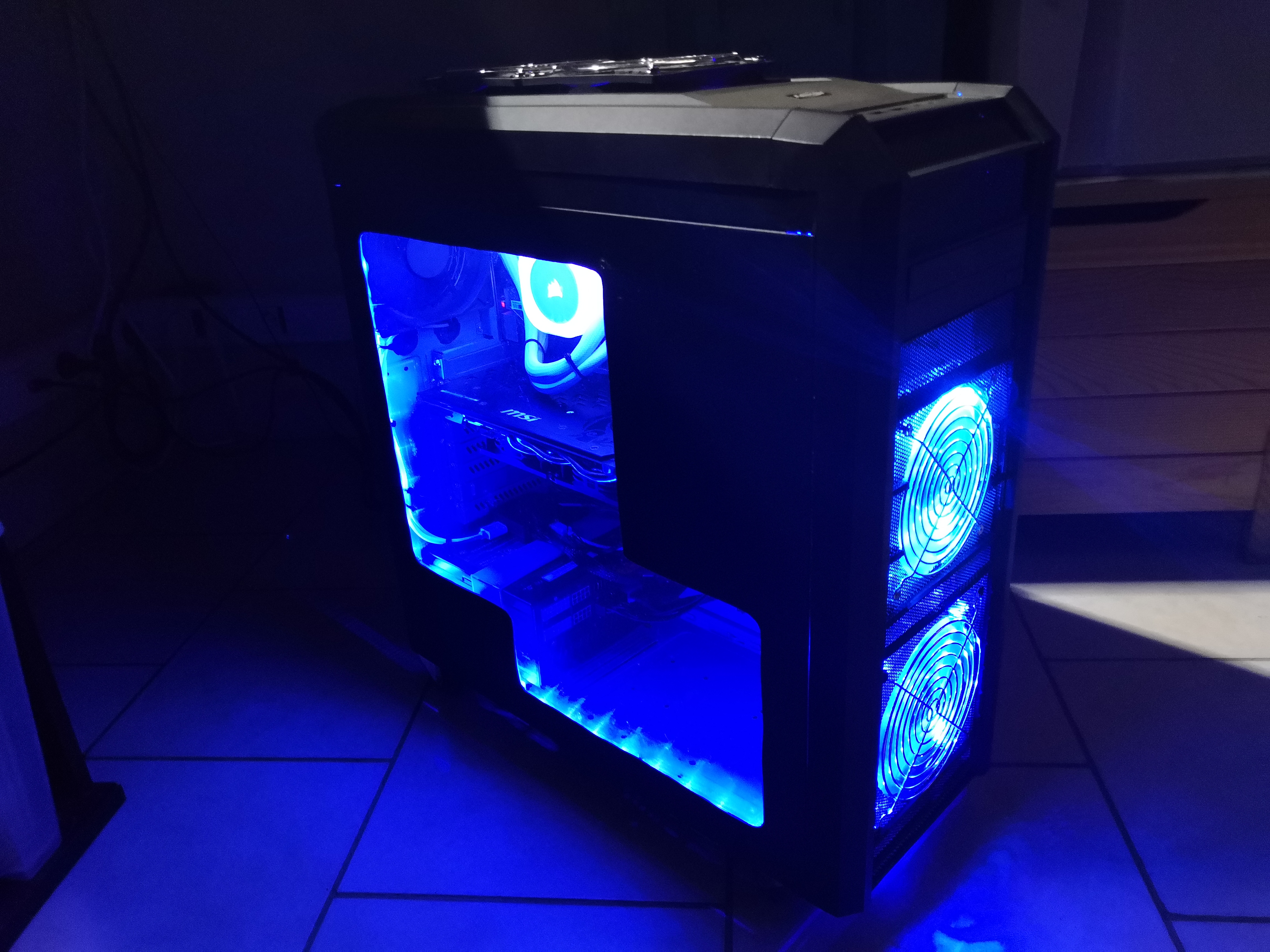
#For Christmas, I was given a CORSAIR water cooling kit. This isn't an advertisement; I just think it's good equipment. (Yes, Santa Claus does exist! Here's the proof!)
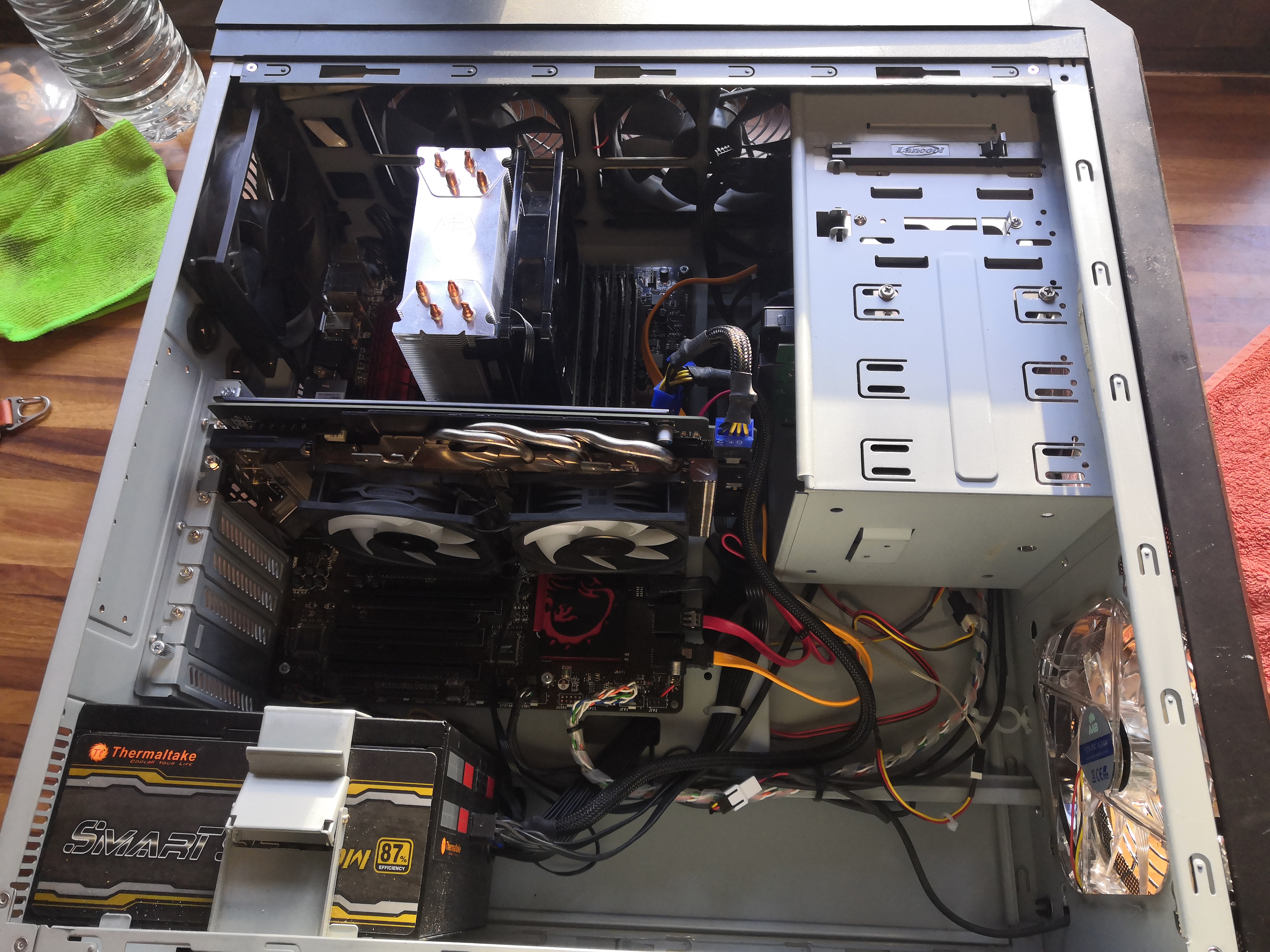 So here's the tower that will integrate the water cooling before modifications. It's a Lian Li case that's between 10 and 15 years old, but still very clean and functional.
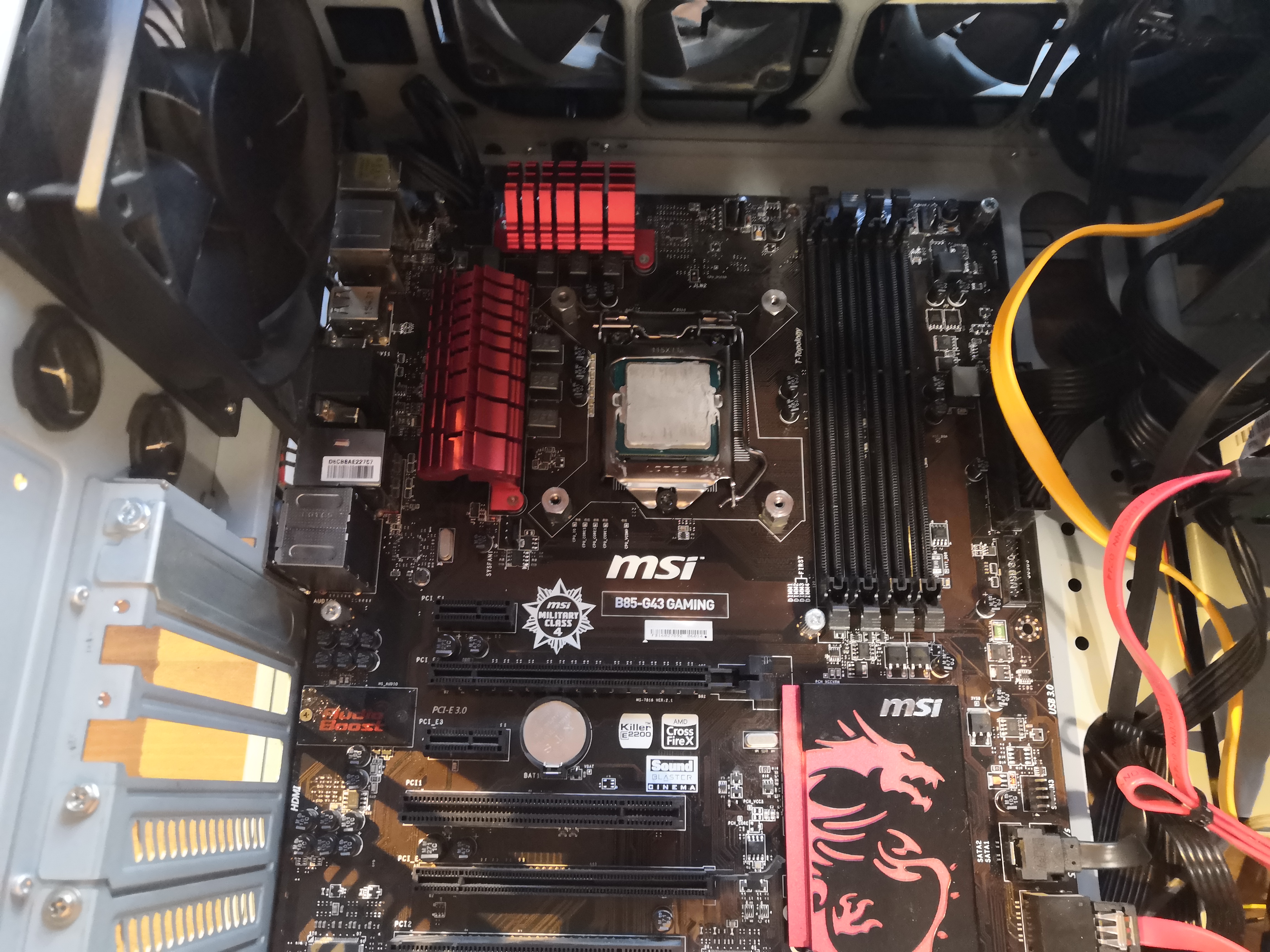 There you go, I've made some space to work.
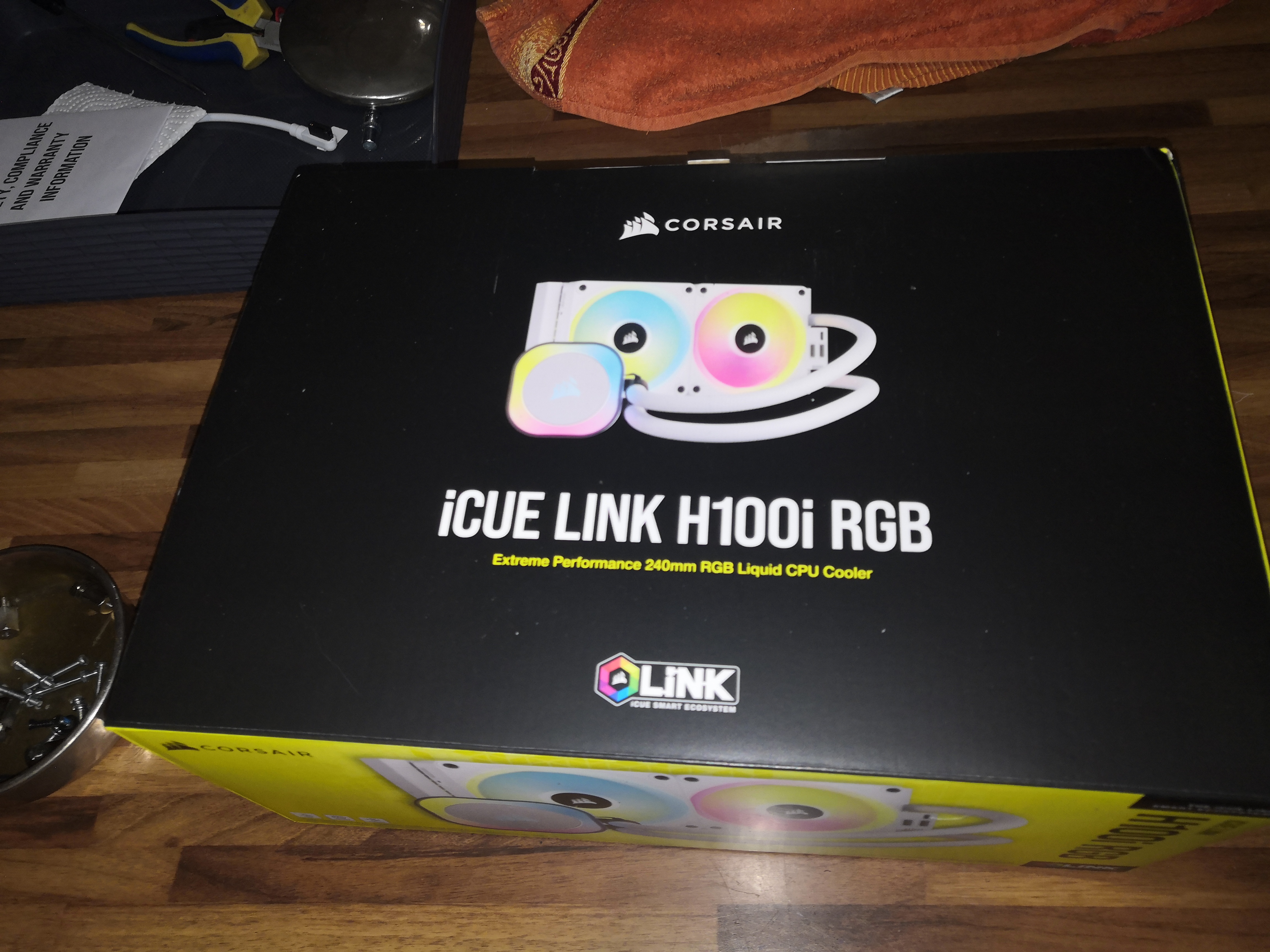 So it's a CORSAIR iCUE link h100i kit with two 120mm RGB fans.
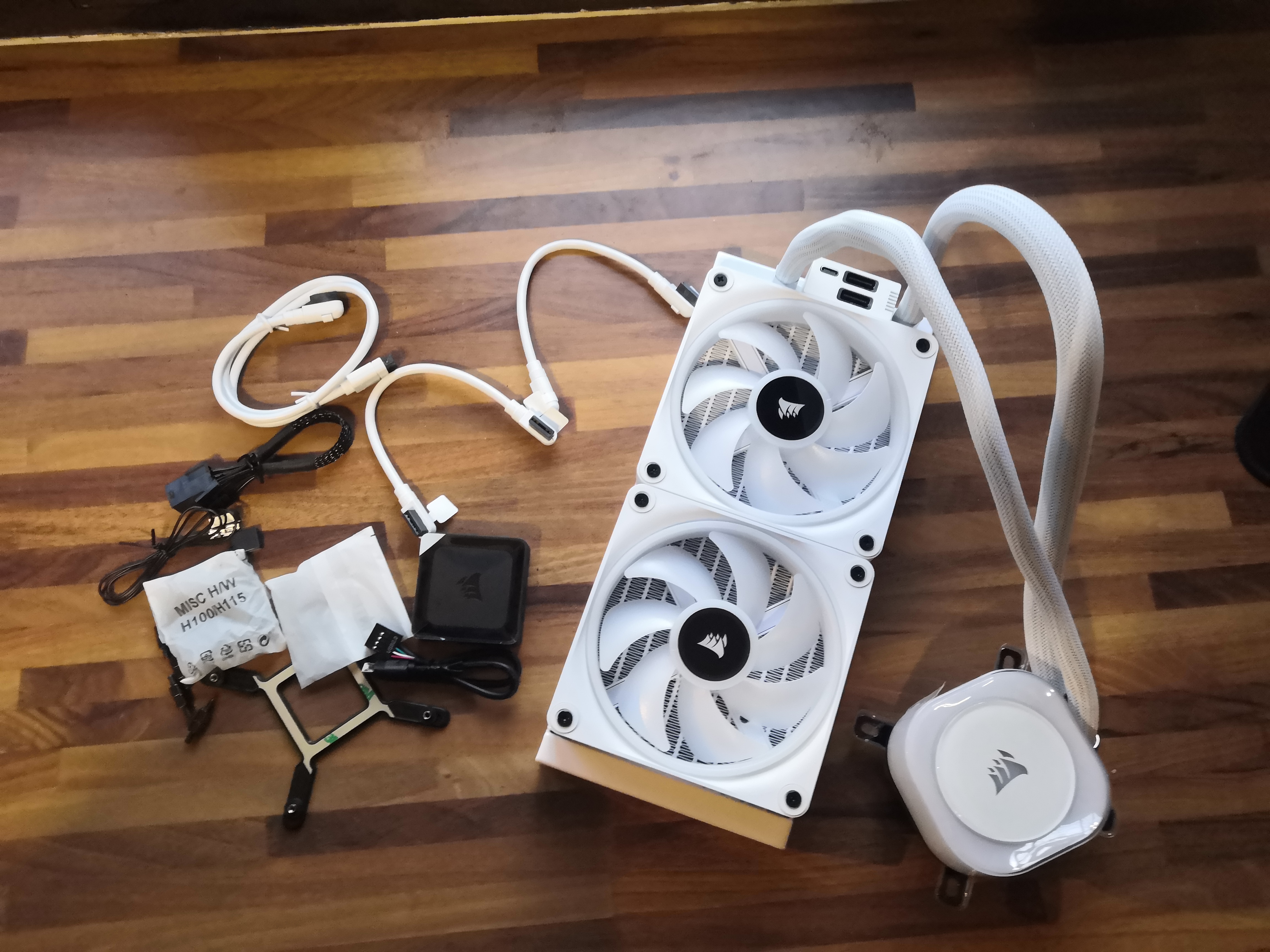 The contents of the box
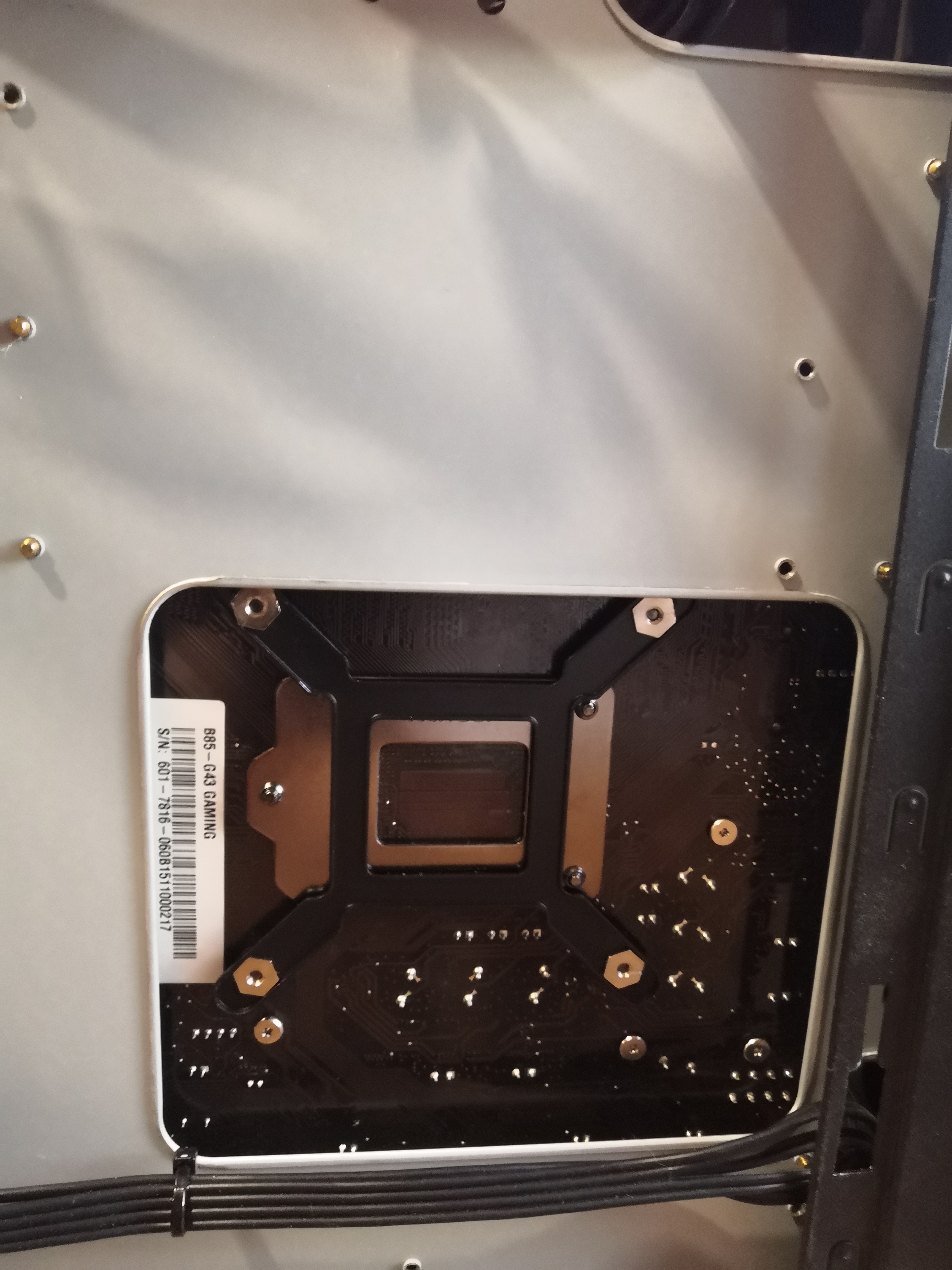 We mount the CPU spacer behind the motherboard
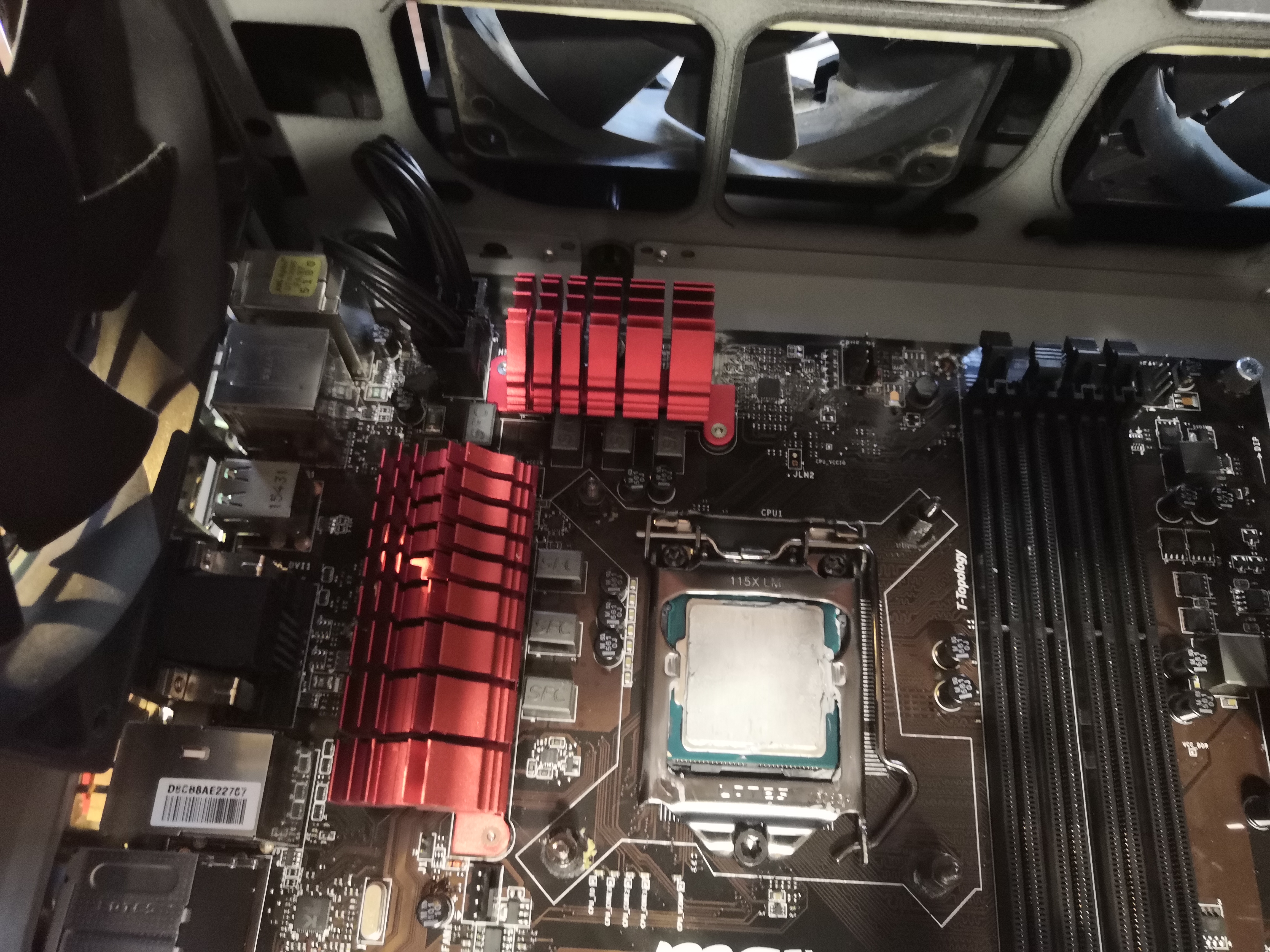 The water block mounts are in place
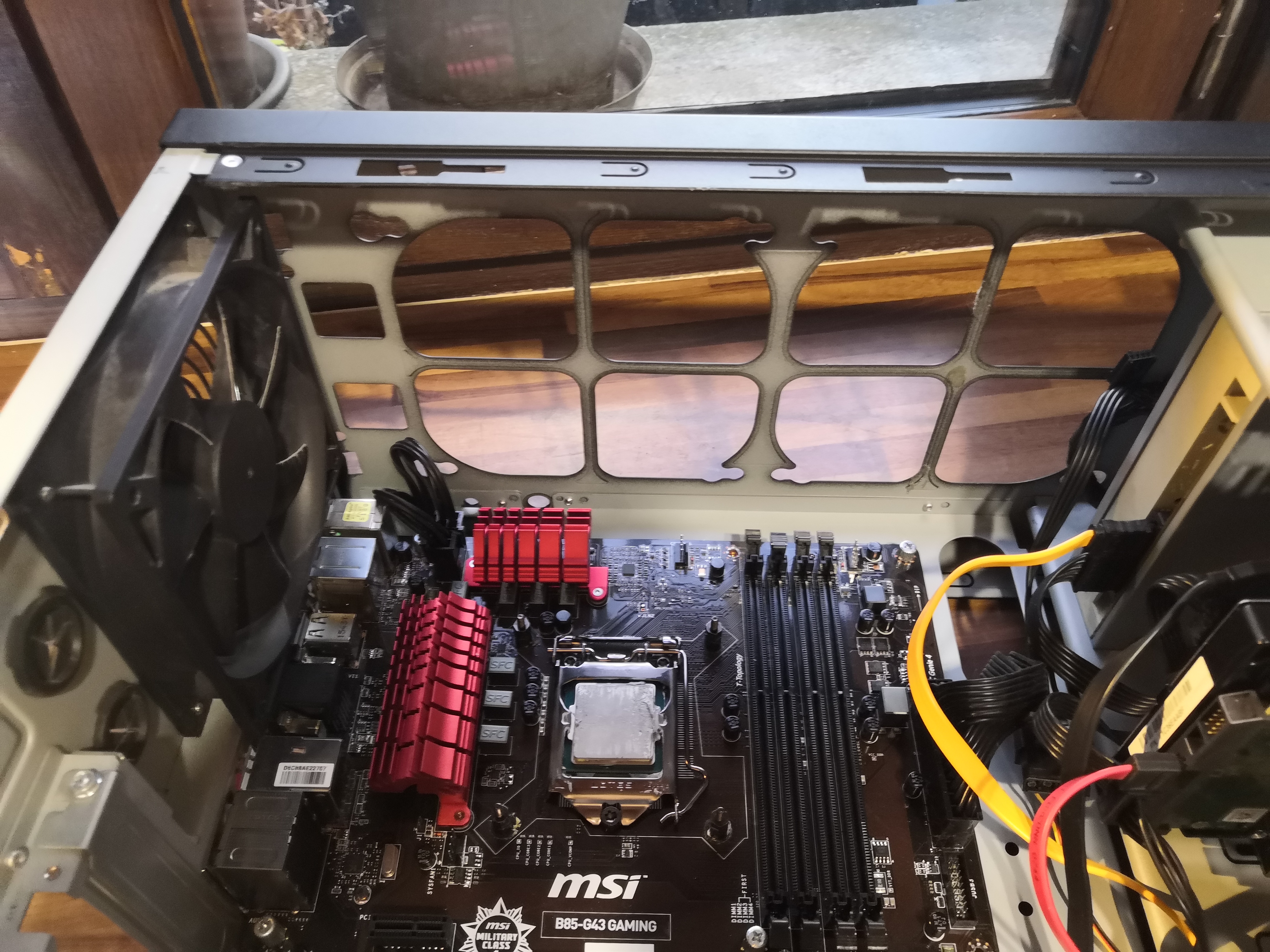 I removed the plastic cover on top of the case and quickly realized that the case had already been designed to allow for this type of modification.
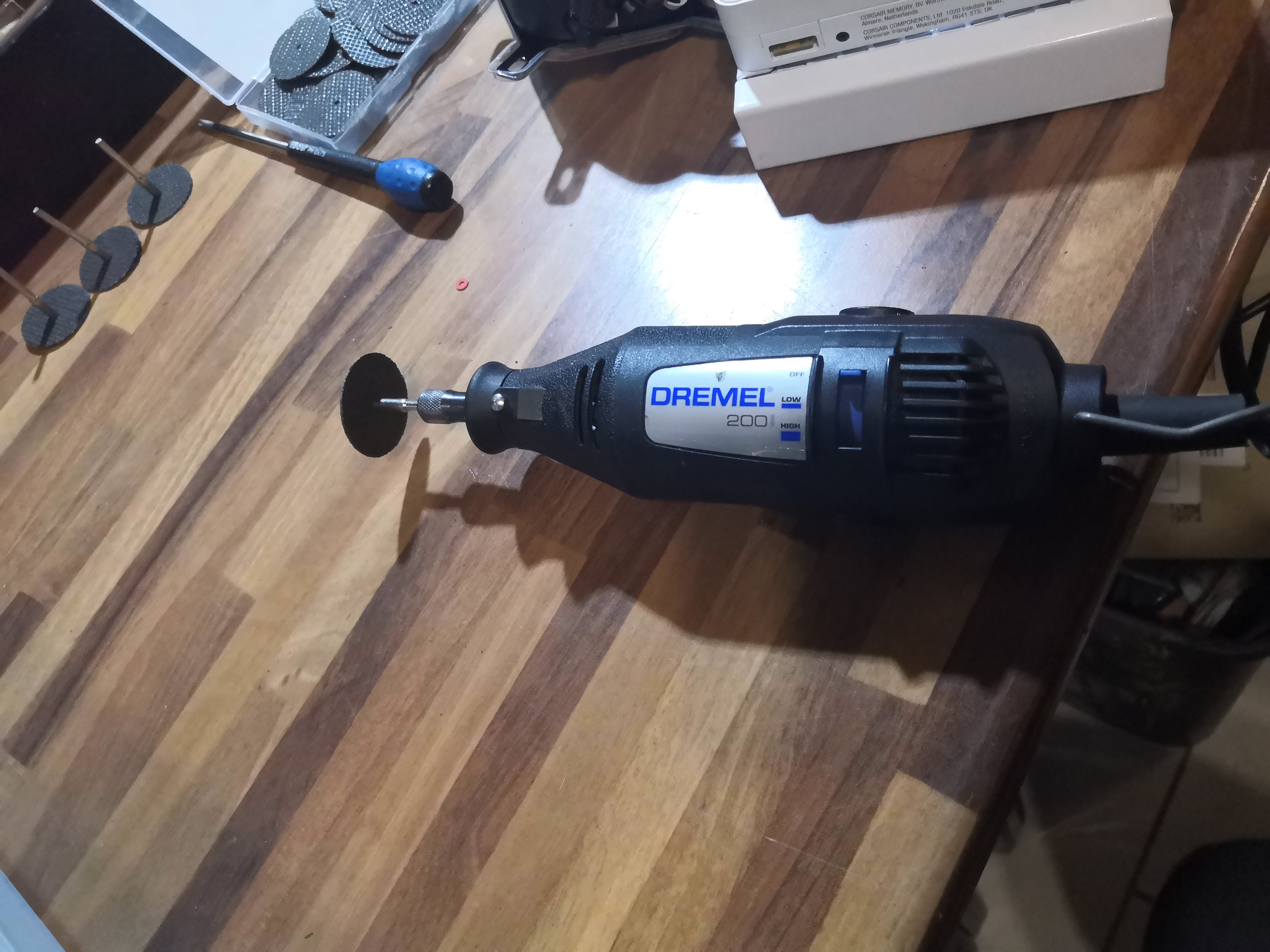 That doesn't mean you don't still have to get out the Dremel
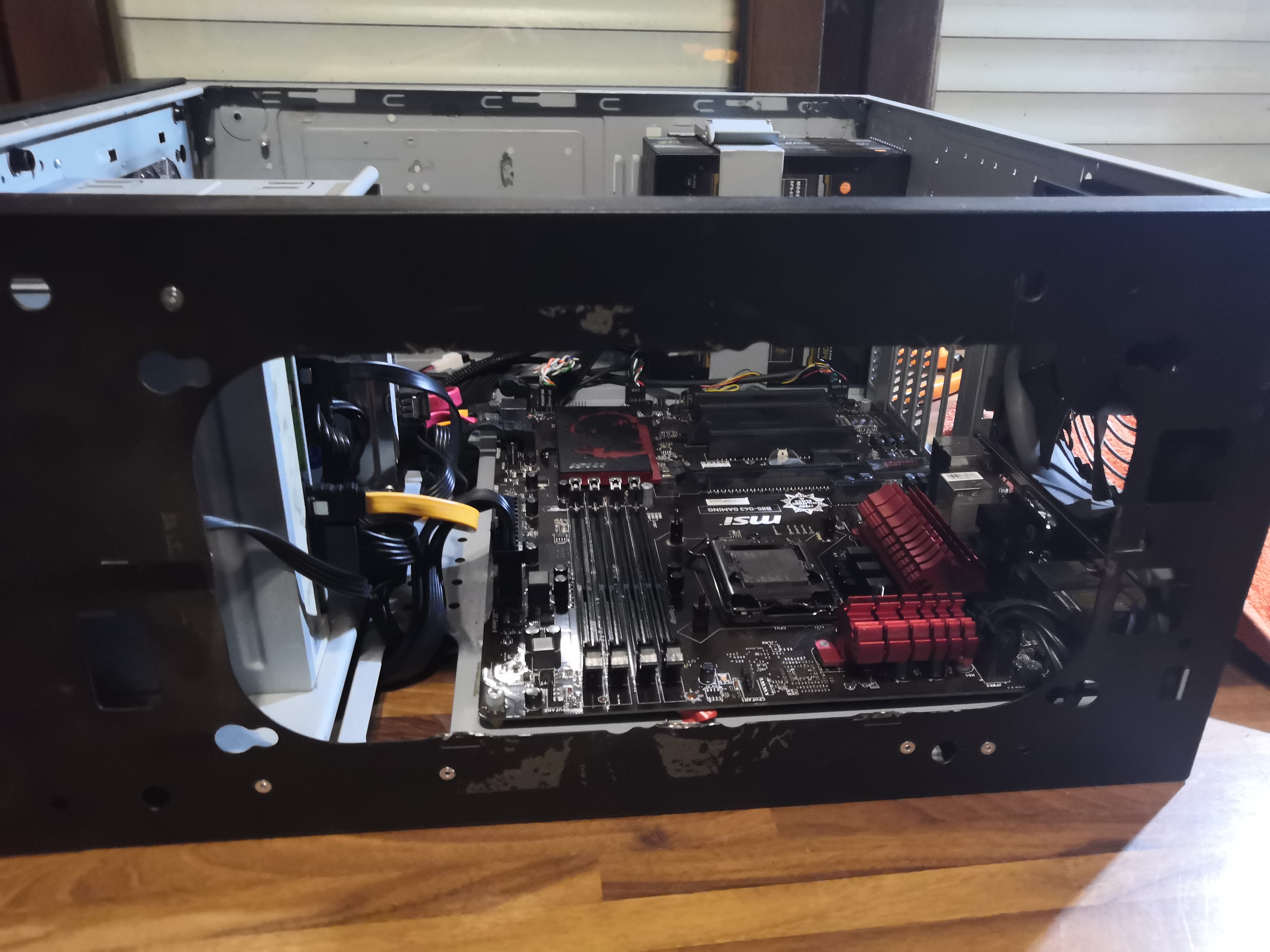 This time we have a nice spot to insert the radiator
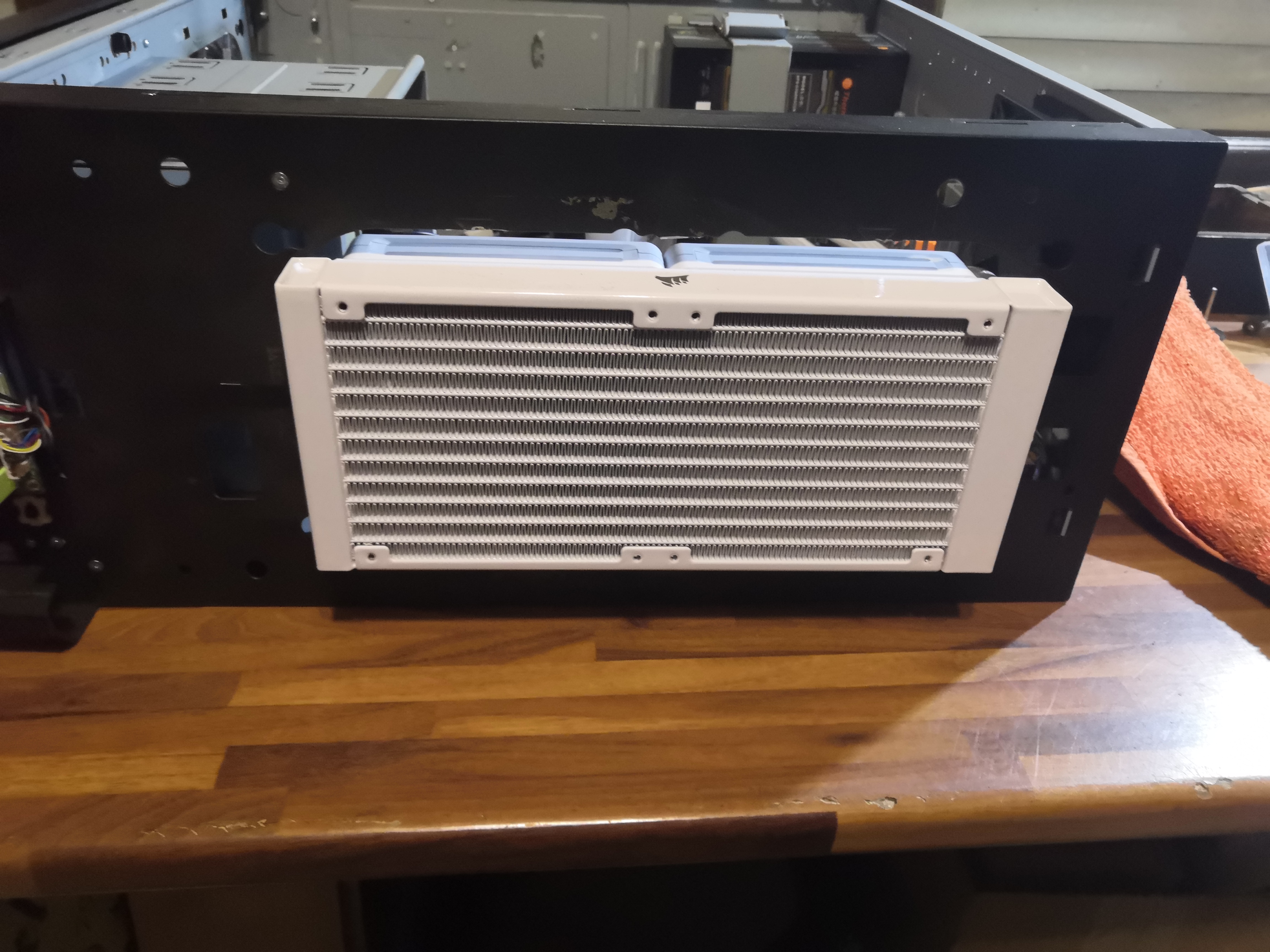 First tests and it's going smoothly
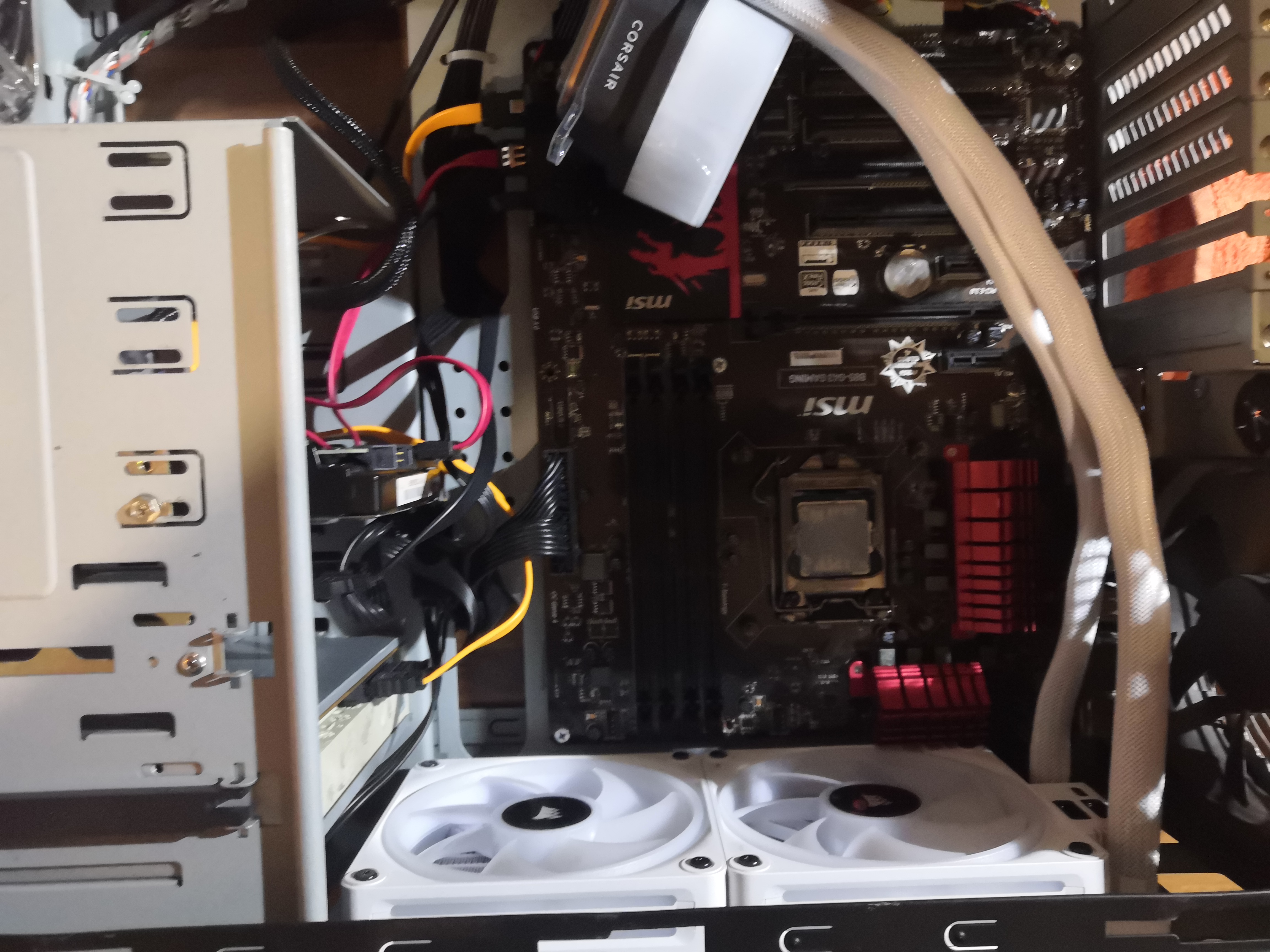 View from the inside
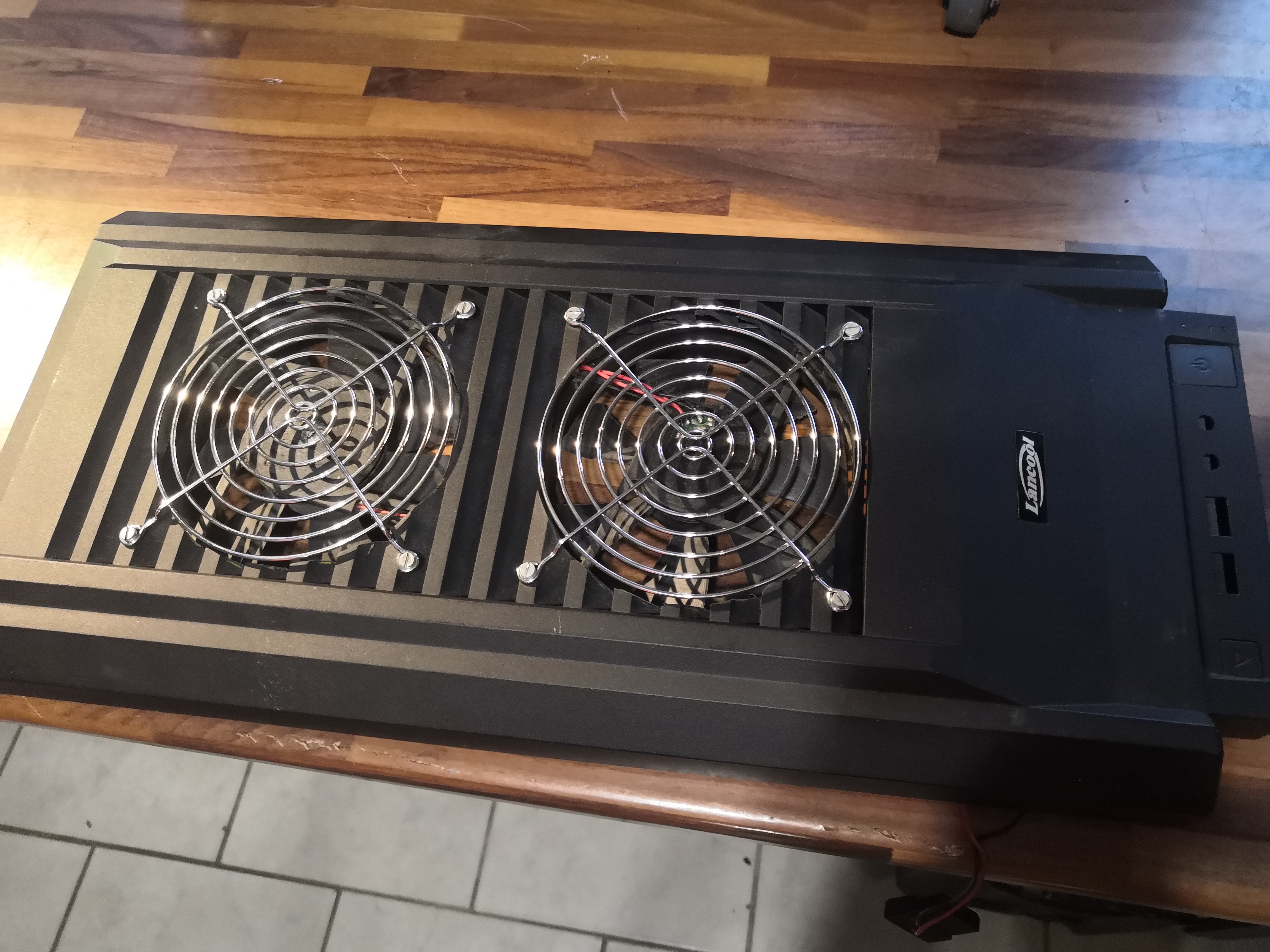 I had already customized the upper plastic cover a little by integrating two 120mm fans for air extraction.
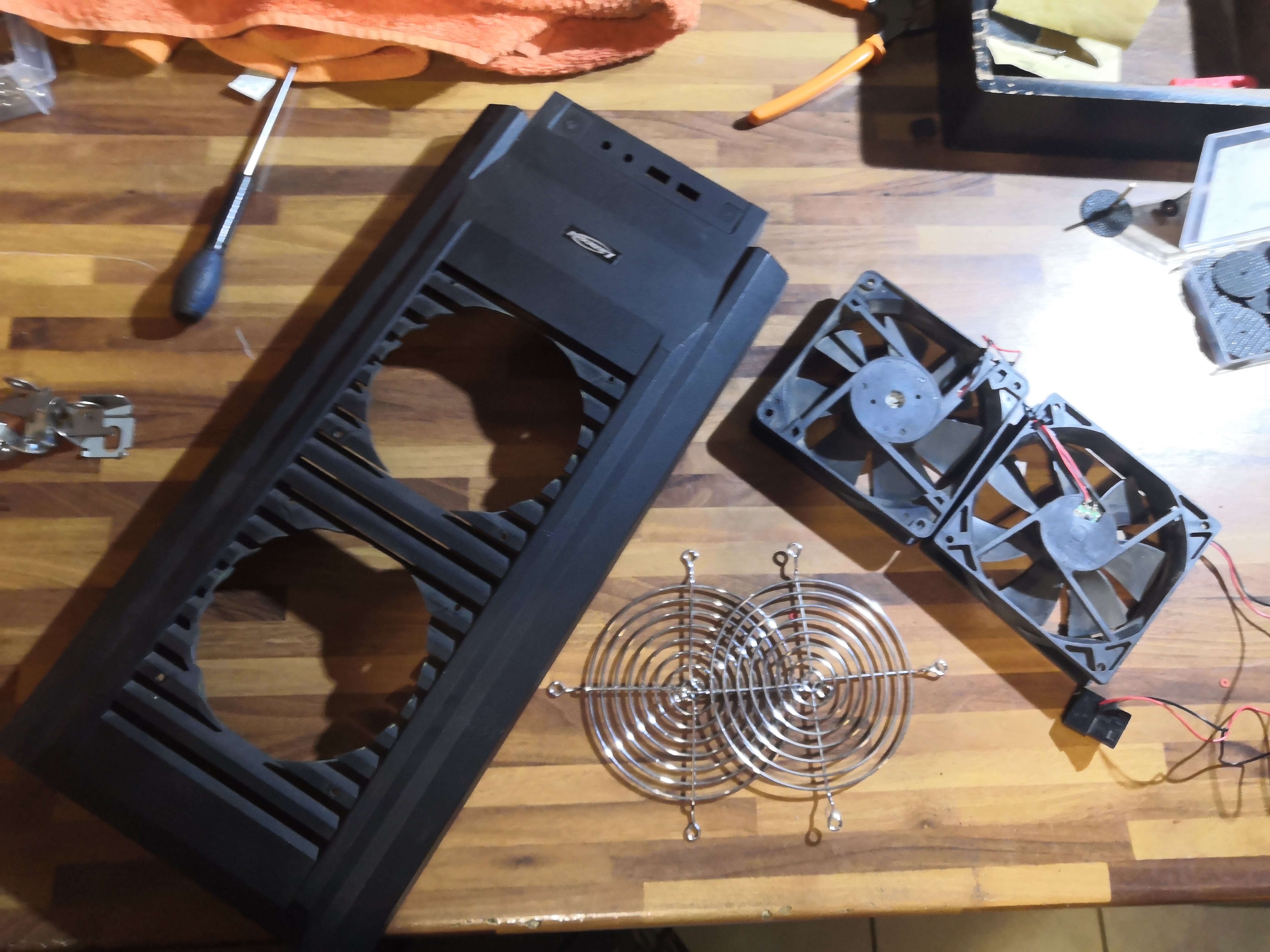 I remove them.
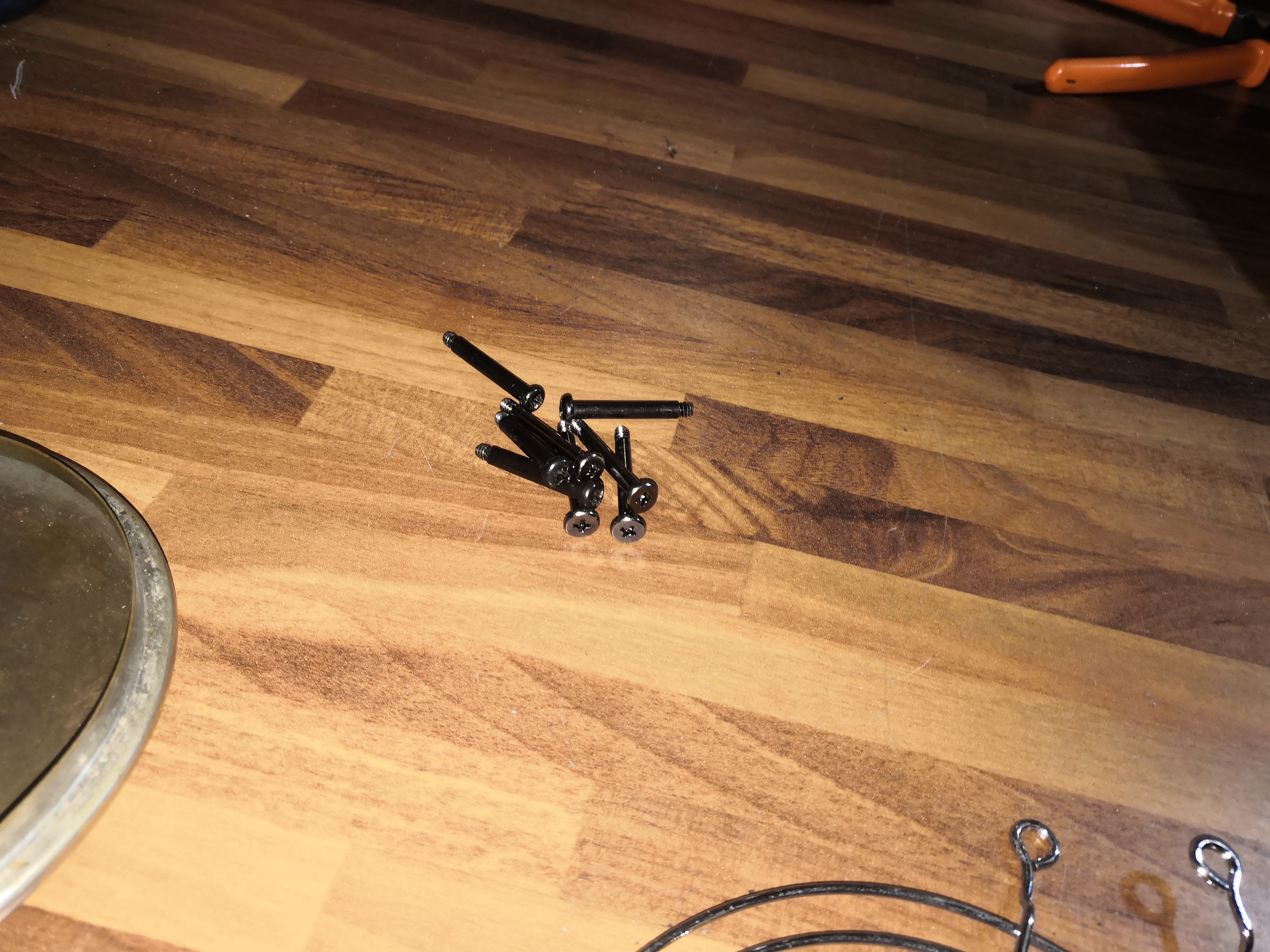 The kit comes with eight magnificent screws that will allow me to…
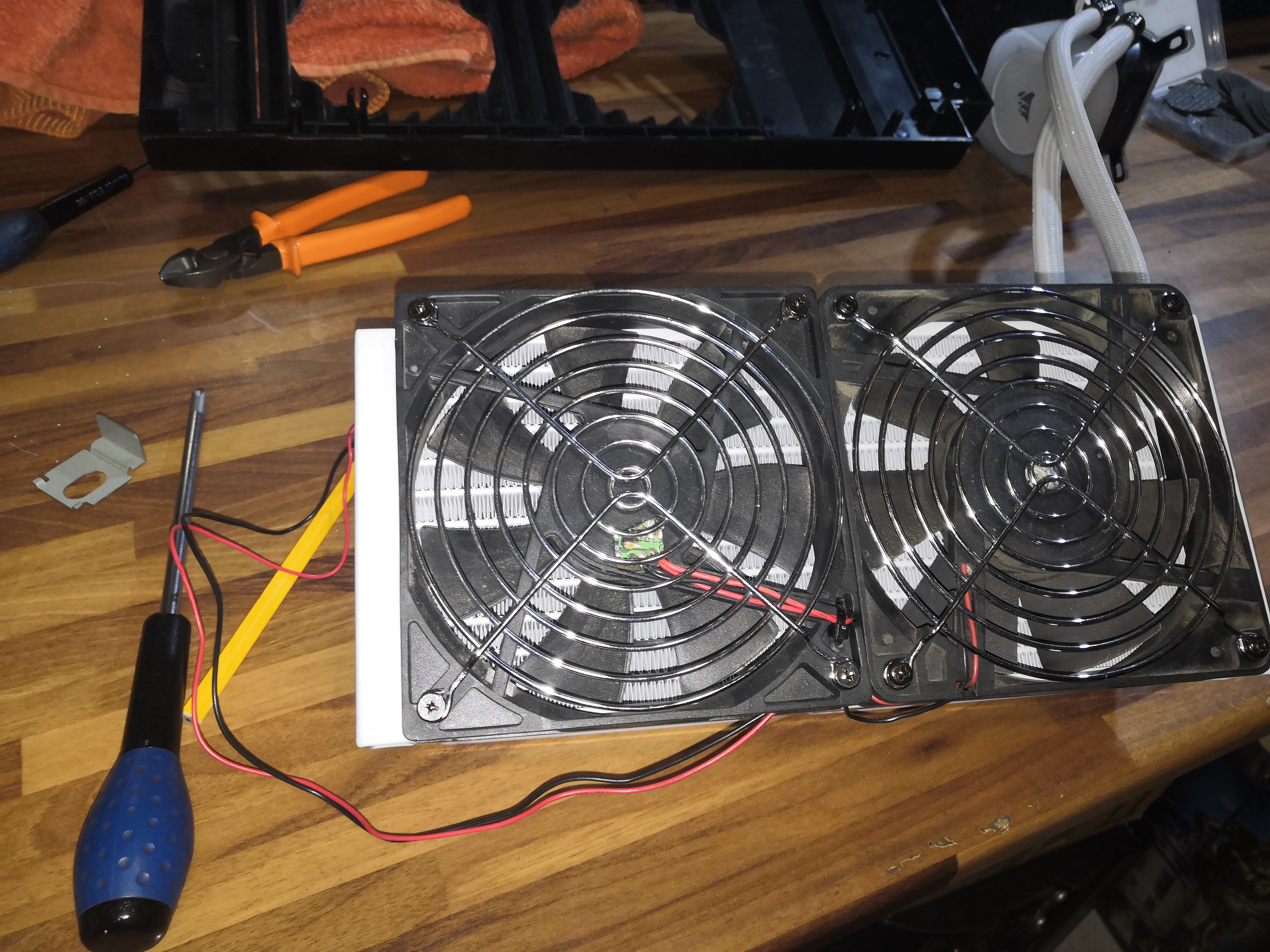 …directly reattach the two 120mm fans to the radiator.
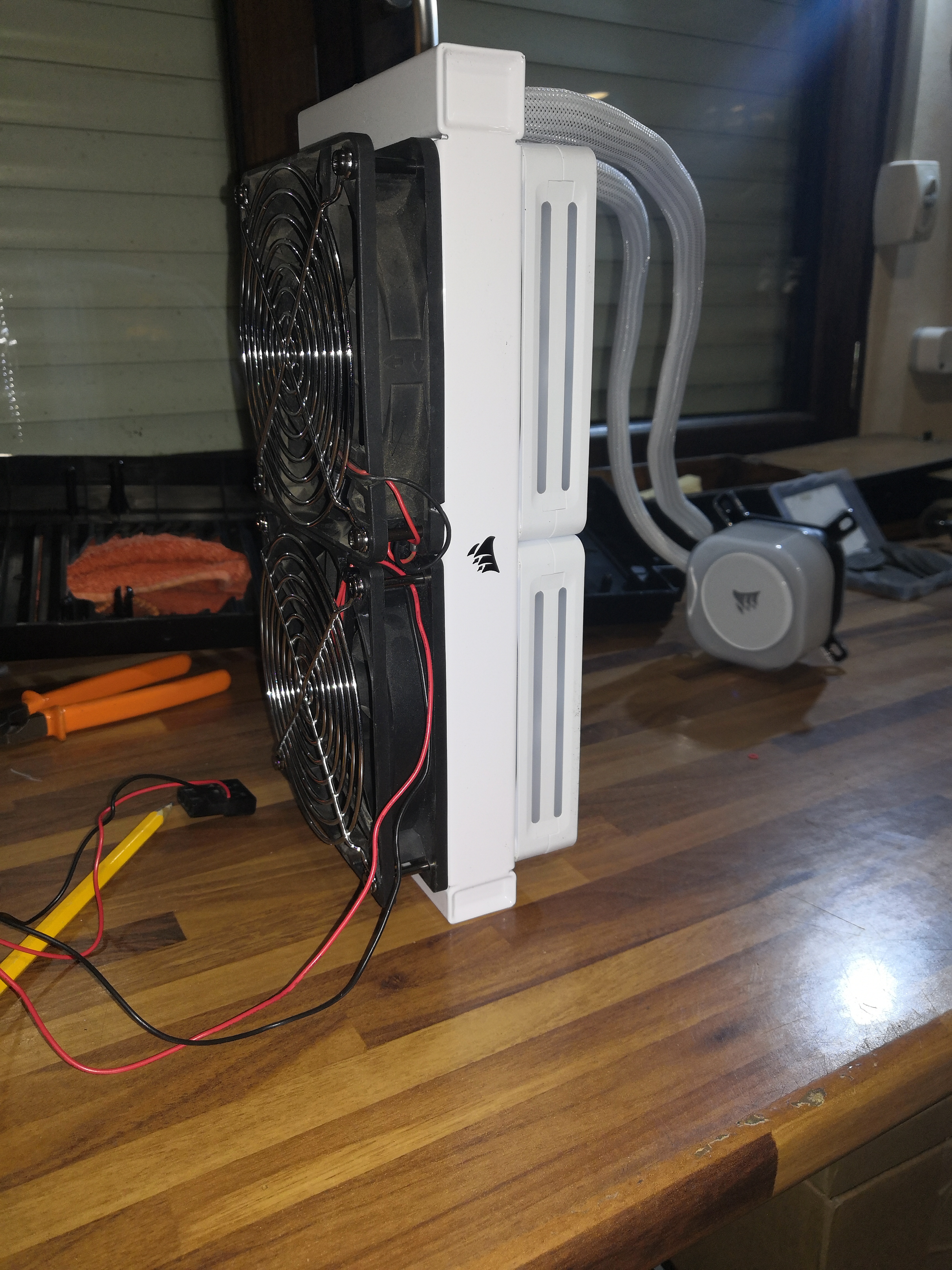 Push/pull configuration
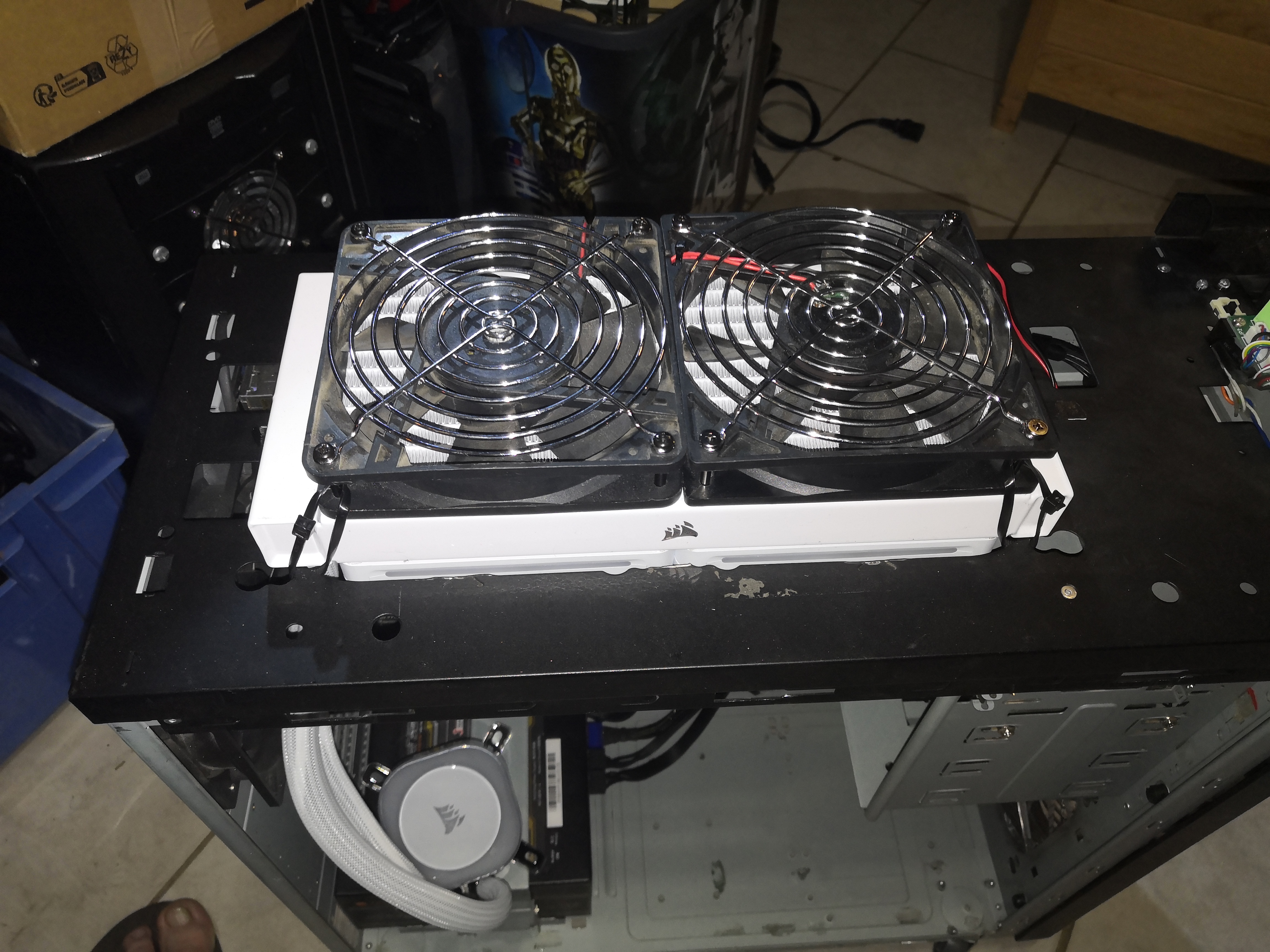 Fastening with clamps, quick and inexpensive, avoids making holes in the radiator, which would be a pain, and acts as a silent block.
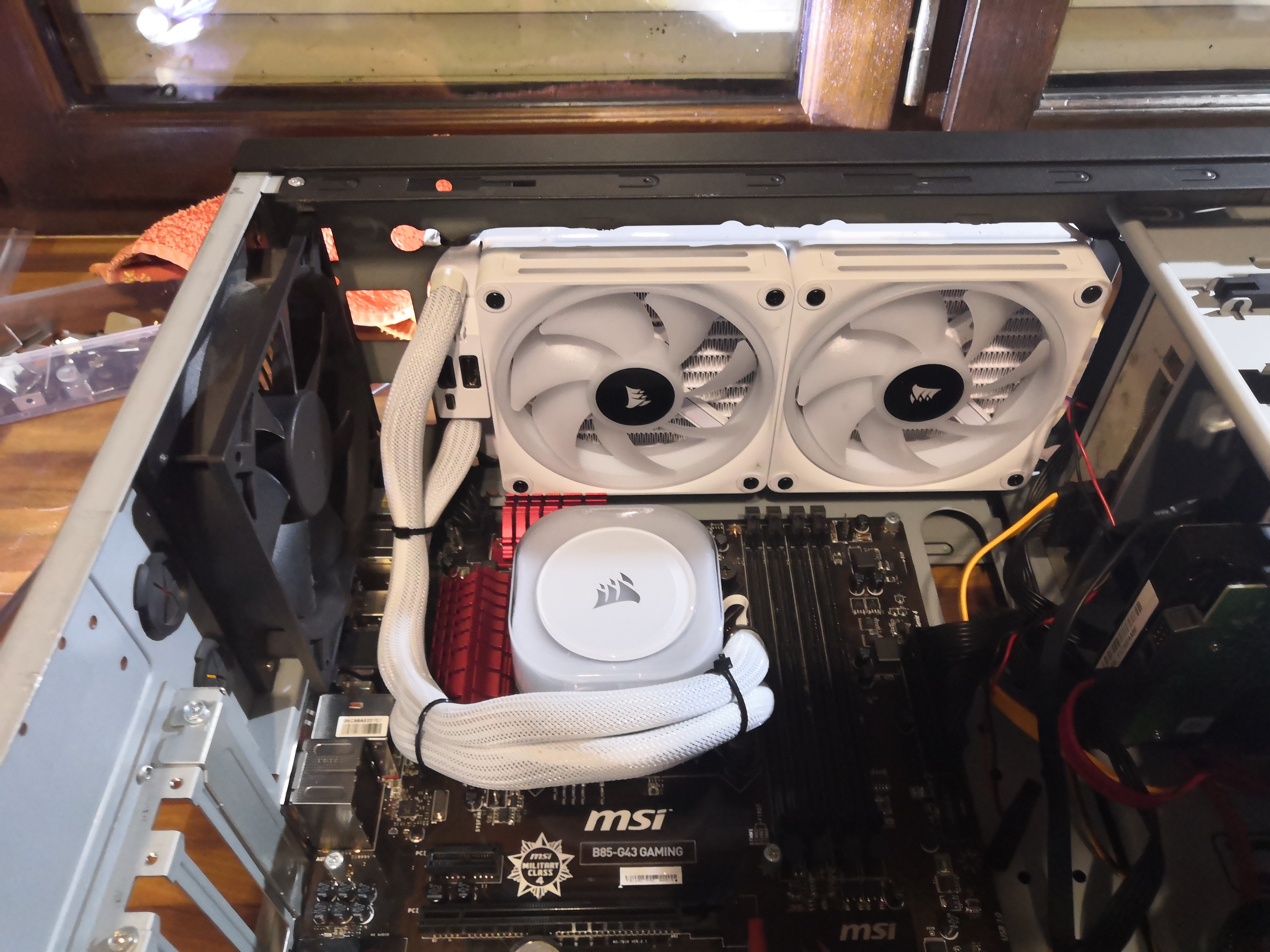 View of the interior with the water block reassembled on the CPU.
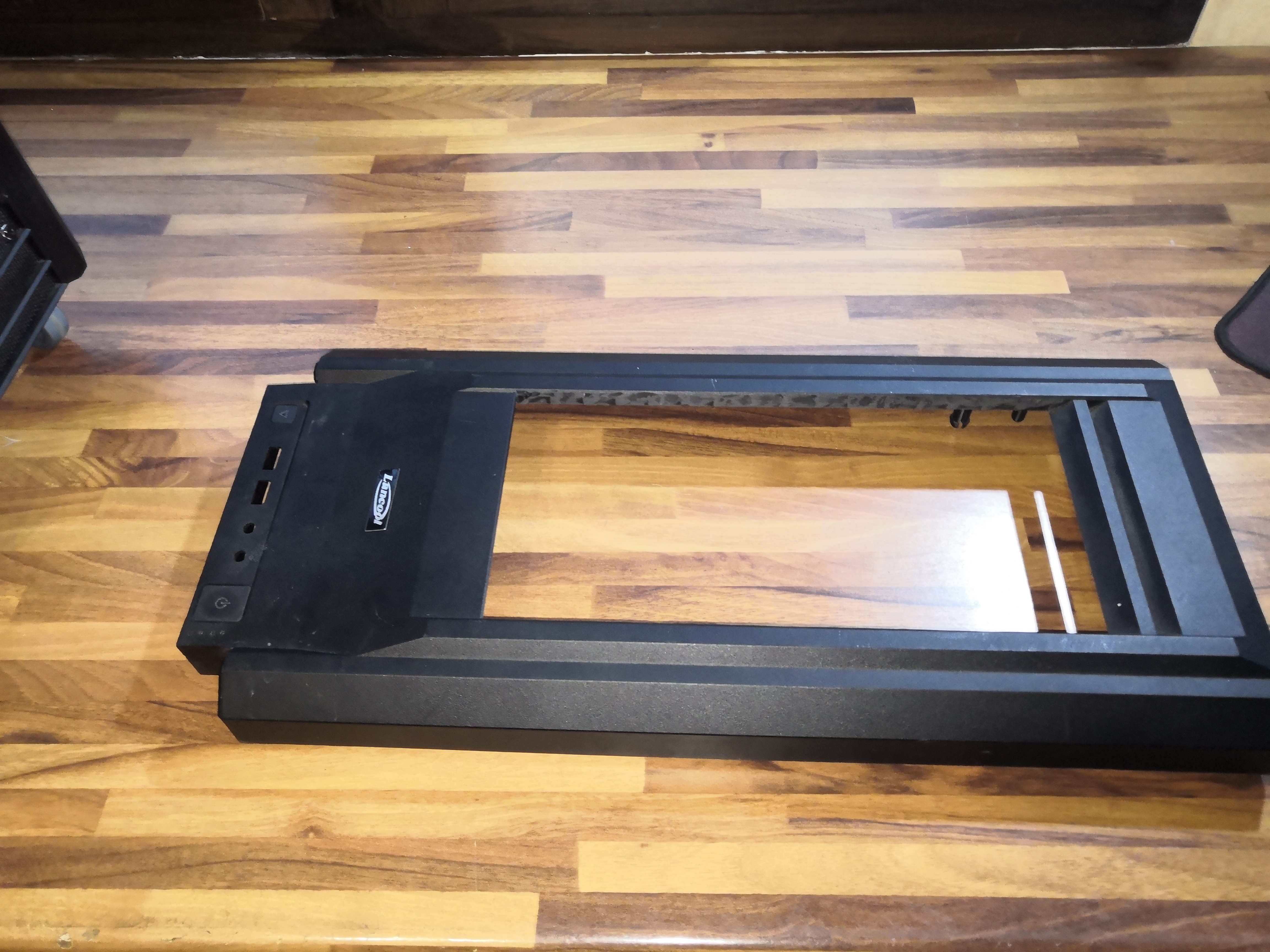 I reworked the plastic cover a little.
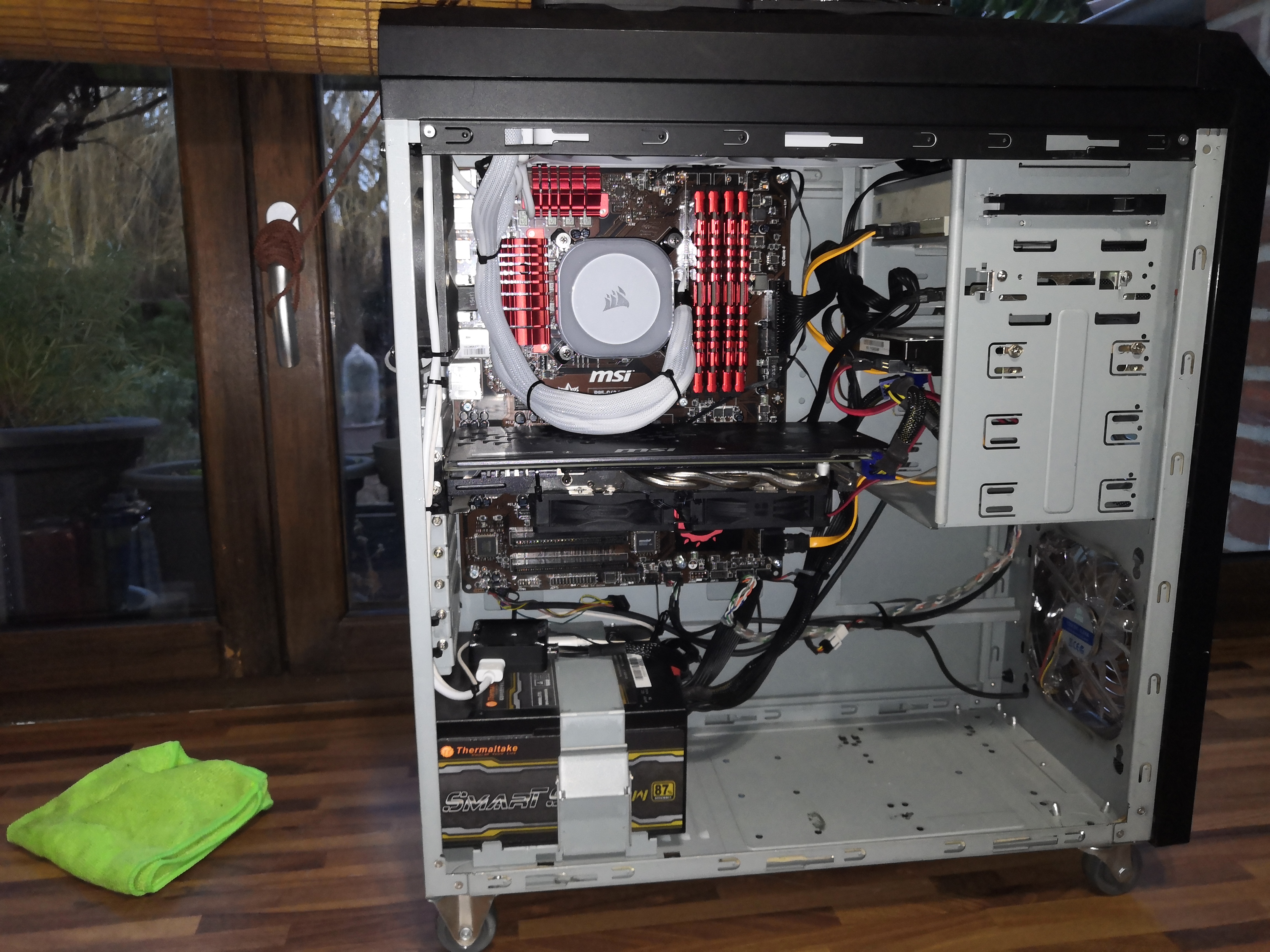 Reassembly
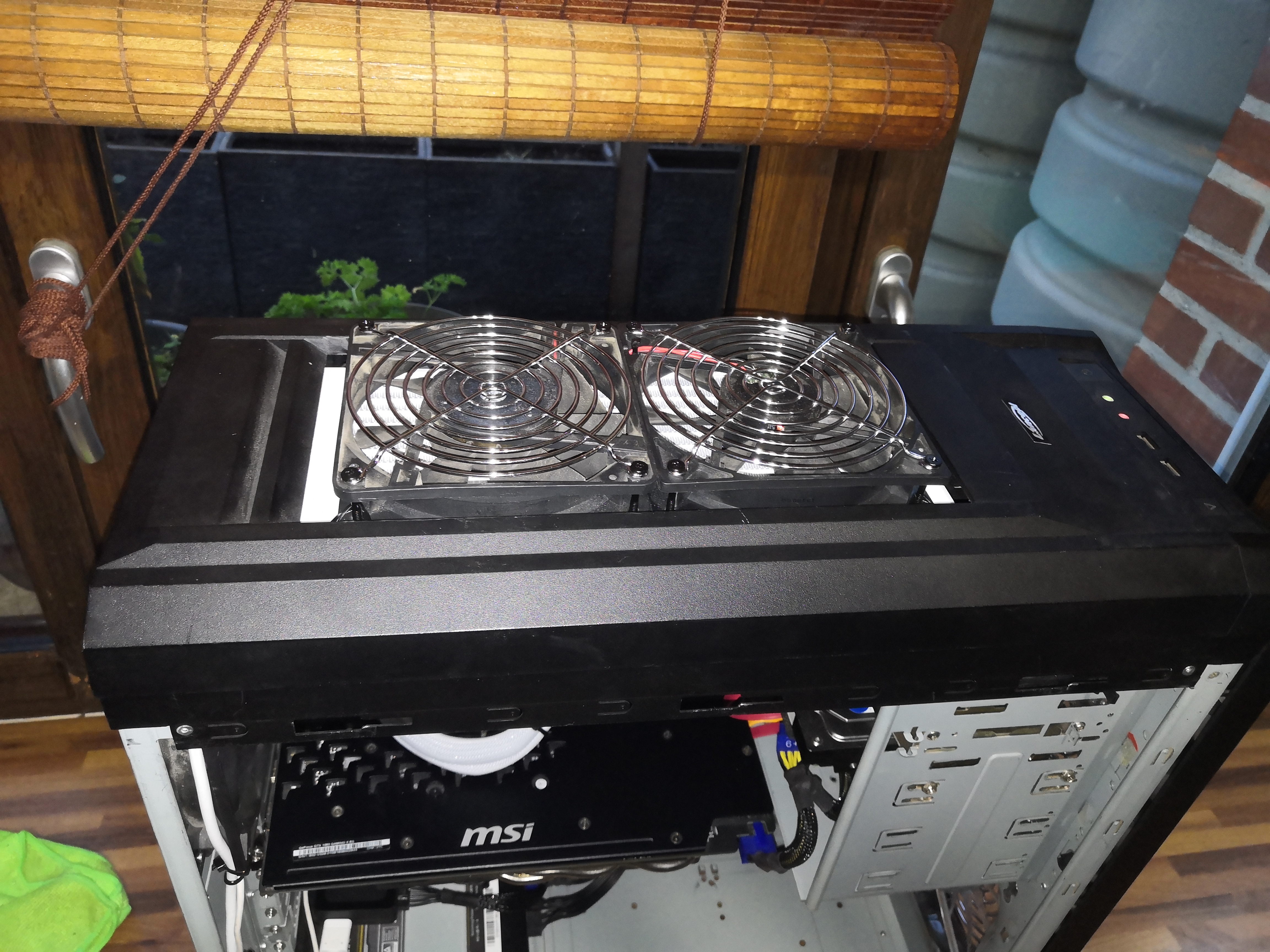 It fits well
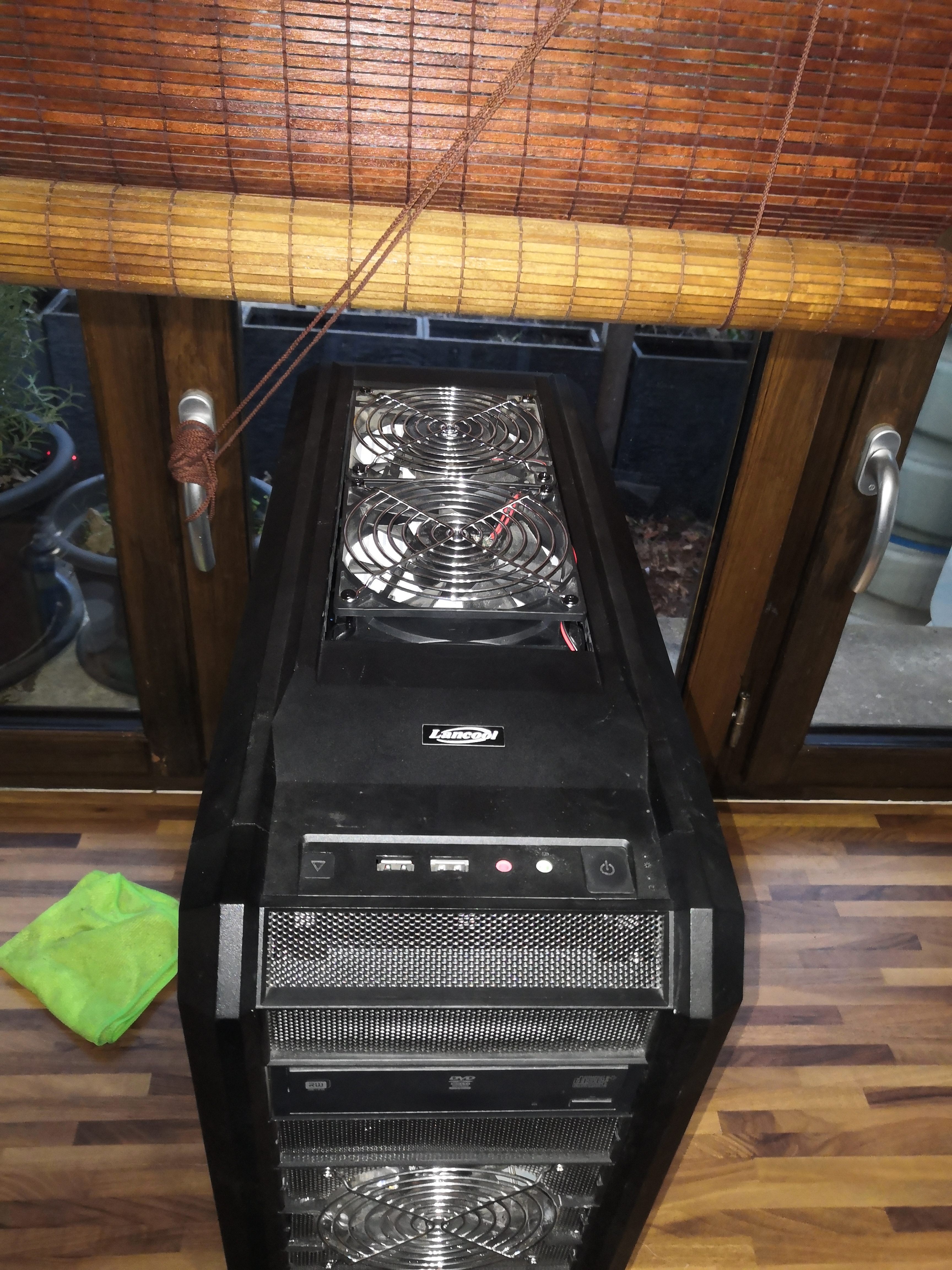 Admiring the finished work