4th build. A case that didn’t ask for anything—no valid reason.
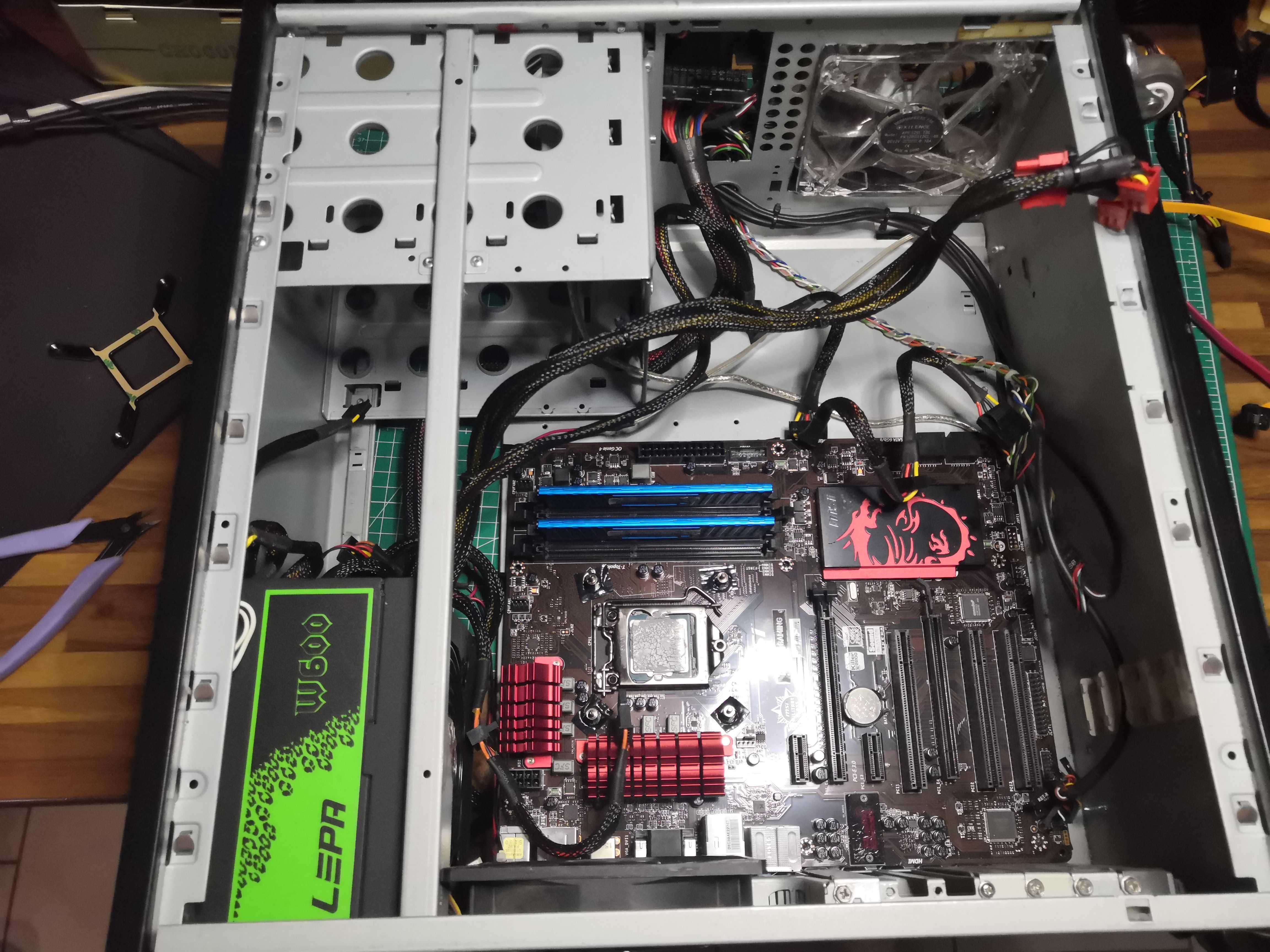
There are sensible people who buy a new case when they install a 240mm AIO. And then there’s me.
The subject: an old Antec tower that has clearly seen better days and whose design dates from another era. The motherboard: an MSI B85-G43 and an i7-4770K that needs no introduction
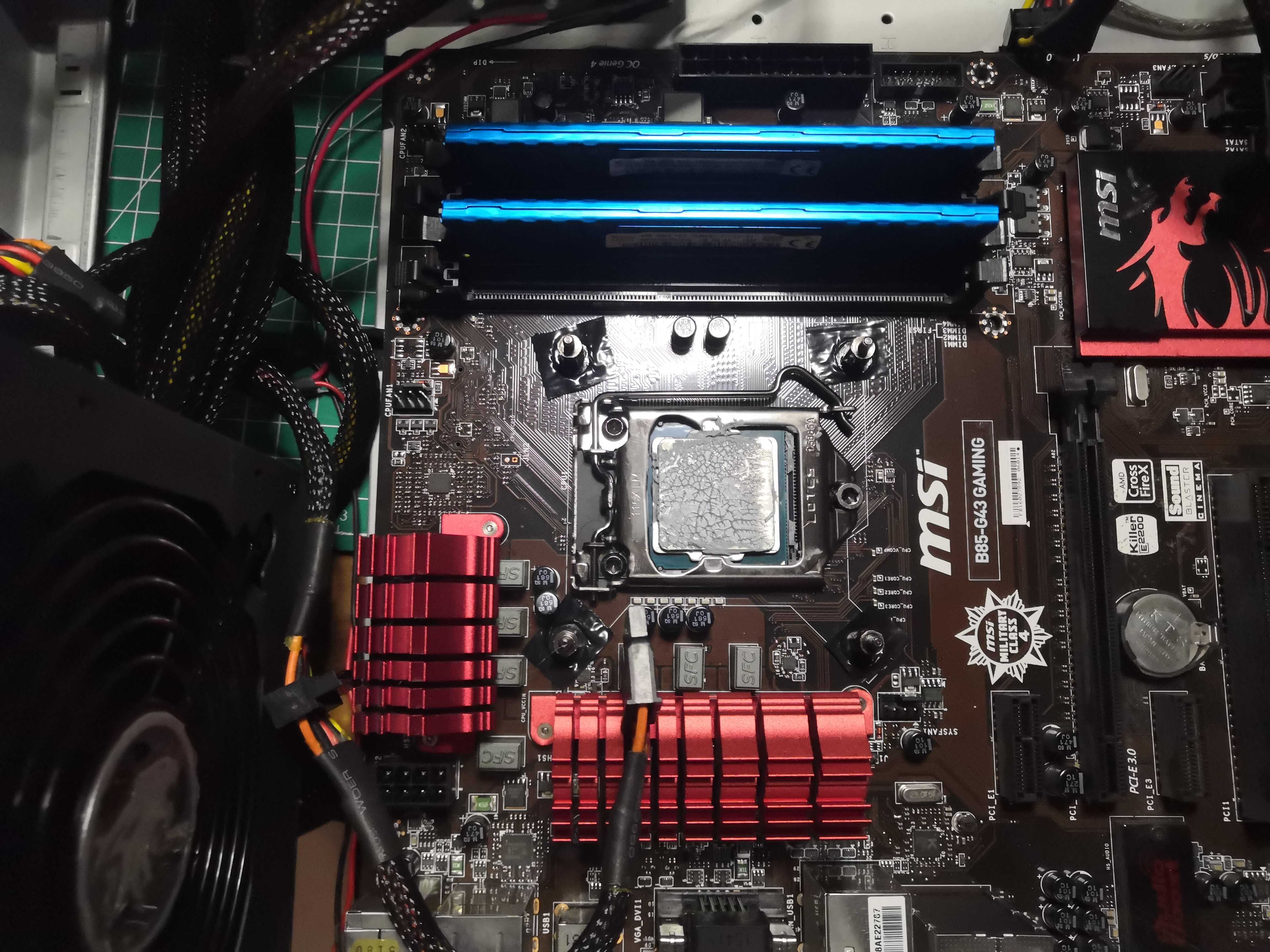
The problem, short version
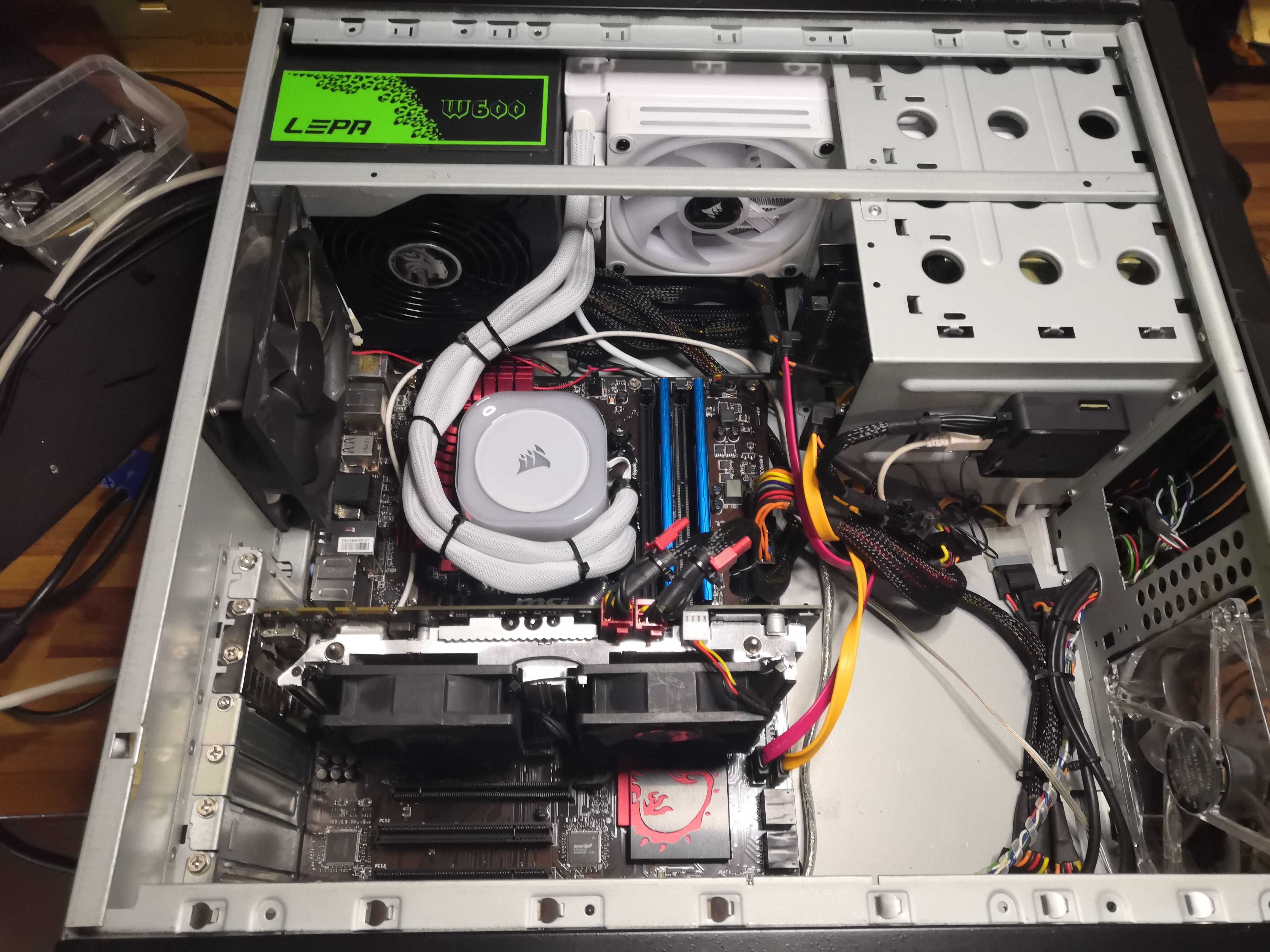
The case has no space for a 240mm radiator. Not at the front, not at the top, not anywhere. After removing the top panel, first positioning test inside to see what’s feasible.
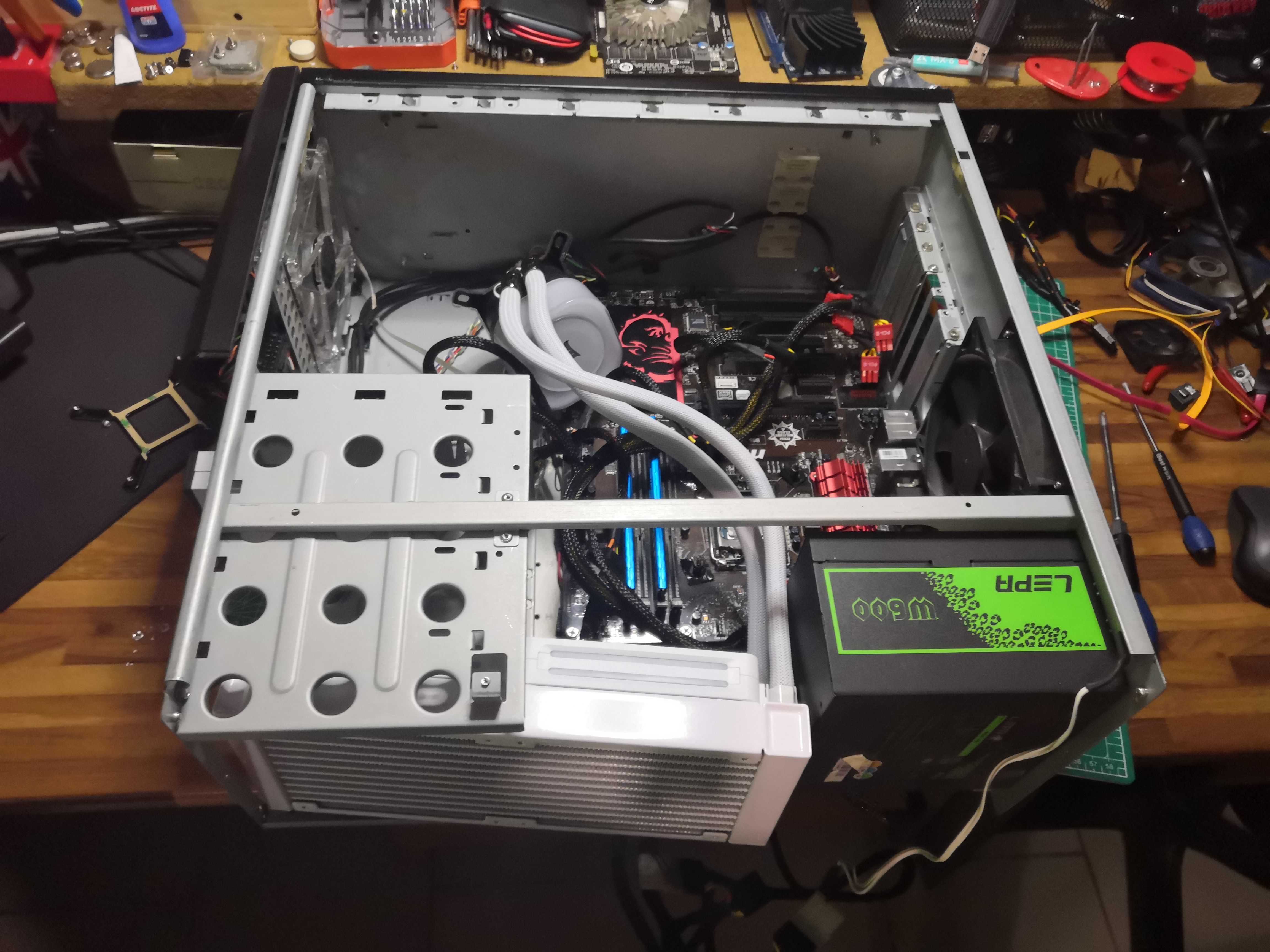
Verdict: it fits, but not without some surgical work on the metal. Off to the workbench.
The solution, DIY style
Grab the marker, the hole saw, and a little bit of ingenuity.
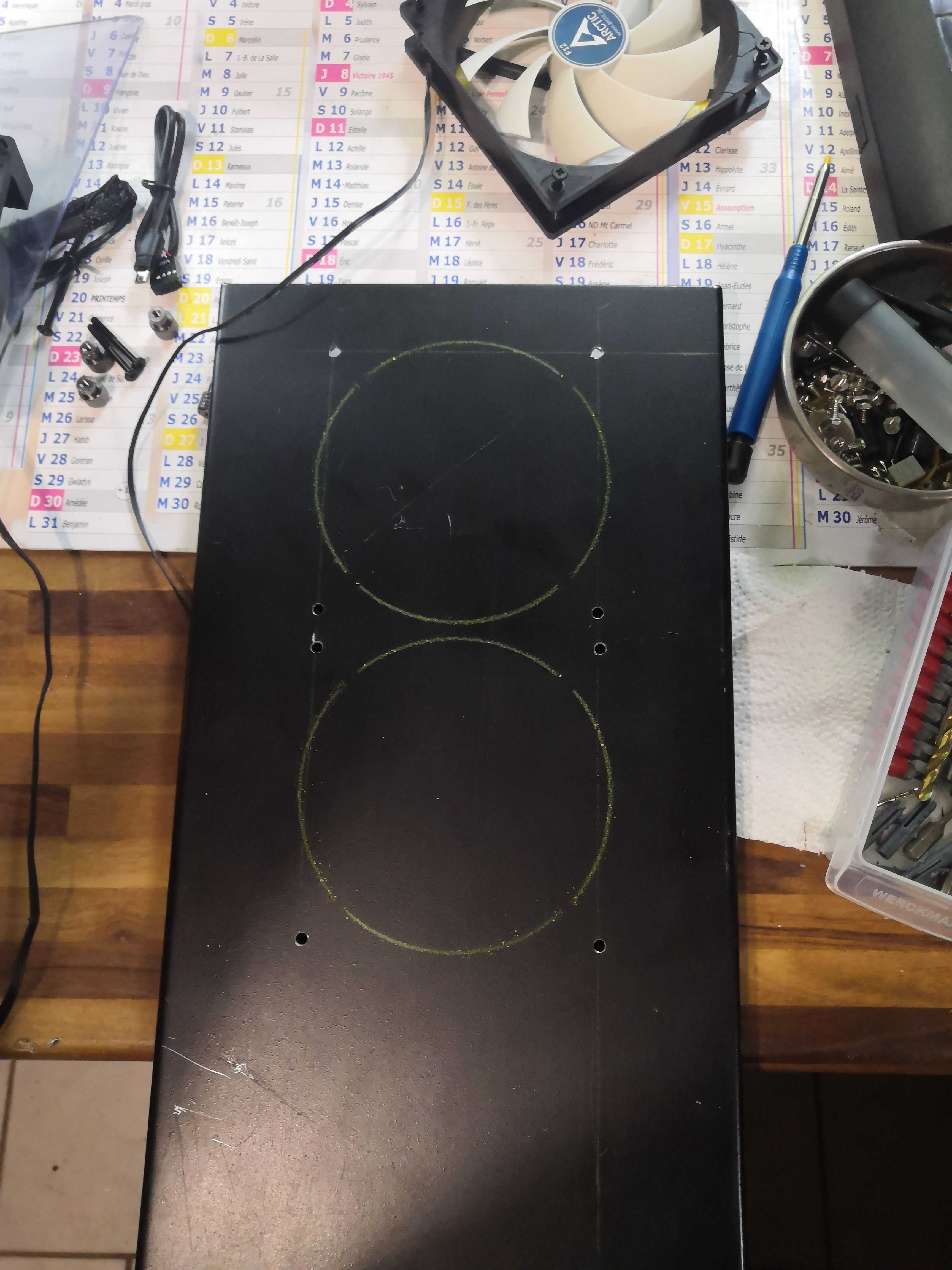
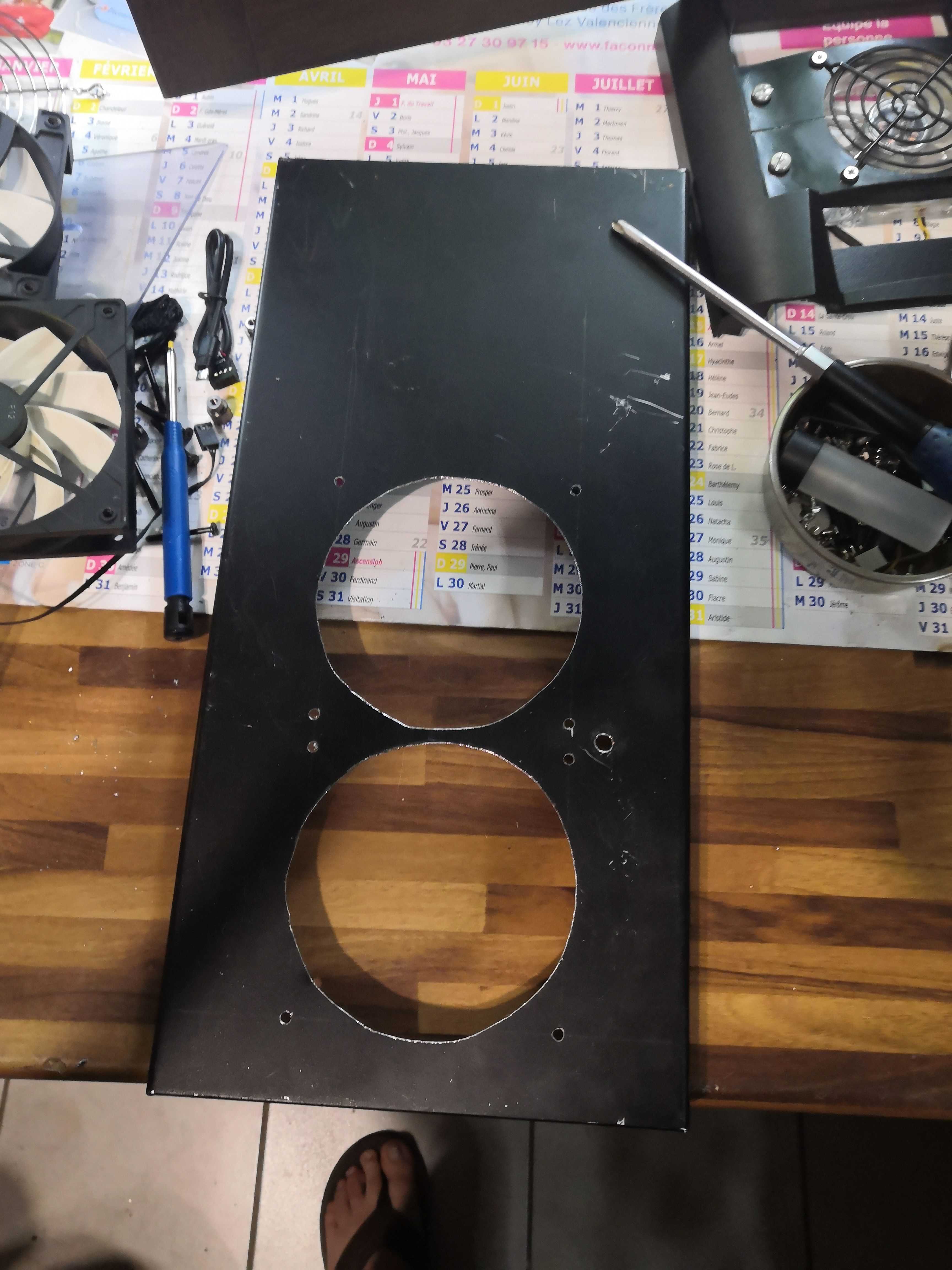
Two 120mm holes cut by hand into a black metal plate. It’s DIY. We’re proud of it.
The Installation
The radiator, with its two white Corsair fans, is installed in the upper part of the case.
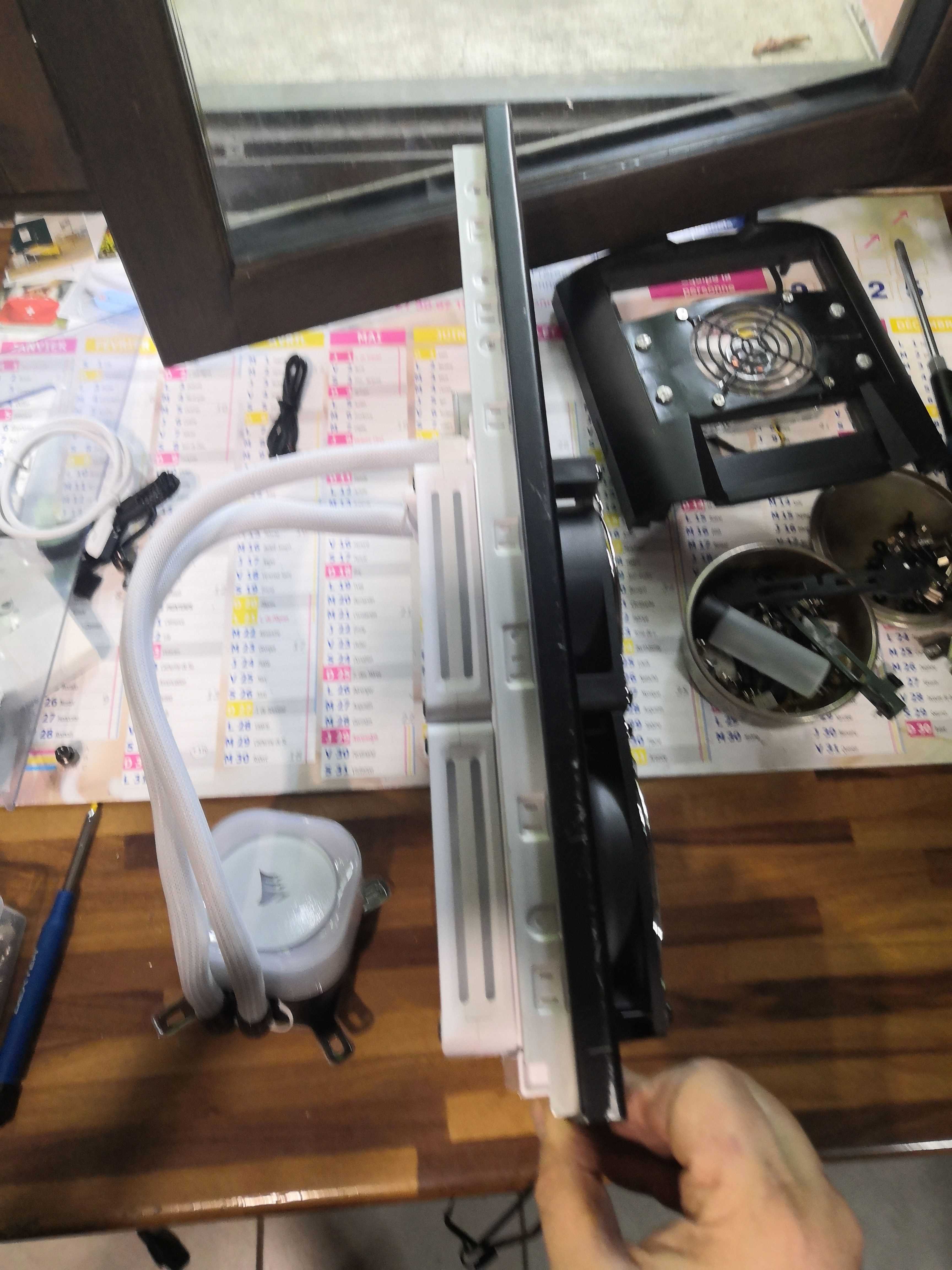
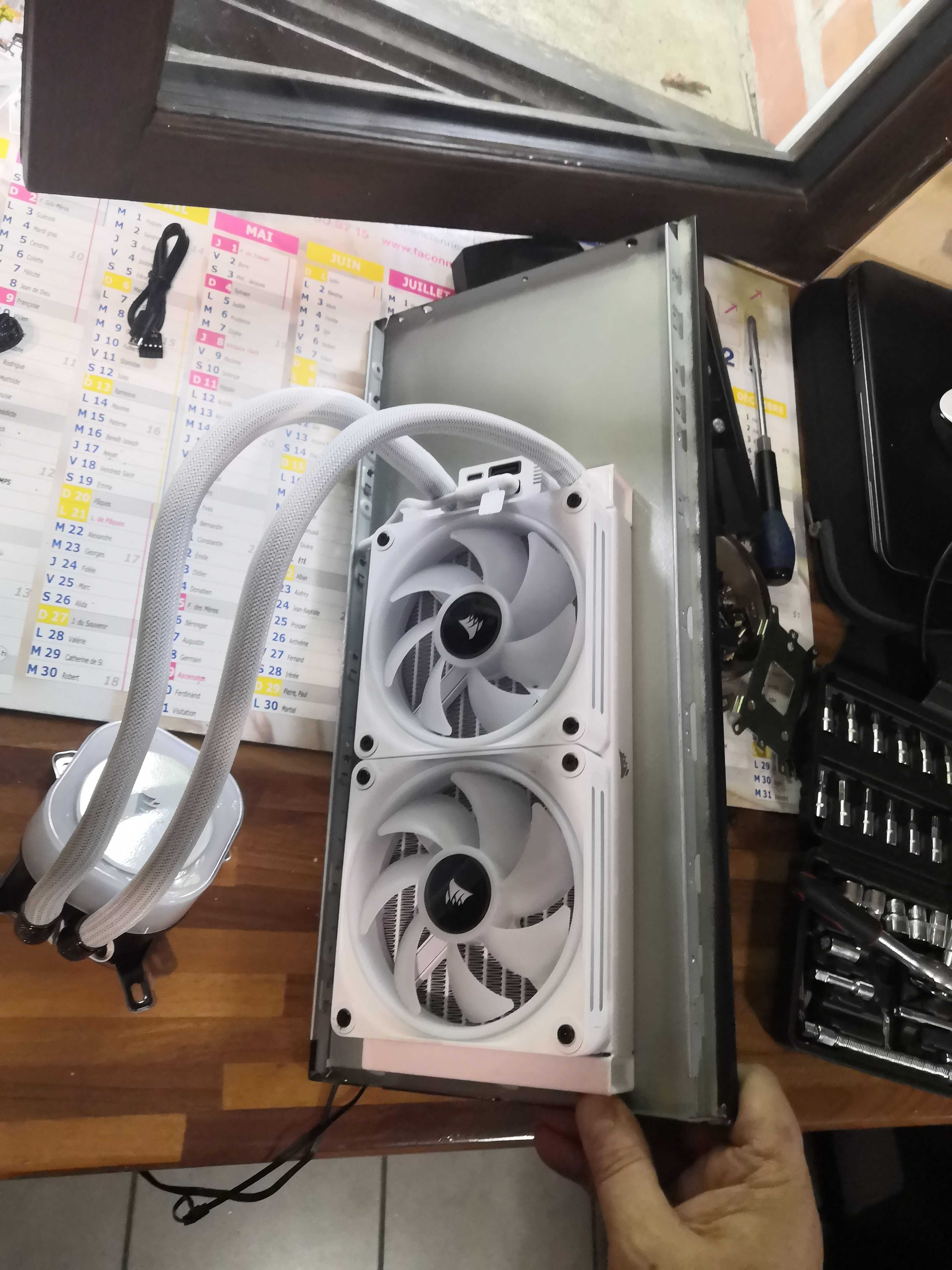
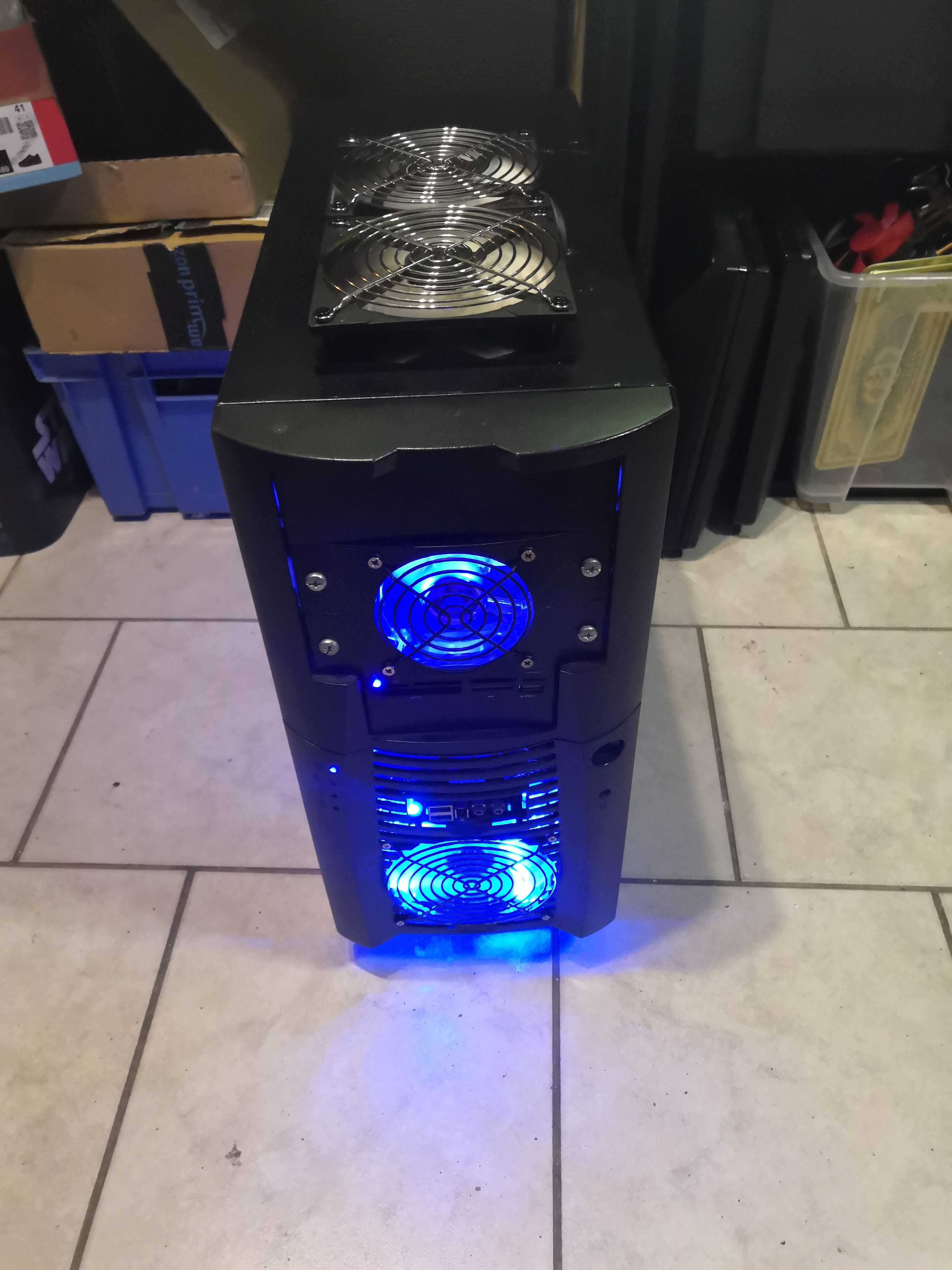
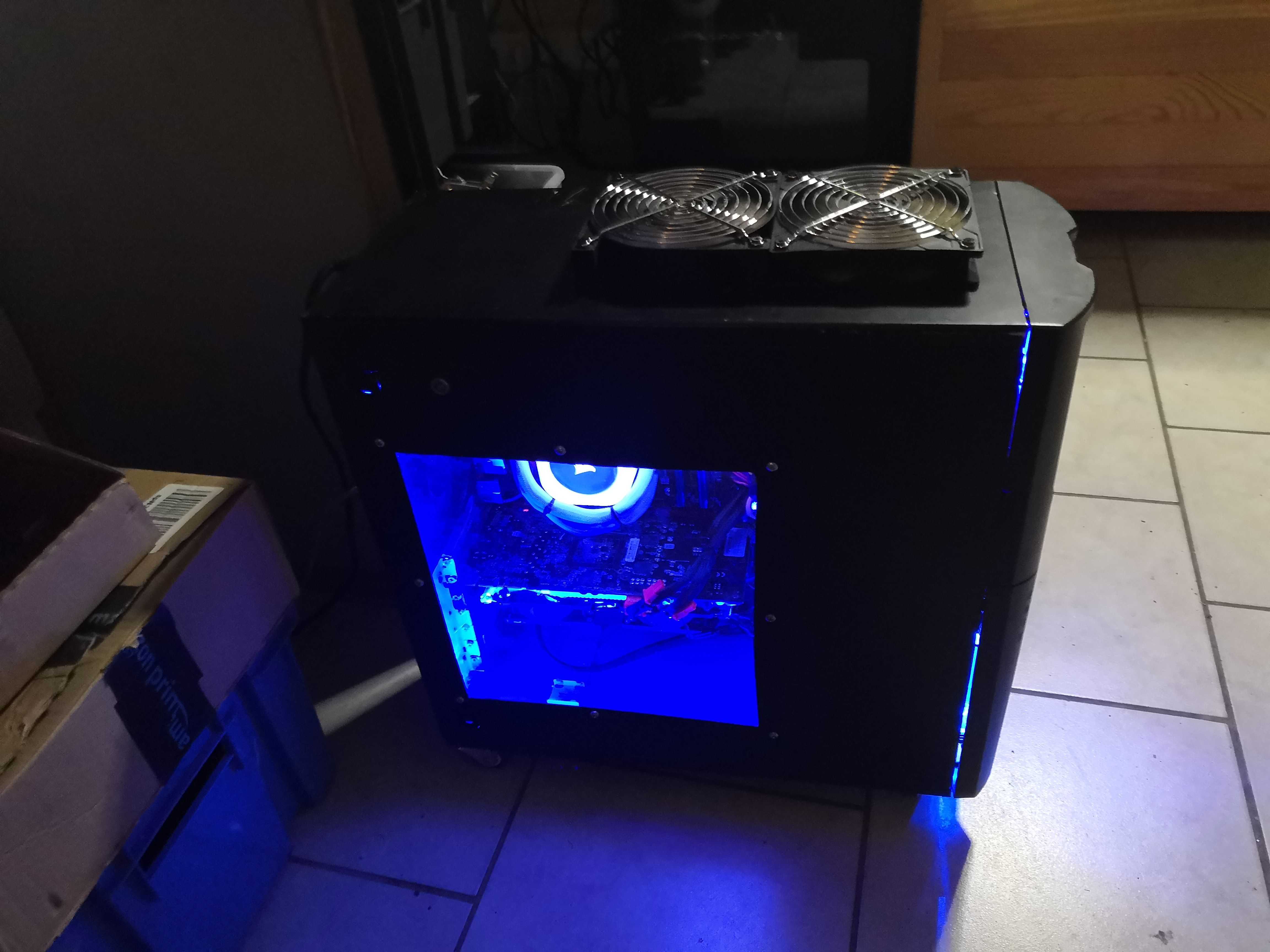
The custom panel houses two 120mm fans with chrome grilles in an exhaust configuration on the top—the same two fans that provided push-pull cooling on the Cooler Master Hyper 212 EVO. Proudly repurposed.
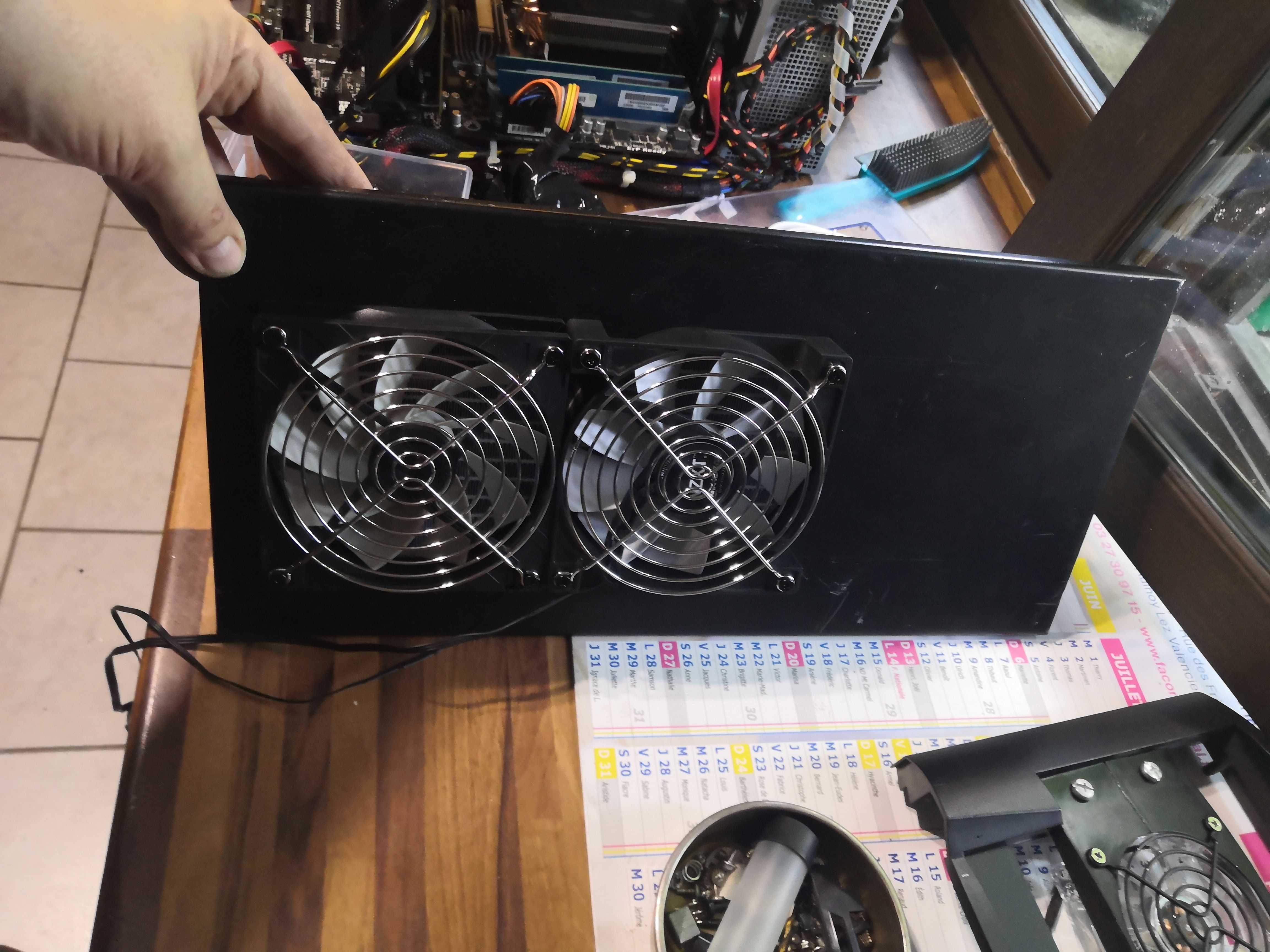
Final assembly
The result – exterior view
Temperatures – before / after
Before – Cooler Master Hyper 212 EVO push-pull (RealBench Stress Test, 30 minutes)
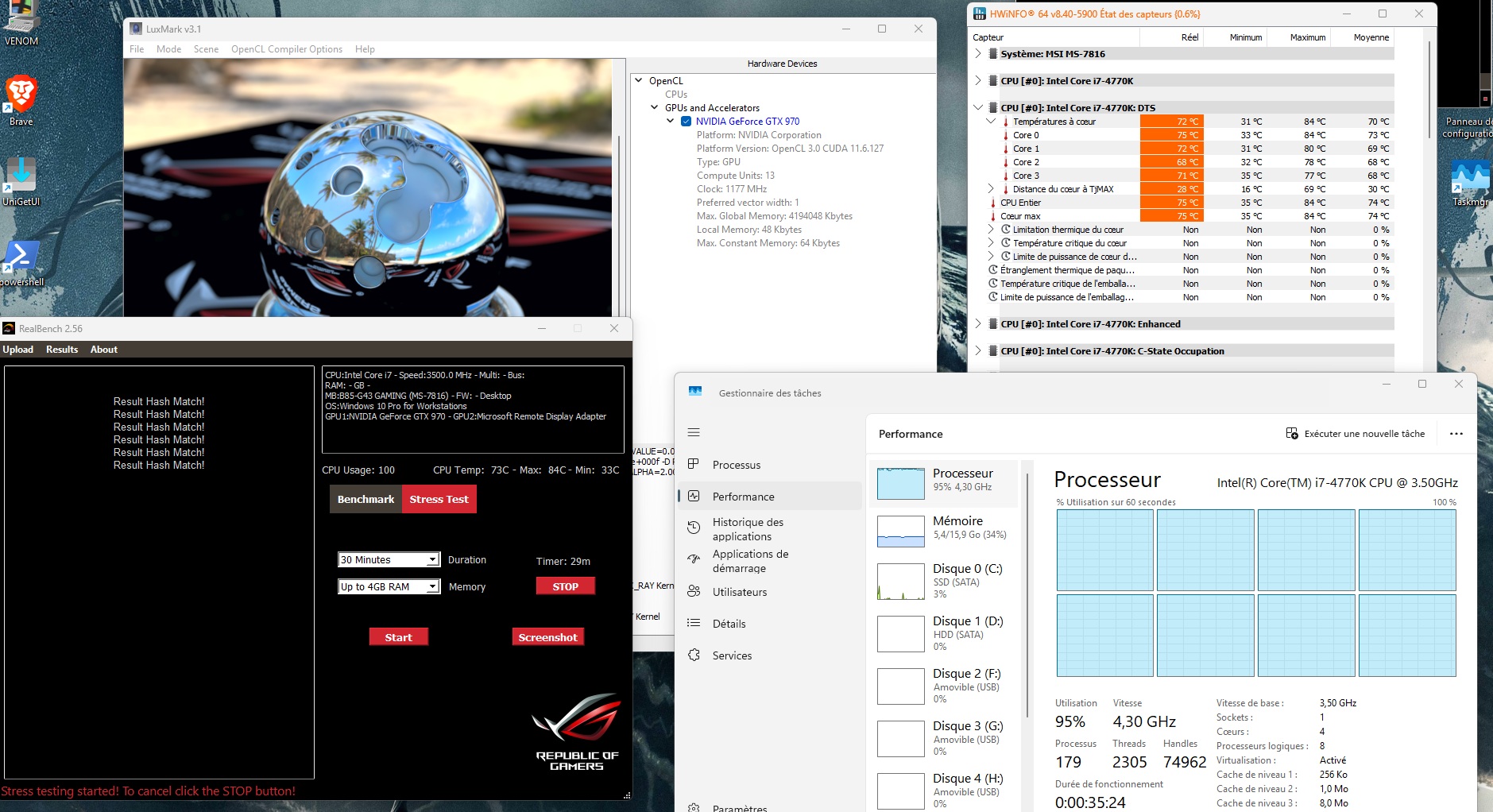
The Cooler Master Hyper 212 EVO wasn’t in its stock configuration: two 120mm fans in a push-pull setup, so it was already optimized. CPU average: 75°C in real-world use – 84°C at peak. CPU at 100%, everyone’s suffering.
After – Corsair H100i (RealBench Stress Test, 1 hour)
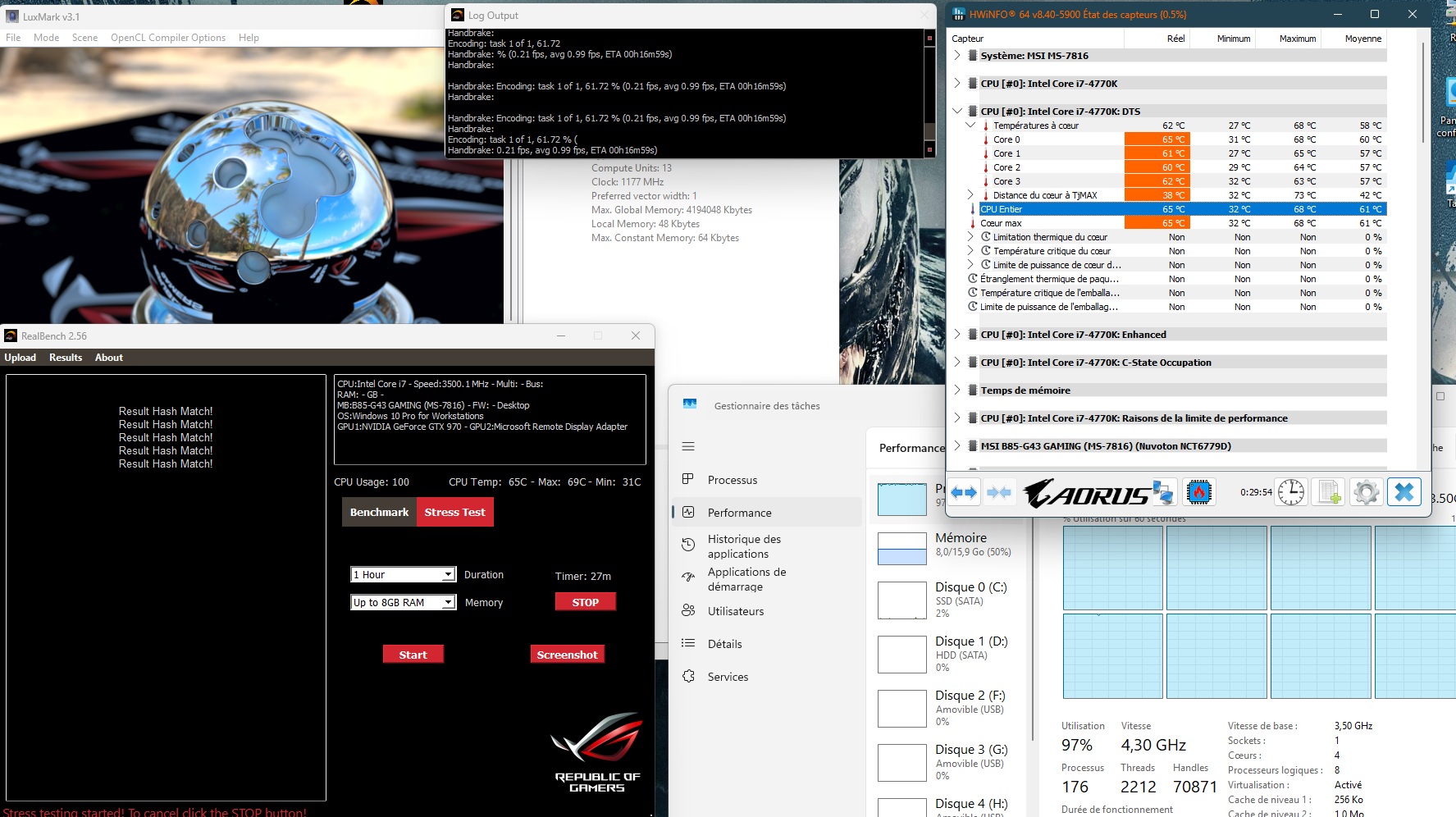
CPU Core: 65°C actual – 68°C peak. Over a duration twice as long.
The Results
| Hyper 212 EVO | H100i | Delta | |
|---|---|---|---|
| Actual temp. (CPU) | 75°C | 65°C | -10°C |
| Peak (highest recorded) | 84°C | 68°C | -16°C |
Cooler. For longer. In a case that wasn’t designed for it.
Was it necessary? No.
Does it cool better? The numbers speak for themselves.
Would I do it again? Of course.
— Jemadhar, terminal water cooling addict